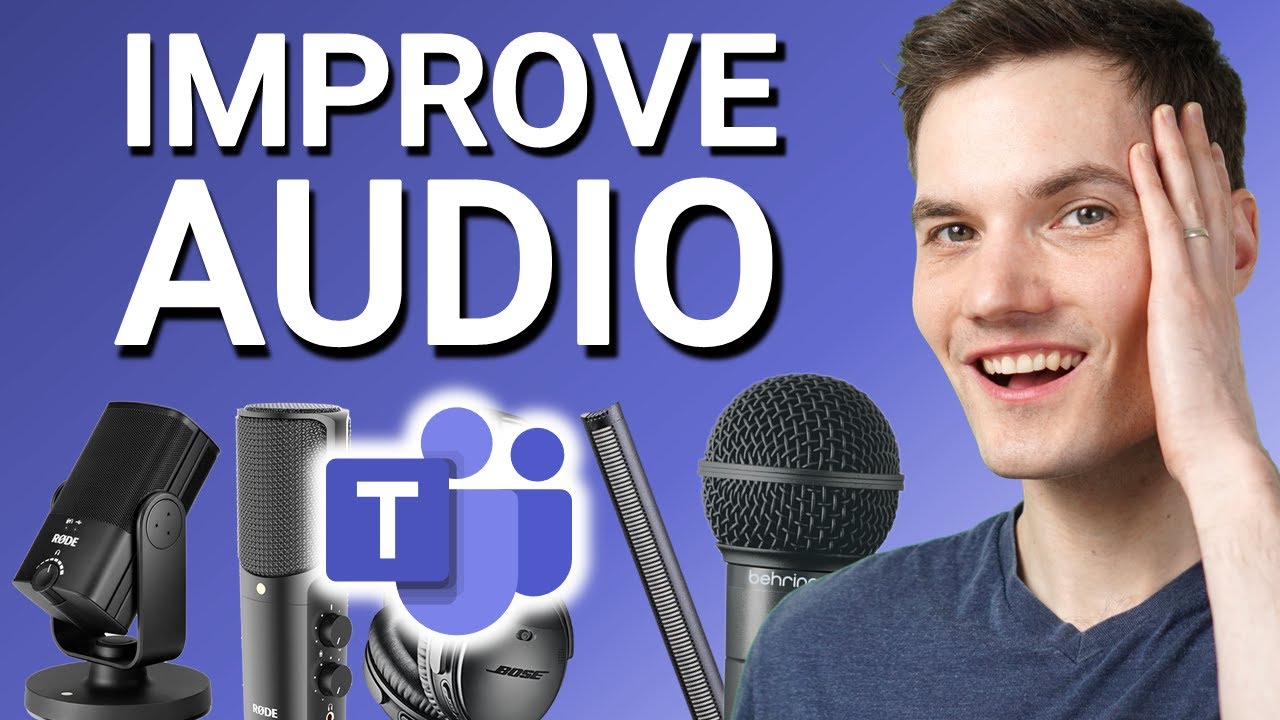
How to Improve Audio Quality in Microsoft Teams - Kevin Stratvert
video description
Date: 2022-03-15
Related videos


Comments and reviews: 10
polluxtroy2010
This is by far hands down THE BEST review on scenarios using External Mics for conference. When looking for reviews, all the reviews sampled the original audio, which of course sounds good, but none of these reviews included how would they sound when MS teams compress it and plays it back.
One minor ask if I might, in your opinion which one of the bunch would cancel background noise the best?
reply
This is by far hands down THE BEST review on scenarios using External Mics for conference. When looking for reviews, all the reviews sampled the original audio, which of course sounds good, but none of these reviews included how would they sound when MS teams compress it and plays it back.
One minor ask if I might, in your opinion which one of the bunch would cancel background noise the best?
reply
AK
There's also a comment to be made about background nose. A pair of apple wired earpods are actually amongst one of the best input sources, and that's against professional studio mics at $5000. I'm not saying the two compare in other environments, but in teams, there's little justification to spend more. Close micing will remove background echo and AC noise etc so it's worth looking at as an option.
reply
There's also a comment to be made about background nose. A pair of apple wired earpods are actually amongst one of the best input sources, and that's against professional studio mics at $5000. I'm not saying the two compare in other environments, but in teams, there's little justification to spend more. Close micing will remove background echo and AC noise etc so it's worth looking at as an option.
reply
IanThePelican
The bulk of the problems with audio in Teams are to do with the stream rate, not the device quality, Teams as far as I can tell does not give me anyway to adjust the bitrate of the stream allowing it to recover from being downgraded since it is that action which introduces all the noise. Almost every other player allows you to adjust the bitrate, why not Teams?
reply
The bulk of the problems with audio in Teams are to do with the stream rate, not the device quality, Teams as far as I can tell does not give me anyway to adjust the bitrate of the stream allowing it to recover from being downgraded since it is that action which introduces all the noise. Almost every other player allows you to adjust the bitrate, why not Teams?
reply
megajonson
Thanks for the test. Now that Microsoft is about to roll out hi fidelity music mode (based on Satin) in the Teams app during September, it would be great to have a similar test to see if it actually makes more of a difference. Satin should already be used in 2-way communication in Teams but I assume you need the full Teams app and not the browser version.
reply
Thanks for the test. Now that Microsoft is about to roll out hi fidelity music mode (based on Satin) in the Teams app during September, it would be great to have a similar test to see if it actually makes more of a difference. Satin should already be used in 2-way communication in Teams but I assume you need the full Teams app and not the browser version.
reply
geek
Great video comparison...
Basically what everyone else said in these comments.
I have been using a $25 pair of USB Headphones from Logitech.
I liked the $100 Rode NT USB mini microphone as well...
But then I thought... But what about listening or hearing the audio??
...Just found on Amazon, Rode will include a pair of headphones for $19 more.
reply
Great video comparison...
Basically what everyone else said in these comments.
I have been using a $25 pair of USB Headphones from Logitech.
I liked the $100 Rode NT USB mini microphone as well...
But then I thought... But what about listening or hearing the audio??
...Just found on Amazon, Rode will include a pair of headphones for $19 more.
reply
David
It would be nice to not have teams autoadjusting the mic input levels as well. I often talk quite low and teams just put the input to 100 and directly cuts back to about 60-70 which makes my voice fade away like a whisper. Solved it by routing the audio through a virtual soundcard but please MS, let us turn this -feature- off.
reply
It would be nice to not have teams autoadjusting the mic input levels as well. I often talk quite low and teams just put the input to 100 and directly cuts back to about 60-70 which makes my voice fade away like a whisper. Solved it by routing the audio through a virtual soundcard but please MS, let us turn this -feature- off.
reply
Bagong
Dear Kevin. Thank you for the detail and useful explanation. I need your help on how to configure Rode Connect (with Rode NT USB Mini) to TEAMS. How the way we setup and 'connect' between those 2 things (Rode Connect and TEAMS). So we can get better and clearer sound. Thank you so much for the attention and help.
reply
Dear Kevin. Thank you for the detail and useful explanation. I need your help on how to configure Rode Connect (with Rode NT USB Mini) to TEAMS. How the way we setup and 'connect' between those 2 things (Rode Connect and TEAMS). So we can get better and clearer sound. Thank you so much for the attention and help.
reply
Beth2427
Love your videos! I have a question for you. I use an Epos Adapt 560 headset with a Teams dongle. I am having issues with Teams ringing after a Teams call ends.Any tips to fixing the issue?
I have friends that work with different companies and headsets and they also have this problem.
reply
Love your videos! I have a question for you. I use an Epos Adapt 560 headset with a Teams dongle. I am having issues with Teams ringing after a Teams call ends.Any tips to fixing the issue?
I have friends that work with different companies and headsets and they also have this problem.
reply
Shadrach
I appreciate your work, but zoom seems to beat them all hands down, just turning on original sound on zoom, gives same audio quality to your listeners. I use that and my listeners tell me I sound like I am in a studio with all mixing on my audio. So Microsoft should work on that.
reply
I appreciate your work, but zoom seems to beat them all hands down, just turning on original sound on zoom, gives same audio quality to your listeners. I use that and my listeners tell me I sound like I am in a studio with all mixing on my audio. So Microsoft should work on that.
reply
Wes
Teams absolutely destroys AV. It's really too bad. I have been thinking about upgrading my Logitech C922 to using my Sony a5100 and a shotgun mic over a capture card, but after the compression happening, I just don't know that the gains are worth the effort...
reply
Teams absolutely destroys AV. It's really too bad. I have been thinking about upgrading my Logitech C922 to using my Sony a5100 and a shotgun mic over a capture card, but after the compression happening, I just don't know that the gains are worth the effort...
reply
Add a review, comment
Other channel videos