How and Why to Define Anchor Point in PowerPoint Tutorial? - The Teacher
FBTwitterReddit
video description
Rating: 4.0; Vote: 1
How and Why to Define Anchor Point in PowerPoint Tutorial? - The Teacher
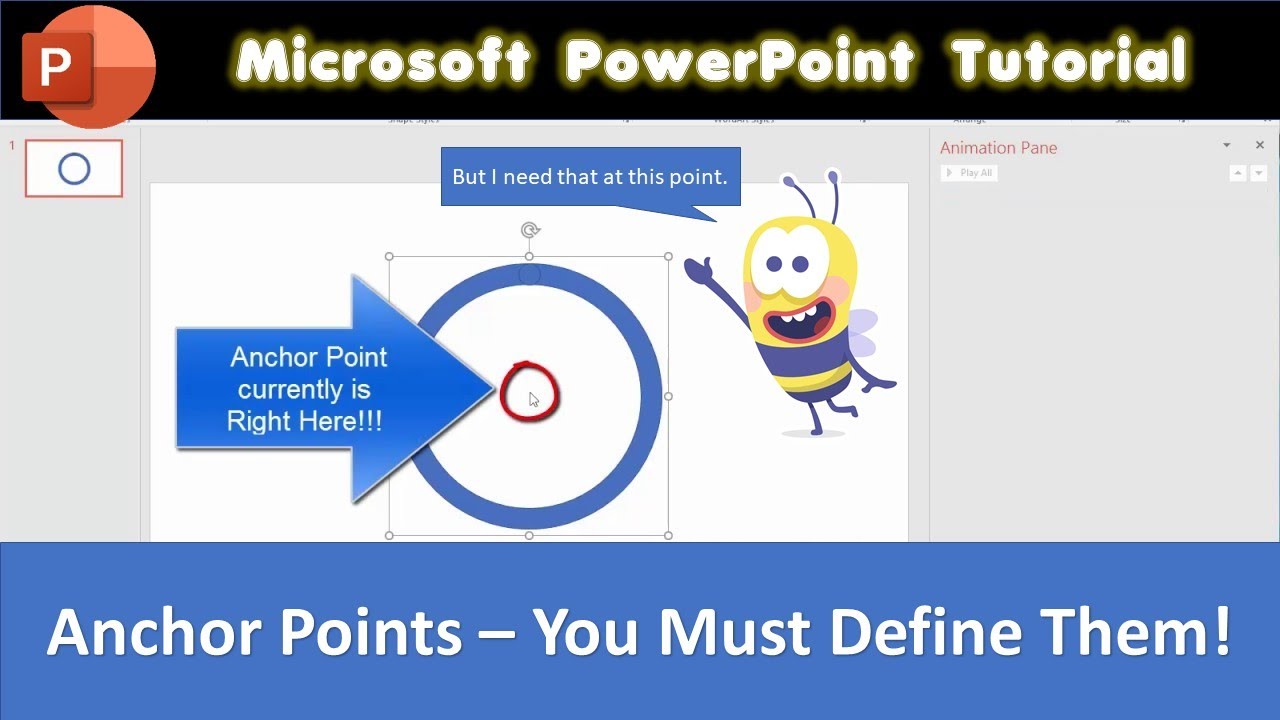
The most common feature which is missing from Microsoft PowerPoint is Anchor Point. Anchor Points are the basic tool when you need to draw some complex shapes but unfortunately, even PowerPoint 365 doesn't support Anchor Point.
What is an Anchor Point?
When you select an object and rotate it then you can notice that in PowerPoint, it always rotates from the Center and Middle of the object. But what if you want to rotate a shape from the left bottom corner.
You can't do that in PowerPoint as it will always rotate a selected object from the middle. In this tutorial, you will learn to define an Anchor Point to shapes, pictures, or WordArt.
This technique will really help you to use the Spin Emphasis Animation Effect more efficiently.
- Support Us - Patreon: 1-Click Download Anchor Point Sample Presentation
https://www.patreon.com/posts/54817217
rutger5000: First off : Screw microsoft for not having such an essential feature in their animation program. Second off : Nice work around. Third off : Easier to copy paste the picture in paint. place it so that the entire object fits in the screen, and place the figure so that the place you want to be the anchor point is in the death center of the paint canvas (which has to be a square). Date: 2022-03-31





 10:21
10:21