How To Make Fire Animation in PowerPoint Tutorial - The Teacher
FBTwitterReddit
video description
Rating: 4.0; Vote: 1
How To Make Fire Animation in PowerPoint Tutorial - The Teacher
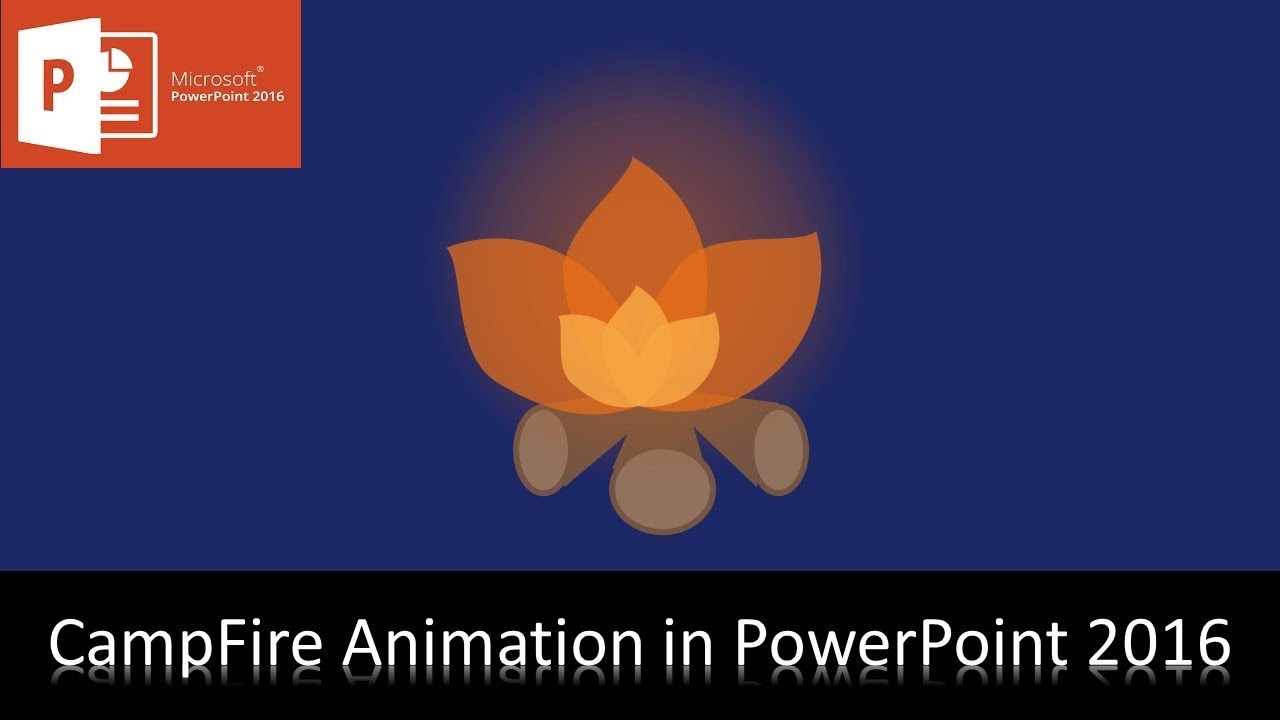
This is a simple 2D Camp Fire Animation in PowerPoint Tutorial. However, you can make it more attractive by adding more Small Fire Particles Appearing / Disappearing on top of the Big Fire Leafs with Up Motion Path or you can take the help of GIF files as we did in this animated template.
- Learn More and Download the Fire Animation PowerPoint Presentation (PPT):
https://www.theteacherpoint.com/fire-animation-in-powerpoint-tutorial/
- About the Fire Animation
1. To draw the Fire Leafs, I have used the Shape Tools with Edit Points and have been clearly defined in the tutorial.
2. Grow/Shrink with Vertical Growth Rate 125% has been used for the Center Big Leaf.
3. Another effect on the Big Center Leaf has been used which is Spin to 15 Degree Clockwise.
4. To animate the rest of the leaves, you can take the help of Animation Painter to copy the same effect to another leaf and then just change the Duration and Delay timings along with different Growth and Spin rate.
- Original Animation Inspiration
https://codepen.io/Rosefae/pen/oQBRXe
Arunabh: Sir, i have a request: can you make a animation tutorial in which characters talk with moving lips. I need it to make simple explainer videos in powerpoint. Date: 2022-03-31