Seal Animation in PowerPoint Character Animation - The Teacher
FBTwitterReddit
video description
Rating: 4.0; Vote: 1
Seal Animation in PowerPoint Character Animation - The Teacher
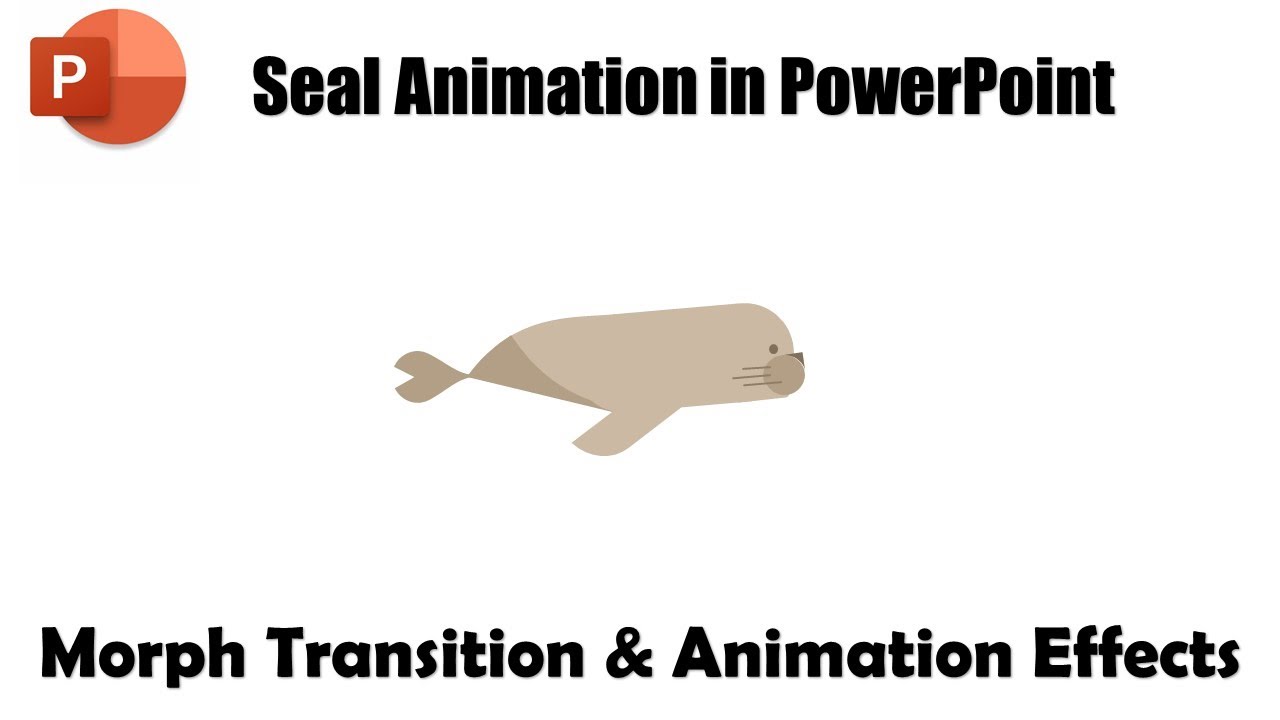
In this tutorial, you will learn How to Make A Seal Animation in PowerPoint 2016 using two different methods: Morph Transition or PowerPoint Animation Effects.
Learn More and Download the Seal Animation PowerPoint Presentation (PPT) -
https://www.theteacherpoint.com/seal-animation-in-powerpoint-tutorial/
To create this animation using the Morph Transition, we drew the Seal using the Shape Tools having separate body parts that are in motion. Then we duplicated the slide 6 times while placing the seal's body parts at a different position on each slide. Applied the Morph Transition with 0.05 Seconds and we have our animation ready.
To make the same animation you can also use Motion Path with the Spin Emphasis Effect. You can download the presentations from the link above and can see the difference between both.
- Recommended Videos
How To Define Custom Anchor Points in PowerPoint
https://youtu.be/quvBb4pNMPg Date: 2022-03-31




 4:17
4:17