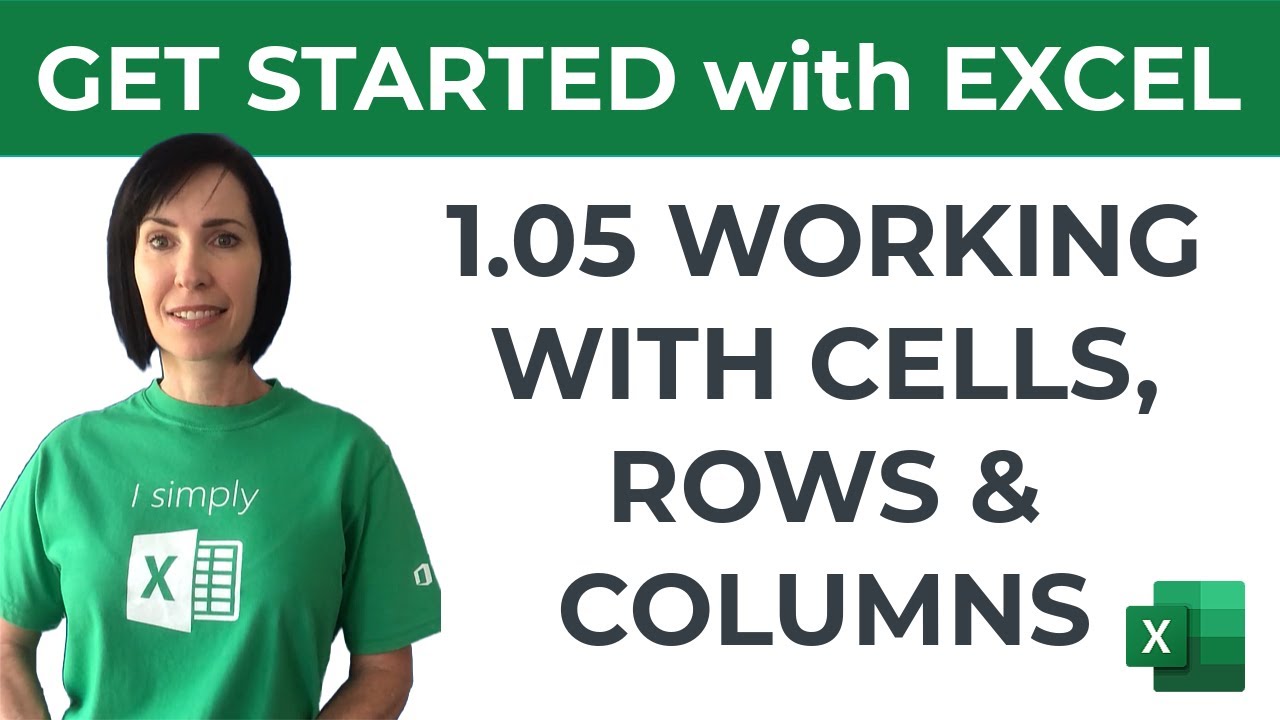
Excel for Beginners - Working with Cells, Rows & Columns including Pro Tips! - My Online Training Hub
FBTwitterReddit
video description
Rating: 4.0; Vote: 1
Excel for Beginners - Working with Cells, Rows & Columns including Pro Tips! - My Online Training Hub
Lesson 5 of 13 - Get started with Excel and learn how to work with cells, rows and columns. Download the Excel file for all 13 lessons here: https://www.myonlinetraininghub.com/workbook-downloads
Get the full course here: https://www.myonlinetraininghub.com/microsoft-office-online-training-courses
View all my comprehensive courses: https://www.myonlinetraininghub.com/
Wayne: Hi Mynda. Thanks for another great review. For Hide/Unhide rows/columns, usually I use the keyboard shortcuts of CTRL+9 to hide selected rows (SHIFT+CTRL+9 to unhide) and CTRL+0 to hide selected columns (SHIFT+CTRL+0 to unhide). I tend to use those on the fly, every day. Again, this is a great series. Im re-learning things I know but have forgotten. Thanks and thumbs up! PS - Not sure why, but when I start the videos in this series, they all present in only 360p, unless I manually change to 720p. 360p makes them look a bit grainy and fuzzy. 720p is fine. Not sure if that has something to do on your end or mine, although most other YT vids I watch seem to default to 720p or 1080p. No worries for me; just an FYI for you :)) Date: 2022-04-08









 6:21
6:21
