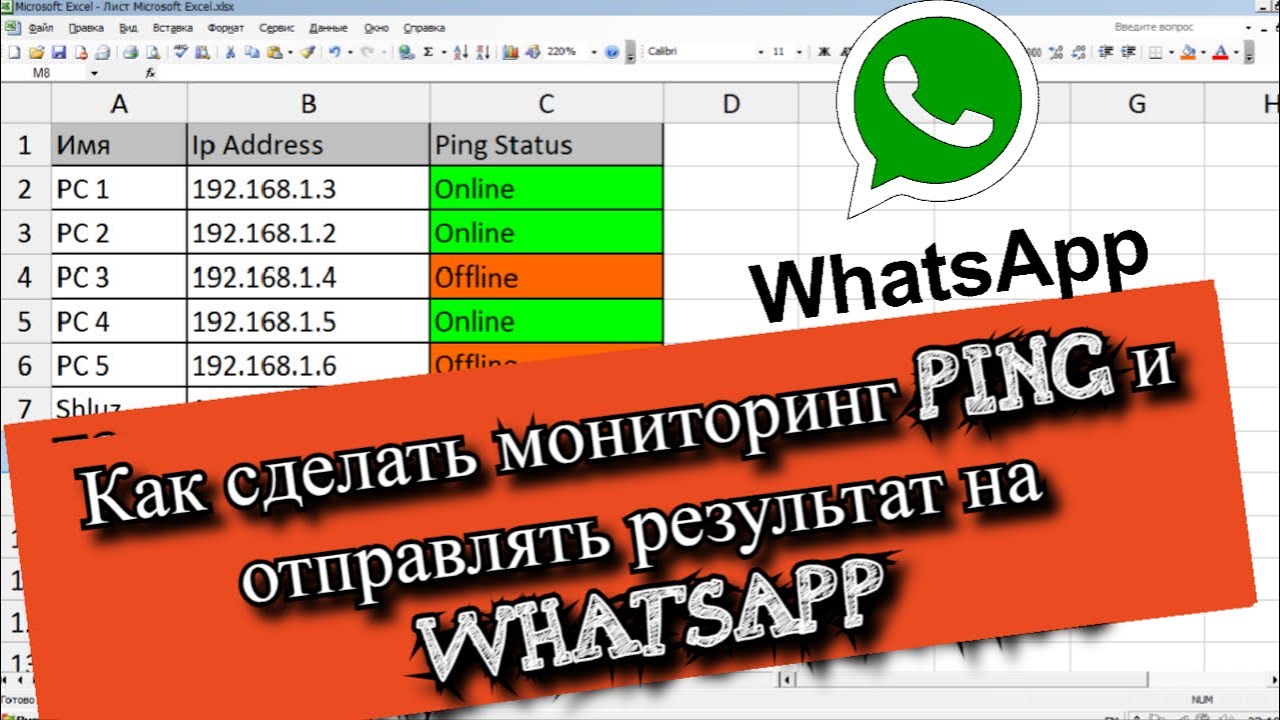
Как сделать мониторинг Ping и отправлять результат на WhatsApp?
VKTwitterOK
содержание видео
Рейтинг: 4.6; Голоса: 3
Как создать мониторинг сети Ping с помощью Microsoft Excel на WhatsApp? Иногда полезно делать ping устройств что бы делать мониторинг сеть и знать какие устройства доступны в сети, а которые наоборот недоступны и тем самым вы будете знать что нужно решать проблему с данным узлом когда вам будет приходить уведомление на WhatsApp.
Код мониторинга сети Ping с помощью Microsoft ExcelFunction Ping(strip)
Dim objshell, boolcode
Set objshell = CreateObject("Wscript.Shell")
boolcode = objshell.Run("ping -n 1 -w 1000 " & strip, 0, True)
If boolcode = 0 Then
Ping = True
Else
Ping = False
End If
End Function
Sub PingSystem()
Dim strip As String
Dim strPhoneNumber As String
Dim strMessage As String
Dim strPostData As String
Dim IE As Object
strPhoneNumber = Sheets("DATA").Cells(2, 1).Value
For introw = 2 To ActiveSheet.Cells(65536, 2).End(xlUp).Row
strip = ActiveSheet.Cells(introw, 2).Value
If Ping(strip) = True Then
ActiveSheet.Cells(introw, 3).Interior.ColorIndex = 0
ActiveSheet.Cells(introw, 3).Font.Color = RGB(0, 0, 0)
ActiveSheet.Cells(introw, 3).Value = "Online"
Application.Wait (Now + TimeValue("0:00:01"))
ActiveSheet.Cells(introw, 3).Font.Color = RGB(0, 200, 0)
'Send Whatsapp Message
strMessage = "Ping " & ActiveSheet.Cells(introw, 1).Value & " " & ActiveSheet.Cells(introw, 2).Value & " is Online"
'IE.navigate "whatsapp://send?phone=phone_number&text=your_message"
strPostData = "whatsapp://send?phone=" & strPhoneNumber & "&text=" & strMessage
Set IE = CreateObject("InternetExplorer.Application")
IE.navigate strPostData
Application.Wait Now() + TimeSerial(0, 0, 3)
SendKeys "~"
Set IE = Nothing
Else
ActiveSheet.Cells(introw, 3).Interior.ColorIndex = 0
ActiveSheet.Cells(introw, 3).Font.Color = RGB(200, 0, 0)
ActiveSheet.Cells(introw, 3).Value = "Offline"
Application.Wait (Now + TimeValue("0:00:01"))
ActiveSheet.Cells(introw, 3).Interior.ColorIndex = 6
'Send Whatsapp Message
strMessage = "Ping " & ActiveSheet.Cells(introw, 1).Value & " " & ActiveSheet.Cells(introw, 2).Value & " is Offline"
'IE.navigate "whatsapp://send?phone=phone_number&text=your_message"
strPostData = "whatsapp://send?phone=" & strPhoneNumber & "&text=" & strMessage
Set IE = CreateObject("InternetExplorer.Application")
IE.navigate strPostData
Application.Wait Now() + TimeSerial(0, 0, 3)
SendKeys "~"
Set IE = Nothing
End If
Next
End Sub Дата: 2021-05-21