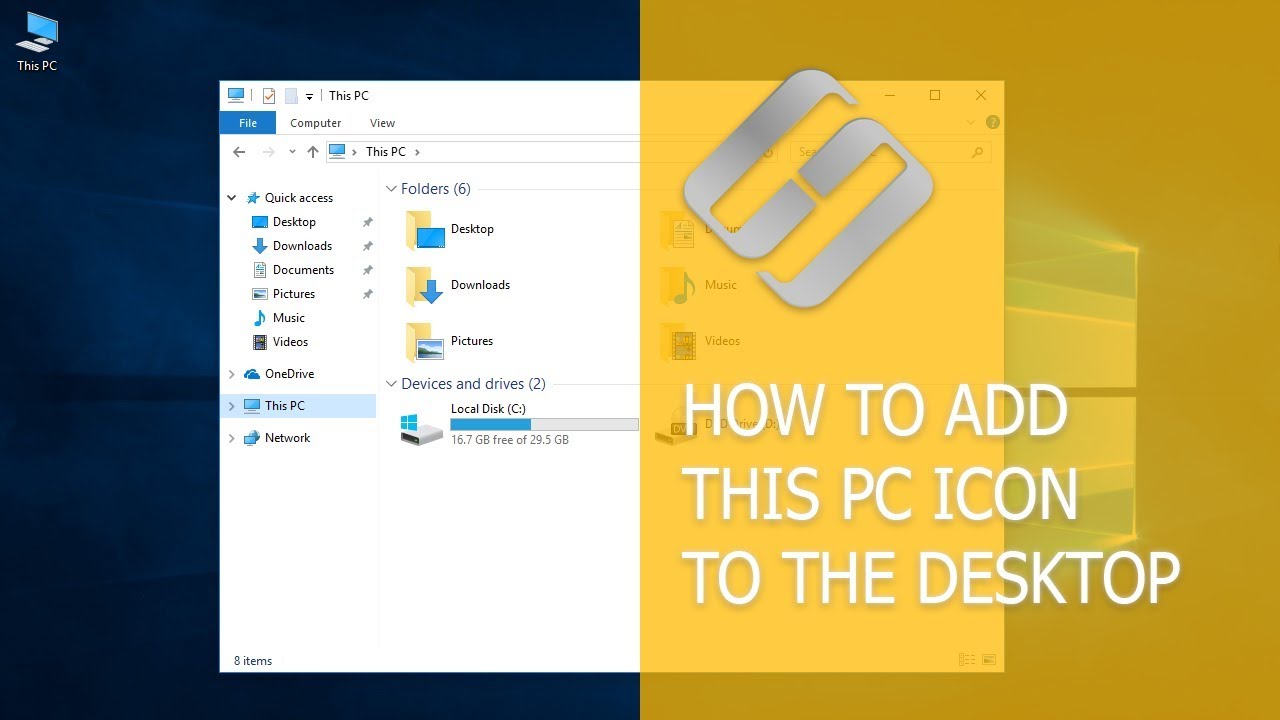
How To Add This PC Icon To The Desktop, Create a Shortcut and Use Hot Keys for This PC Hetman Software
FBTwitterReddit
video description
Rating: 4.0; Vote: 1
How To Add This PC Icon To The Desktop, Create a Shortcut and Use Hot Keys for This PC Hetman Software
Watch how to bring This PC icon back to desktop in Windows 7, 8 or 10. I noticed that users often ask about it. Though it
The easiest way to open This PC is by pressing the key sequence Windows + E. It won-t create the icon on the desktop, but you can open This PC from any place in your system.
Contents
Toxman2: it fixed my computer,i did try to create a shortcut but everytime i restarted my computer it goes to another place in desktop,also the shortcut that i made before my computer was fixed was a .ink format,now i deleted the ink file ( the shortcut that moves in desktop) and then tried this method,thanks Date: 2022-03-28




 4:17
4:17