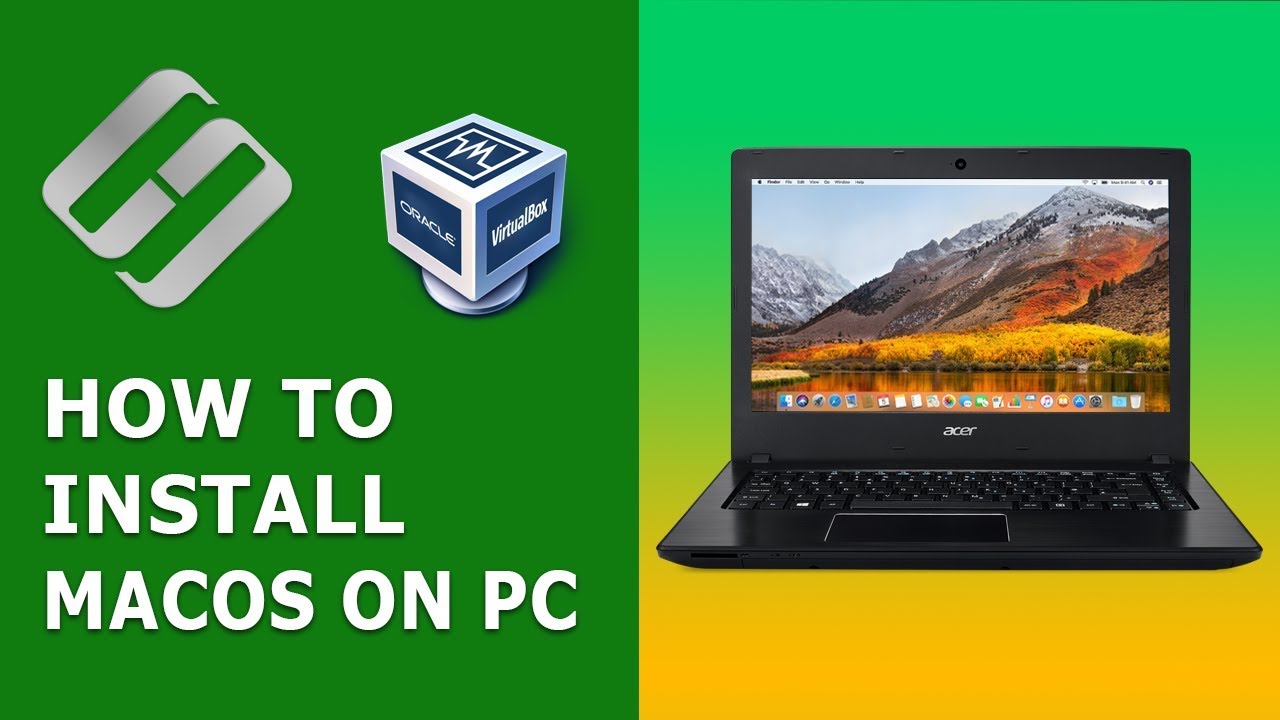
How to Install MacOS High Sierra on a Windows PC with VirtualBox - Hetman Software
video description
Date: 2022-03-28
Related videos


Comments and reviews: 3
Erik
After I do the 3rd step (Expand disk image...) My terminal gives me this info:
Usage: asr
is one of the following:
asr help - version
asr restore --source --target []
asr restore --source asr:/// --file []
asr server --source --config []
asr imagescan --source [--filechecksum] [--nostream]
asr info --source [--plist]
I went to step 4 anyway, and it says -hdiutil: detach failed - No such file or directory-
reply
After I do the 3rd step (Expand disk image...) My terminal gives me this info:
Usage: asr
is one of the following:
asr help - version
asr restore --source --target []
asr restore --source asr:/// --file []
asr server --source --config []
asr imagescan --source [--filechecksum] [--nostream]
asr info --source [--plist]
I went to step 4 anyway, and it says -hdiutil: detach failed - No such file or directory-
reply
Вася
The installation process don't see a disk in -Disk Utility- and in the step -Select a disk where you want to install macOS-. Haw I can fix it? I tried to install High Sierra and Mojave version. Result the same.
reply
The installation process don't see a disk in -Disk Utility- and in the step -Select a disk where you want to install macOS-. Haw I can fix it? I tried to install High Sierra and Mojave version. Result the same.
reply
Вася
After installation I don't have the FS1.In my list i have FS0 only. And FS0 don't contain the foledr -macOS Install Data-. How I can launt the boot.efi file?
reply
After installation I don't have the FS1.In my list i have FS0 only. And FS0 don't contain the foledr -macOS Install Data-. How I can launt the boot.efi file?
reply
Add a review, comment
Other channel videos