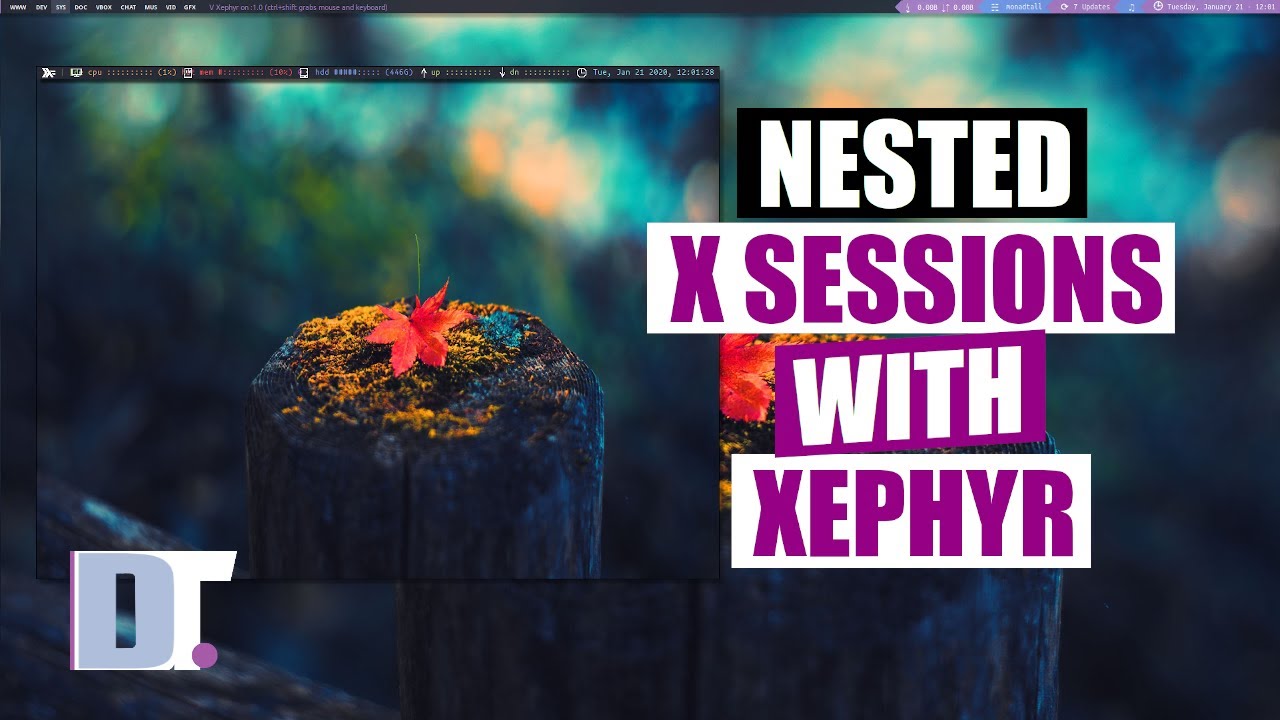
Nested X Sessions With Xephyr DistroTube
video description
Date: 2022-03-30
Related videos


Comments and reviews: 10
Dzintars
I would like to see/know.. is there some tool to apply color filters on separate windows. Let's say i want some window to make black and white and turn down brightness. Independently from all other windows and displays. Common use case: while working/coding i am watching DistroTube in the background on one of my display/window. My theme, home environment is dark... but that dam good DistroTube is bright as hell. So i want to apply some filters on my chromium window only, that video barely distracts me but i'm still able to see it.
I found an plugin for chromium called Turn Off the Lights, but... you know... these days i care about my privacy a lot more than in 90ies.
I am on i3wm + Compton. Something like -xrandr --output displayname --brightness brightness- would affect a whole display which is not what i want.
And this should not be Chromium (app specific) solution. Should work for any window/app.
reply
I would like to see/know.. is there some tool to apply color filters on separate windows. Let's say i want some window to make black and white and turn down brightness. Independently from all other windows and displays. Common use case: while working/coding i am watching DistroTube in the background on one of my display/window. My theme, home environment is dark... but that dam good DistroTube is bright as hell. So i want to apply some filters on my chromium window only, that video barely distracts me but i'm still able to see it.
I found an plugin for chromium called Turn Off the Lights, but... you know... these days i care about my privacy a lot more than in 90ies.
I am on i3wm + Compton. Something like -xrandr --output displayname --brightness brightness- would affect a whole display which is not what i want.
And this should not be Chromium (app specific) solution. Should work for any window/app.
reply
Hammerhead
Xephyr is really good for sandboxing applications (basically a JAIL) like Firefox. So in other words, you have a Firefox session running independent of the base system and with a different user id. This is part of SELinux sandbox tools, so you need to have SELinux. What you need to have is a directory where you will run the sandbox from. So what you need to try is :
install policycoreutils-sandbox
create a folder : mkdir /home/sandbox
create the temp folders: mkdir /temphome /tmp
sandbox -X -w 1920x1080 -H temphome -T tmp -t sandbox_web_t firefox
Now you have an isolated instance of firefox running!
reply
Xephyr is really good for sandboxing applications (basically a JAIL) like Firefox. So in other words, you have a Firefox session running independent of the base system and with a different user id. This is part of SELinux sandbox tools, so you need to have SELinux. What you need to have is a directory where you will run the sandbox from. So what you need to try is :
install policycoreutils-sandbox
create a folder : mkdir /home/sandbox
create the temp folders: mkdir /temphome /tmp
sandbox -X -w 1920x1080 -H temphome -T tmp -t sandbox_web_t firefox
Now you have an isolated instance of firefox running!
reply
Kaerith
It could also be usefull for wine apps that f-ck with the compositor when launched on fullscreen (yes for old games, when you quit, your screen has changed its resolution, it blinks, it does weird stuff, you might have to kill and restart compton or/and changing the resolution to the real one), if the wine app is launched in another x session but without having to quit our actual x session it's great and doesn't affect the session at all.
I think there is something interesting, I didn't know about xephyr thx.
reply
It could also be usefull for wine apps that f-ck with the compositor when launched on fullscreen (yes for old games, when you quit, your screen has changed its resolution, it blinks, it does weird stuff, you might have to kill and restart compton or/and changing the resolution to the real one), if the wine app is launched in another x session but without having to quit our actual x session it's great and doesn't affect the session at all.
I think there is something interesting, I didn't know about xephyr thx.
reply
The
Hey, it's not a woven pattern, it's a 2 pixel black and white chessboard. That way you can store the background in 2 bit code and it differentiates itself from menus and windows even on a black and white screen. We thought this was very business in the 80s and nobody liked a black screen... so there you go. Everything has a reason.
P.S. good vid.
reply
Hey, it's not a woven pattern, it's a 2 pixel black and white chessboard. That way you can store the background in 2 bit code and it differentiates itself from menus and windows even on a black and white screen. We thought this was very business in the 80s and nobody liked a black screen... so there you go. Everything has a reason.
P.S. good vid.
reply
Francesco
Anyone doing this with i3wm (both in the host and in xephyr)?
I'm using a different config with mod1 as mod instead of mod4.
But the result is that
- mod4+return open a terminal in the host (and it is right)
- if I'm focusing xephyr and do a mod1+return it always open a terminal on the host
I don't know what to do
reply
Anyone doing this with i3wm (both in the host and in xephyr)?
I'm using a different config with mod1 as mod instead of mod4.
But the result is that
- mod4+return open a terminal in the host (and it is right)
- if I'm focusing xephyr and do a mod1+return it always open a terminal on the host
I don't know what to do
reply
windowsrefund
I just want to point out that the Xephyr window displays the following text: Xephyr on :1.0 (ctrl+shift grabs mouse and keyboard). I was hoping this means using ctrl+shift (while the Xephyr window is focused) would allow me to overcome the issue of the conflicting/clobbering MOD key but this doesn't appear to work. Any ideas?
reply
I just want to point out that the Xephyr window displays the following text: Xephyr on :1.0 (ctrl+shift grabs mouse and keyboard). I was hoping this means using ctrl+shift (while the Xephyr window is focused) would allow me to overcome the issue of the conflicting/clobbering MOD key but this doesn't appear to work. Any ideas?
reply
Zemrod
There is a question thaz has been bugging me:
I use archlinux on my notebook, mostly with a second screen but the only thing i can do is drag windows on it, is there anyway to assign that secobd screen a different workspace than my primary screen?
If it is relevant i use the deepin DE
reply
There is a question thaz has been bugging me:
I use archlinux on my notebook, mostly with a second screen but the only thing i can do is drag windows on it, is there anyway to assign that secobd screen a different workspace than my primary screen?
If it is relevant i use the deepin DE
reply
Marc
I used xephyr when I first test a new wm and get initial config setup. This is to prevent situations where you do not use your default terminal emulator.
EDIT: Note xephyr is part of xserver itself so if you want xephyr on source based distro, it's mostly likely a use flag somewhere.
reply
I used xephyr when I first test a new wm and get initial config setup. This is to prevent situations where you do not use your default terminal emulator.
EDIT: Note xephyr is part of xserver itself so if you want xephyr on source based distro, it's mostly likely a use flag somewhere.
reply
Claude
This looks like a great solution for Slack screenshare as the Linux client can't share only one monitor at a time if you have multiple monitors. So here you could run a -single monitor- x instance with Slack in it! Gonna give it a shot now! Salute DT!
reply
This looks like a great solution for Slack screenshare as the Linux client can't share only one monitor at a time if you have multiple monitors. So here you could run a -single monitor- x instance with Slack in it! Gonna give it a shot now! Salute DT!
reply
Mainframes
Oh nice -- I've used Xnest since approximately the beginning of time, but it sounds like Xephyr is a much more modern implementation and supports modern X features. I'll have to switch and give it a try.
reply
Oh nice -- I've used Xnest since approximately the beginning of time, but it sounds like Xephyr is a much more modern implementation and supports modern X features. I'll have to switch and give it a try.
reply
Add a review, comment
Other channel videos