Squares and Stars Animated Background Animation in PowerPoint The Teacher
FBTwitterReddit
video description
Rating: 4.0; Vote: 1
Squares and Stars Animated Background Animation in PowerPoint The Teacher
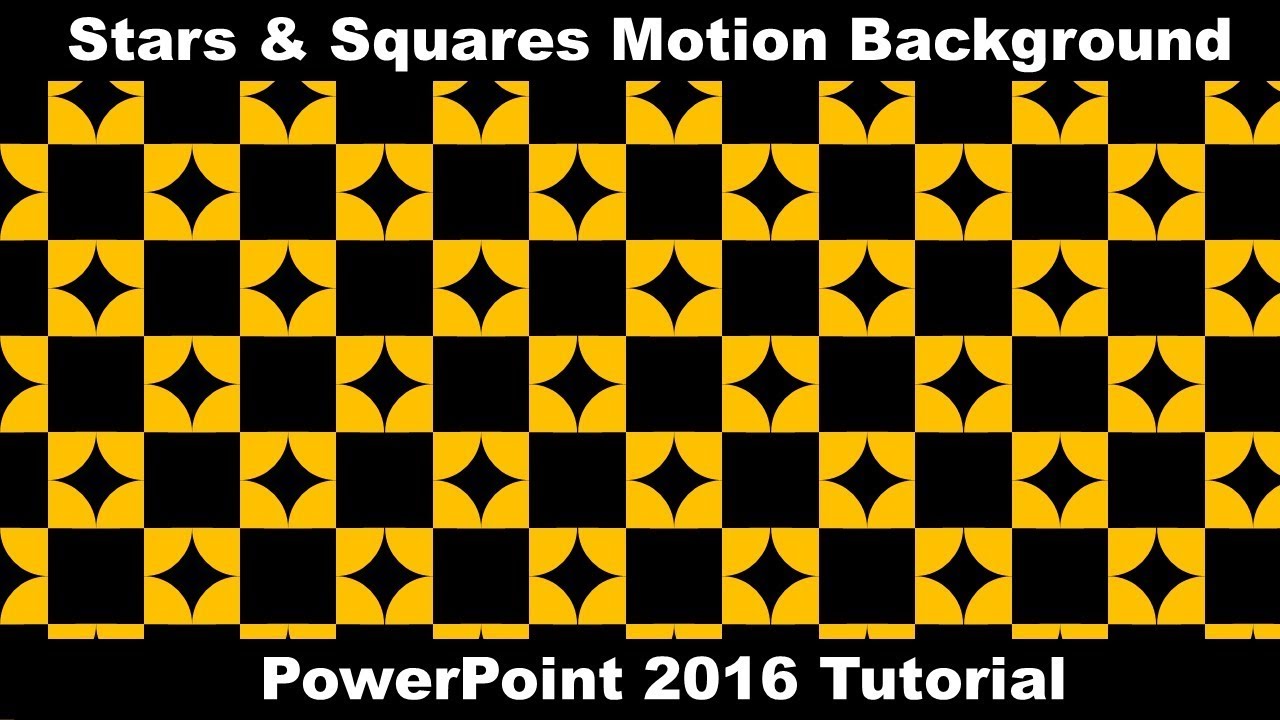
In this video, a few animation effects have been used to create an illusion of Squares and Stars Animated Background Animation in PowerPoint.
- Learn More and Download the Animated Background Presentation (PPT):
https://www.theteacherpoint.com/stars-animated-background-in-powerpoint/
- About the Squares and Stars Animation
1. We will draw an Oval of default 1x1 size.
2. Will align that Oval in the Middle and the Center of the Slide.
3. Then, we will draw a Partial Circle and will adjust its size to Quarter, and will also adjust it to the Middle and Center of the Slide.
4. Duplicate that Partial Circle using Copy and Paste command and Flip it Horizontally and Vertically and then will adjust it over the Oval.
5. Group all these 3 objects (Oval and Two Partial Circles) and adjust them on top of the slide.
6. Will then apply the SPIN animation 4 times on the same object.
7. Adjust the Animations by setting them to Play With Previous, With a Duration of 0.50 Seconds and Delay Timing of 0.25 seconds between each animation.
8. Create a Duplicate of the grouped object and Flip it Horizontally to match the Orange parts.
9. Select both of the objects and create further copies to fill the vertical part of the slide.
10. Then duplicate the first line to the bottom and Flip it Vertically, so it will create a Star between them.
11. Fill the slide by selecting all the objects and create duplicates by dragging and dropping while holding the CTRL+SHIFT key.
12. Use the F4 key to repeat the last command.
13. Change the Background Color of Slide to Black.
14. Set the Slide Show to Loop Continuously Until ESC and Transition timing to 3 Seconds.
- Original Animation Inspiration
https://codepen.io/danwilson/pen/BqjqeL Date: 2022-03-31