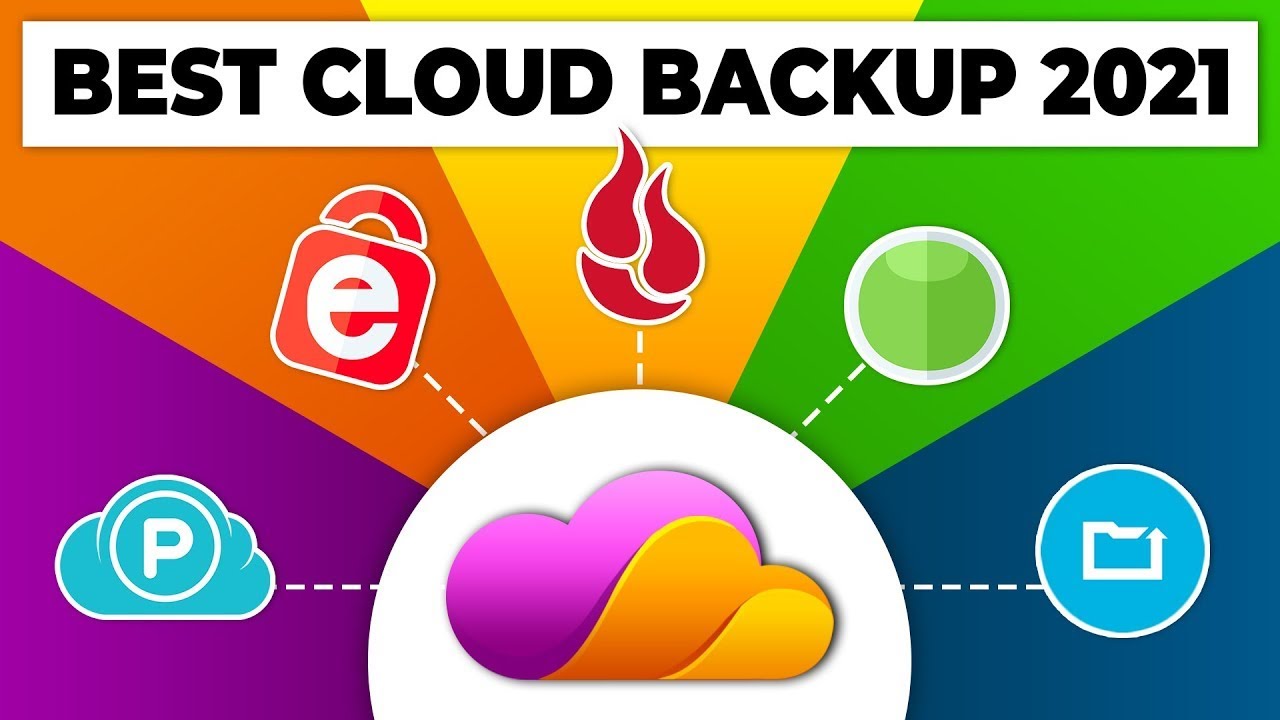
Best Cloud Backup 2022: pCloud vs iDrive vs Backblaze vs Carbonite vs CrashPlan - The Cyber Lab
FBTwitterReddit
video description
Rating: 4.0; Vote: 1
Best Cloud Backup 2022: pCloud vs iDrive vs Backblaze vs Carbonite vs CrashPlan - The Cyber Lab
Get exclusive discounts on top cloud backup services (up to 75% off)
#1 Get pCloud (75% off): https://thecyberlab.co/pcloud
#2 Get Sync (30% off): https://thecyberlab.co/Sync
#3 Get Icedrive (30% off): https://thecyberlab.co/Icedrive
#4 Get Backblaze (25% off): https://thecyberlab.co/Backblaze
#5 Get iDrive (50% off): https://thecyberlab.co/iDrive
#6 Get Carbonite
#7 Get Crashplan
TIMESTAMPS
0duction
02:12 Our Ranking Criteria
02:51 Carbonite (#5)
05:12 CrashPlan (#4)
07:13 iDrive (#3)
09:41 Backblaze (#2)
12:20 pCloud Backup (#1)
15:10 End Regards
All of these cloud backup services are some of the best in the business, but our highest-rated pick is pCloud Backup thanks to its frill of awesome features, unbreakable encryption, easy-to-use clients, and competitive pricing.
Gone are the days when our valuable documents and files were saved in safes and vaults. Apparently, we found out that those storage systems had many vulnerabilities, so we started storing our data on our devices instead.
Some people even password-lock them, just so anybody else wouldnt be able to access them. But while our devices give us the illusion of being more secure than our traditional safes, the truth is that they are just as vulnerable.
We are always one minute and one disaster away from losing all our important data.
Natural disasters like floods or earthquakes can certainly rob your data off you unannounced, but unnatural disasters like theft, malware, and random data loss can equally do a number on you.
According to studies, 60% of organizations that suffer significant data loss end up shutting down within six months. Organizations that are able to withstand data loss still end up losing a fortune.
Some reports claim that about 140,000 hard drive crashes occur weekly in the United States.
The good news is that you can avoid these ugly possibilities with the help of a reliable cloud backup service, which actually works as a supplement to your physical storage drives, not a replacement.
It duplicates files on your hard drive and saves their copies on the cloud so that if anything ever happens to the original files, you can always download the duplicated versions from the cloud backup.
If you are yet to back up your files on the cloud, its not too late. However, youve got to act fast, as we never know what the future holds.
Whichever service tickles your fancy, dont forget to buy it through the official links we have provided above. These links have special discounts already applied to them, so youll end up saving a lot of money.
Now it's your turn. Which cloud backup or online backup service do you use and why? Date: 2022-04-19
Garrick I was looking at pCloud but they have a maximum limit of 2Tb, which is not enough. I currently have iDrive but I am ditching them because their backup is ridiculously slow. I am talking over 6 weeks for 1Tb. I know I can chose to send them a hard drive, but the whole point is to have online backup. I could just put that hard drive in a safe deposit box.
reply
Evan In my opinion Carbonite is the best backup easily, I use them and their customer support is the best around. It feels like you are sponsored by pcloud. reply