Useful Broken Images: CSS Tutorial (Day 5 of CSS3 in 30 Days)
FBTwitterReddit
video description
Rating: 4.0; Vote: 1
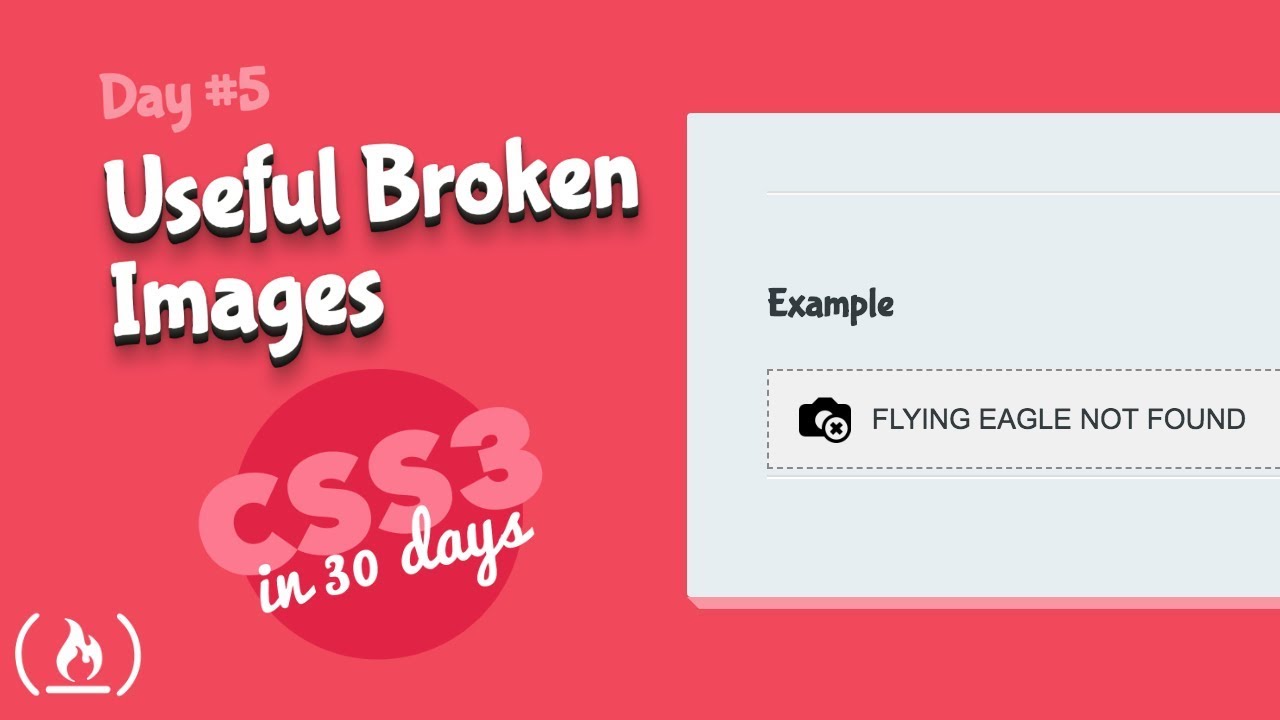
Whether it's a typo in the img tag source, or the image itself was misplaced or removed on the server - images break all the time on the web. The problem is, the browsers default way to display a broken image is really ugly. You can fix that and actually use it as an opportunity to enhance the user's experience on your web pages with CSS! That's what you will learn about in this lesson.
--Files you need --
-Useful Broken Images Code: https://www.dropbox.com/sh/1pceu4wvrzadsgg/AACHHW3sJMJrcCI5B5eazAnga?dl=0
-All tutorials in this series need this _theme-styles directory (only download once): https://www.dropbox.com/sh/890hx6ke34oovaz/AAByJ-jb-H5pWuIUx7t_GvQqa?dl=0
This video works as a stand-alone tutorial but is also day 5 of CSS3 in 30 Days. For the rest of the series, check out this playlist: https://www.youtube.com/playlist?list=PLWKjhJtqVAbl1AfjiGyYxwpdAPi5v-1OU
CSS3 in 30 Days is developed by Brad Hussey. Check out his website for more great tutorials: https://codecollege.ca/
BenRangel: In my opinion, it can be dangerous to over-style your broken image placeholders. Its so unusual. Users are so accustomed to having the default broken images, that they might not even understand custom ones. They might think that a custom placeholder is the actual image, and that its a fake image / joke image, rather than a broken link. You might actually miss out on some bug reports too, since people might not think of these images as -broken- any more. Date: 2022-03-14