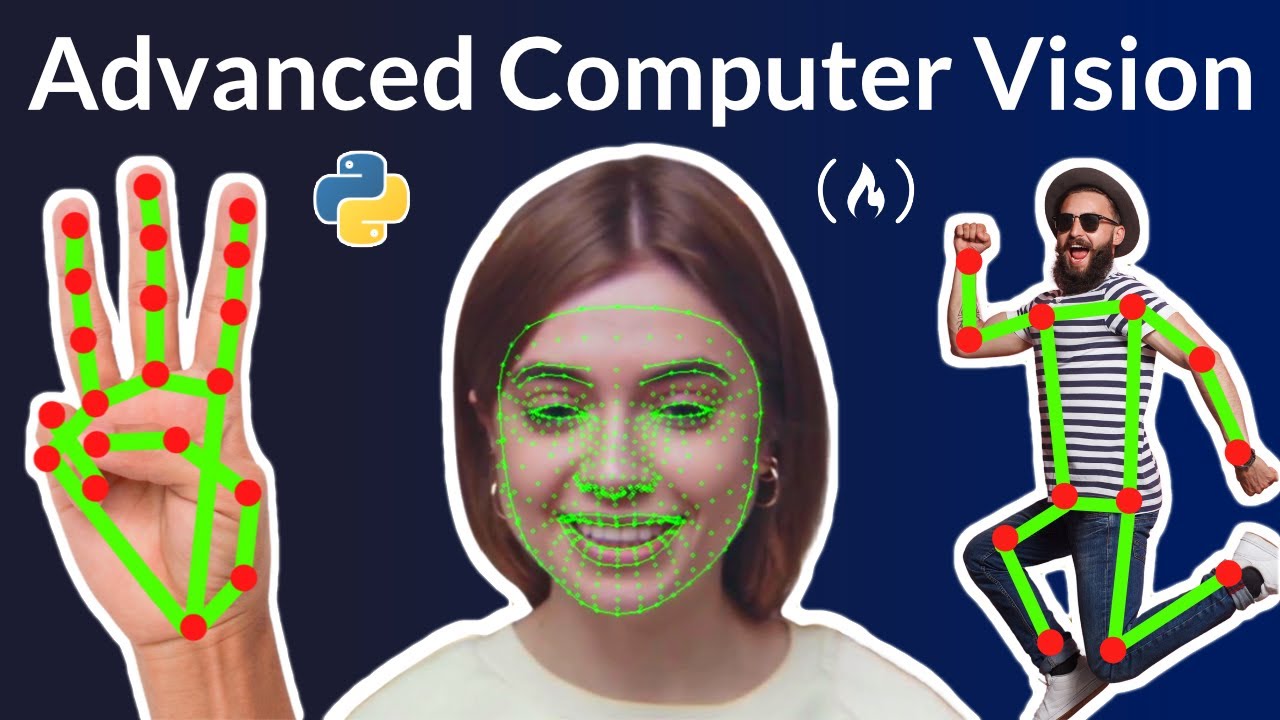
Advanced Computer Vision with Python - Full Course
video description
Date: 2022-03-14
Related videos



Comments and reviews: 6
Umang
If you are stuck at PoseEstimation Module, the pose parameters have been updated. Copy the below code and you may be fine:
def __init__(self, mode=False, complexity=1, smooth=True, segmentation = False, smooth_segmentation = True ,detectionCon=0.5, trackCon=0.5):
self.mode = mode
self.complexity = complexity
self.segmentation = segmentation
self.smooth_segmentation = smooth_segmentation
self.smooth = smooth
self.detectionCon = detectionCon
self.trackCon = trackCon
self.mpDraw = mp.solutions.drawing_utils
self.mpPose = mp.solutions.pose
self.pose = self.mpPose.Pose(self.mode, self.complexity, self.smooth, self.segmentation, self.smooth_segmentation, self.detectionCon, self.trackCon)
reply
If you are stuck at PoseEstimation Module, the pose parameters have been updated. Copy the below code and you may be fine:
def __init__(self, mode=False, complexity=1, smooth=True, segmentation = False, smooth_segmentation = True ,detectionCon=0.5, trackCon=0.5):
self.mode = mode
self.complexity = complexity
self.segmentation = segmentation
self.smooth_segmentation = smooth_segmentation
self.smooth = smooth
self.detectionCon = detectionCon
self.trackCon = trackCon
self.mpDraw = mp.solutions.drawing_utils
self.mpPose = mp.solutions.pose
self.pose = self.mpPose.Pose(self.mode, self.complexity, self.smooth, self.segmentation, self.smooth_segmentation, self.detectionCon, self.trackCon)
reply
Borja
I've been hours solving compatibility issues, and I finally did it. There are two error messages that kept appearing just with the first lines of code:
OpenCV(4.2.0) .... (-2:Unspecified error) The function is not implemented. Rebuild the library with Windows, GTK+ 2.x or Cocoa support. If you are on Ubuntu or Debian, install libgtk2.0-dev and pkg-config, then re-run cmake or configure script in function 'cvShowImage'
and
ImportError: cannot import name '_registerMatType' from 'cv2.cv2' (...)
There are solutions online that might do the trick for you, but none worked for me, (and I tried A LOT of them)
What worked: I downgrade BOTH opencv-python and opencv-python-headless to previous versions.
reply
I've been hours solving compatibility issues, and I finally did it. There are two error messages that kept appearing just with the first lines of code:
OpenCV(4.2.0) .... (-2:Unspecified error) The function is not implemented. Rebuild the library with Windows, GTK+ 2.x or Cocoa support. If you are on Ubuntu or Debian, install libgtk2.0-dev and pkg-config, then re-run cmake or configure script in function 'cvShowImage'
and
ImportError: cannot import name '_registerMatType' from 'cv2.cv2' (...)
There are solutions online that might do the trick for you, but none worked for me, (and I tried A LOT of them)
What worked: I downgrade BOTH opencv-python and opencv-python-headless to previous versions.
reply
Rahul
In the gesture volume control program, you are changing the volume range [-65.25, 0] to percentage[0, 100] in a linear manner. But it does not match with the volume percentage shown by the speakers in windows. Does anyone know how to interpolate the volume range to percentage accurately, as done by windows volume control?
reply
In the gesture volume control program, you are changing the volume range [-65.25, 0] to percentage[0, 100] in a linear manner. But it does not match with the volume percentage shown by the speakers in windows. Does anyone know how to interpolate the volume range to percentage accurately, as done by windows volume control?
reply
Dipankar
I wanted to know, we are using BlazePose model here and accessing it using MediaPipe.
Could you make a tutorial using Centernet? That's something I would like to educate myself with.
reply
I wanted to know, we are using BlazePose model here and accessing it using MediaPipe.
Could you make a tutorial using Centernet? That's something I would like to educate myself with.
reply
Bismark
I recently discovered in a computer vision job posting that you need to research social media for specific text, pictures, logos, comments and this is not like what you have told us here
reply
I recently discovered in a computer vision job posting that you need to research social media for specific text, pictures, logos, comments and this is not like what you have told us here
reply
Computer
So they added a model_complexity to the pose module. I added the model complexity like in the handtracking module. Still fails.
reply
So they added a model_complexity to the pose module. I added the model complexity like in the handtracking module. Still fails.
reply
Add a review, comment
Other channel videos