How to Change the Margins in Google Docs Using the Ruler & Page Setup
FBTwitterReddit
video description
Rating: 4.0; Vote: 1
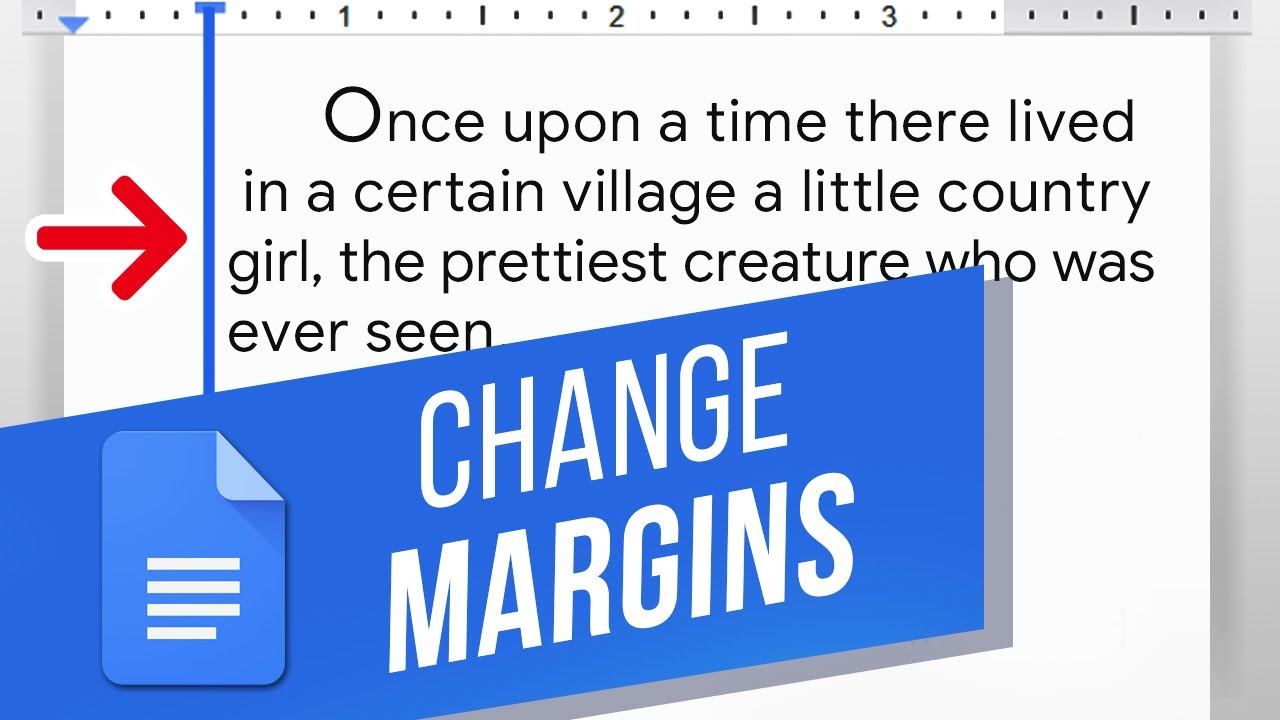
well be showing you how to change margins in Google Docs.
Margins define the space you can use for text and images. If you want to change the margins and make them bigger or smaller, this video is for you! Lets change the margins in this Doc.
1. The easiest method for the left and right margins is to move the blue arrows on the top ruler. The top bar is the top line and the bottom arrow is the rest.
2. If the rulers arent there, click View at the top and Show Ruler.
3. The arrow on the right controls the right margin.
4. You can also change the margins for the entire document by clicking and dragging the gray sections here.
5. This works for the top and bottom margins as well.
6. To change all the margins for the entire document more precisely, click File at the top and then Page Setup.
7. Here you can input numbers for each margin.
You now know how to change the margins in Google Docs!
What other Docs features do you want to learn? Date: 2023-07-08