
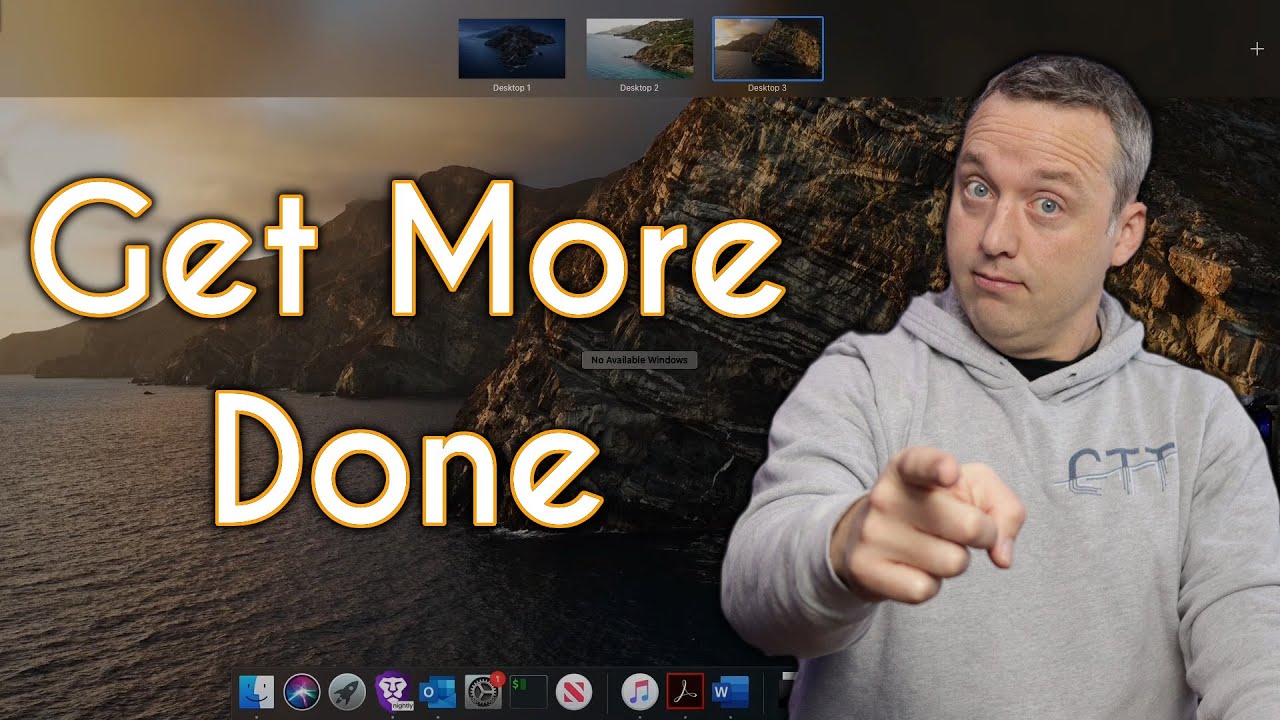
How to Be More Productive on Mac - Chris Titus Tech
video description
Date: 2022-03-21
Related videos


Comments and reviews: 10
Clive
I've always been a little surprised that the Enlightenment window manager (under linux) isn't used more widely. Their solution to multiple worskspaces is superior to anything else that I have come across (and I find all other solution rather more cumbersome by comparison). As I type this I have a virtual desktop of 25 screens (in a 5x5 grid) running on hardware from 2007. To get to a different workspace (screen) I move my cursor to the appropriate edge of the screen and the workspace changes (no hotkeys necessary), I can drag a window from one space to another by dragging it off the screen in the appropriate direction. There is also a pager application which allows you to navigate to a particular workspace with a single click (and you can move windows around using the pager if you want to). It seems a far easier solution than anything anyone else has implemented.
reply
I've always been a little surprised that the Enlightenment window manager (under linux) isn't used more widely. Their solution to multiple worskspaces is superior to anything else that I have come across (and I find all other solution rather more cumbersome by comparison). As I type this I have a virtual desktop of 25 screens (in a 5x5 grid) running on hardware from 2007. To get to a different workspace (screen) I move my cursor to the appropriate edge of the screen and the workspace changes (no hotkeys necessary), I can drag a window from one space to another by dragging it off the screen in the appropriate direction. There is also a pager application which allows you to navigate to a particular workspace with a single click (and you can move windows around using the pager if you want to). It seems a far easier solution than anything anyone else has implemented.
reply
arkadianriver
Mission Control FTW! But I don't tile because each of my virtual desktops has a different layout, none of which are standard sizes. Is there a tiling app that remembers app positions? Anyway, because Mac remembers the previous size of each app's window, it's easy to take 30 seconds on startup to arrange things. For editing I do love making use of the full screen option. I'll often full screen an editor, open mission control and drag a browser window onto half of the editor thumbnail, and then drag the divider between the windows to resize both.
reply
Mission Control FTW! But I don't tile because each of my virtual desktops has a different layout, none of which are standard sizes. Is there a tiling app that remembers app positions? Anyway, because Mac remembers the previous size of each app's window, it's easy to take 30 seconds on startup to arrange things. For editing I do love making use of the full screen option. I'll often full screen an editor, open mission control and drag a browser window onto half of the editor thumbnail, and then drag the divider between the windows to resize both.
reply
Donovan
Hi Chris, I appreciate the content, keep up the good work.
Network engineer here with limited experience on mac. My 980TI died on my Ryzen PC. Bought a 2nd hand Mac Mini to use until the new GPU's launched. But to be honest, I have been surprised by how well the Mac Mini has complimented my workflow. I've got my VM for studies, default terminal, and Textmate for Notepad++ alternative.
reply
Hi Chris, I appreciate the content, keep up the good work.
Network engineer here with limited experience on mac. My 980TI died on my Ryzen PC. Bought a 2nd hand Mac Mini to use until the new GPU's launched. But to be honest, I have been surprised by how well the Mac Mini has complimented my workflow. I've got my VM for studies, default terminal, and Textmate for Notepad++ alternative.
reply
boudreaux
an interesting feature i found in Mission Control is that if you drag two full screen applications together, they will -split- a full screen desktop next to one another, side by side. I use this a lot for multi tasking on my MacBook, but without the multi-touch gestures on the trackpad, I would find myself missing the dock a lot more and probably binding lots of hotkeys!
reply
an interesting feature i found in Mission Control is that if you drag two full screen applications together, they will -split- a full screen desktop next to one another, side by side. I use this a lot for multi tasking on my MacBook, but without the multi-touch gestures on the trackpad, I would find myself missing the dock a lot more and probably binding lots of hotkeys!
reply
Global
Hmm your dock doesn-t hide automatically, taking away lots of space. Too large icons in the dock. Too much unused labels in finder. Not minimalist in my opinion and therefore not really helping productivity. I would suggest using Moom as well for window arranging
reply
Hmm your dock doesn-t hide automatically, taking away lots of space. Too large icons in the dock. Too much unused labels in finder. Not minimalist in my opinion and therefore not really helping productivity. I would suggest using Moom as well for window arranging
reply
itech
Great video! Can you do one to guide us on multi monitor productivity and how to avoid hidden open windows. Windows OS manages this far better than mac and how to achieve parity on experience n ease of management? Thanks!
reply
Great video! Can you do one to guide us on multi monitor productivity and how to avoid hidden open windows. Windows OS manages this far better than mac and how to achieve parity on experience n ease of management? Thanks!
reply
Apple
Hi, would you consider doing a video on archcraft? It seems to provide a pretty good -customised, aesthetic wm- feel out of the box. I'd be interested to hear your thoughts on it.
reply
Hi, would you consider doing a video on archcraft? It seems to provide a pretty good -customised, aesthetic wm- feel out of the box. I'd be interested to hear your thoughts on it.
reply
Abu
The main reason why I installed linux on mac is because of smart autohide of dock in linux.. Mac has either dock always visible or hidden until mouse pointer is hovered on it. --
reply
The main reason why I installed linux on mac is because of smart autohide of dock in linux.. Mac has either dock always visible or hidden until mouse pointer is hovered on it. --
reply
valentin65
Why buying a mac? You can't repair it and the software is expensive. The mac is expensive, too. Wow, workspaces and assigning applications. Standard in every linux wm.
reply
Why buying a mac? You can't repair it and the software is expensive. The mac is expensive, too. Wow, workspaces and assigning applications. Standard in every linux wm.
reply
Matthew
I use yabai instead which is closer to bspwm, it's definitely less approachable than Amethyst but on the other hand it's more customizable. I'd recommend giving it a try!
reply
I use yabai instead which is closer to bspwm, it's definitely less approachable than Amethyst but on the other hand it's more customizable. I'd recommend giving it a try!
reply
Add a review, comment
Other channel videos


