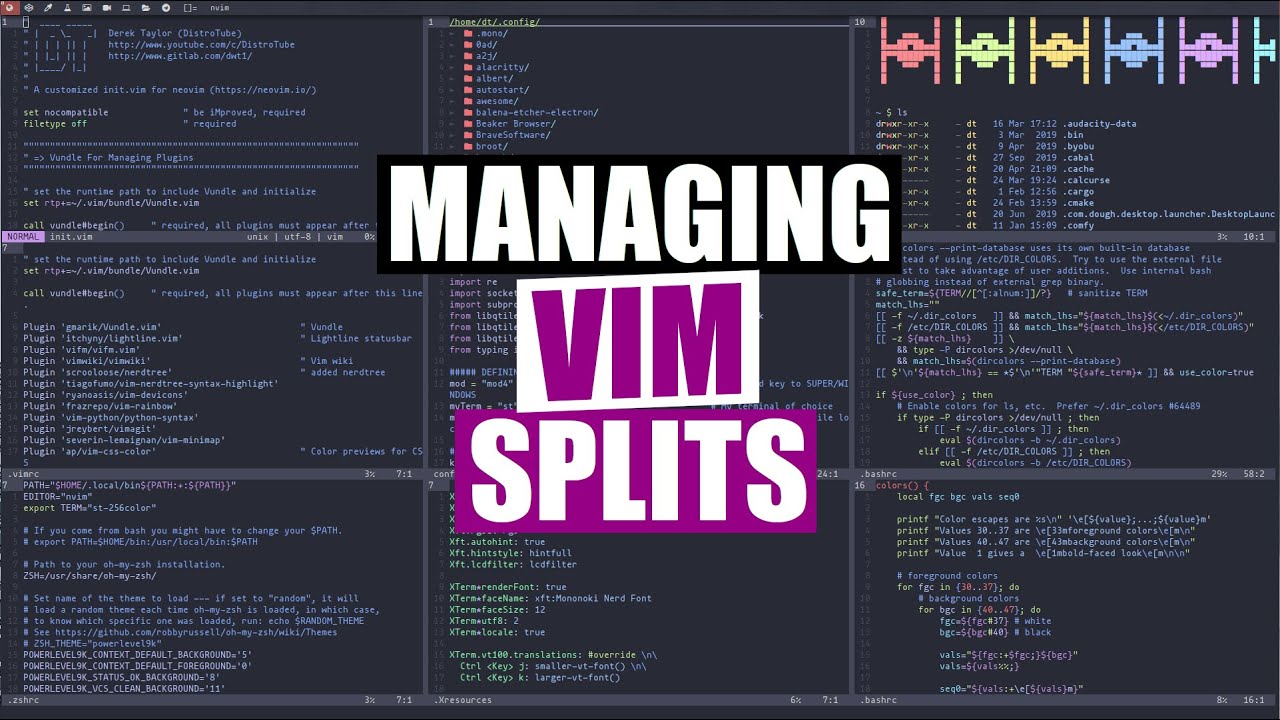
Managing Your Splits In Vim DistroTube
video description
Date: 2022-03-30
Related videos


Comments and reviews: 10
SoundToxin
You can also resize with C-w + and C-w - to move them slightly, and the typical vim repeat behavior works on window actions as well, so sometimes I'll type something like 10 or 50 and then do one of those binds and it's as if I hit them that many times. You can also include moving between splits in your vim macros which is really cool. I've used it for macros that delete a line from two files open next to each other, saves them and puts me back where I started.
reply
You can also resize with C-w + and C-w - to move them slightly, and the typical vim repeat behavior works on window actions as well, so sometimes I'll type something like 10 or 50 and then do one of those binds and it's as if I hit them that many times. You can also include moving between splits in your vim macros which is really cool. I've used it for macros that delete a line from two files open next to each other, saves them and puts me back where I started.
reply
Jeffrey
I've found it useful to remap 's' to -control-w'. This has the advantage of shortening all the windows commands in one shot. Typing -s h- is easier than -control-w h- and is even easier than Derek's -control-h- because you don't have to hold the 's' while you press the 'h'
It's not a great loss if you don't have the regular 's' command because, if you need it, 'cl' can be used as a substitute. :-) See the help page for the 's' command.
reply
I've found it useful to remap 's' to -control-w'. This has the advantage of shortening all the windows commands in one shot. Typing -s h- is easier than -control-w h- and is even easier than Derek's -control-h- because you don't have to hold the 's' while you press the 'h'
It's not a great loss if you don't have the regular 's' command because, if you need it, 'cl' can be used as a substitute. :-) See the help page for the 's' command.
reply
1Schueni
I'm also thinking of publishing my dotfiles, but haven't found a secure and convenient solution yet.
How do you manage your public dotdfiles? I know you said that you are using a git bare repo, but isn't that a bit dangerous, when you make your dotfiles public? How can you be sure that you don't accidentally publish private information, like plain text password, contact information (in .abook), bookmarks and so on?
reply
I'm also thinking of publishing my dotfiles, but haven't found a secure and convenient solution yet.
How do you manage your public dotdfiles? I know you said that you are using a git bare repo, but isn't that a bit dangerous, when you make your dotfiles public? How can you be sure that you don't accidentally publish private information, like plain text password, contact information (in .abook), bookmarks and so on?
reply
lucminax
I find using file-specific marks (with uppercase letters as mark names) more interesting than splits for most of my use cases. Of course some cross-referencing and diff-ing can benefit from having all side to side, but I usually want to focus on one thing at a time. Having the marks allows for quick, specific buffer jumping without having to find it with :b, with added benefit of having a specific line selected
reply
I find using file-specific marks (with uppercase letters as mark names) more interesting than splits for most of my use cases. Of course some cross-referencing and diff-ing can benefit from having all side to side, but I usually want to focus on one thing at a time. Having the marks allows for quick, specific buffer jumping without having to find it with :b, with added benefit of having a specific line selected
reply
MustyHead
I love me some vim learning.
One thing, though, I'd like to know if it's possible to yank/put among files in separate terminal windows. Sometimes I just prefer to have files open here and there (Sometimes it even makes sense.) and need to copy text from one to the other. While old fashioned copy/paste or middle-mouse paste work too, it'd be nice to treat those separate windows a little like vim splits.
reply
I love me some vim learning.
One thing, though, I'd like to know if it's possible to yank/put among files in separate terminal windows. Sometimes I just prefer to have files open here and there (Sometimes it even makes sense.) and need to copy text from one to the other. While old fashioned copy/paste or middle-mouse paste work too, it'd be nice to treat those separate windows a little like vim splits.
reply
Ritchie
:vert ba open all buffers in vert.Did you leave emacs ? I've never used emacs, mostly vim. I have a function that opens all my last used files in vert, sessions mess me up. Thanks for the videos been using awesome window manager, it's awesome ! I recommend people use the awesome copycats themes to avoid the headaches. Everything comes ready to go and works.
reply
:vert ba open all buffers in vert.Did you leave emacs ? I've never used emacs, mostly vim. I have a function that opens all my last used files in vert, sessions mess me up. Thanks for the videos been using awesome window manager, it's awesome ! I recommend people use the awesome copycats themes to avoid the headaches. Everything comes ready to go and works.
reply
James
I really like your videos DT! Thanks for sharing :)
I'm having some problems with the remapping. The resizing don't work at all in urxvt (they put me in insert mode and inputs -a-,-b-,-c-,-d- in different lines), but they do in termite, any idea why? Also, the navigation mapping does not work while the rest do... What am I missing here? Thanks!
reply
I really like your videos DT! Thanks for sharing :)
I'm having some problems with the remapping. The resizing don't work at all in urxvt (they put me in insert mode and inputs -a-,-b-,-c-,-d- in different lines), but they do in termite, any idea why? Also, the navigation mapping does not work while the rest do... What am I missing here? Thanks!
reply
F-rat
Hey DT would you take a look at 6Cord? So recently RoboNuggie made video about this, which led to me going to comments section saying that you'd make a video about this and call it -Discord is bloat. Use 6Cord instead!-. I lost the bet as I said but if you make a video about this I'd be 50% right. I'm trusting you dude, you can do it!
reply
Hey DT would you take a look at 6Cord? So recently RoboNuggie made video about this, which led to me going to comments section saying that you'd make a video about this and call it -Discord is bloat. Use 6Cord instead!-. I lost the bet as I said but if you make a video about this I'd be 50% right. I'm trusting you dude, you can do it!
reply
Subaru
nice! I just start using vim splite today, because tire of swithing the windows. this give me more info. The split terminal really handy, i dont need to open another terminal for occationally compile the program that take up the space anymore.
reply
nice! I just start using vim splite today, because tire of swithing the windows. this give me more info. The split terminal really handy, i dont need to open another terminal for occationally compile the program that take up the space anymore.
reply
busdriver12
Didn't know about the :terminal command - thanks for that tip! I used to type Ctrl-Z, do my stuff and go back to vi using fg command in the window. Having it in a split is handier :)
reply
Didn't know about the :terminal command - thanks for that tip! I used to type Ctrl-Z, do my stuff and go back to vi using fg command in the window. Having it in a split is handier :)
reply
Add a review, comment
Other channel videos



 4:17
4:17