How To Add Quick Launch Toolbar to Taskbar in Microsoft Windows The Teacher
FBTwitterReddit
video description
Rating: 4.0; Vote: 1
How To Add Quick Launch Toolbar to Taskbar in Microsoft Windows The Teacher
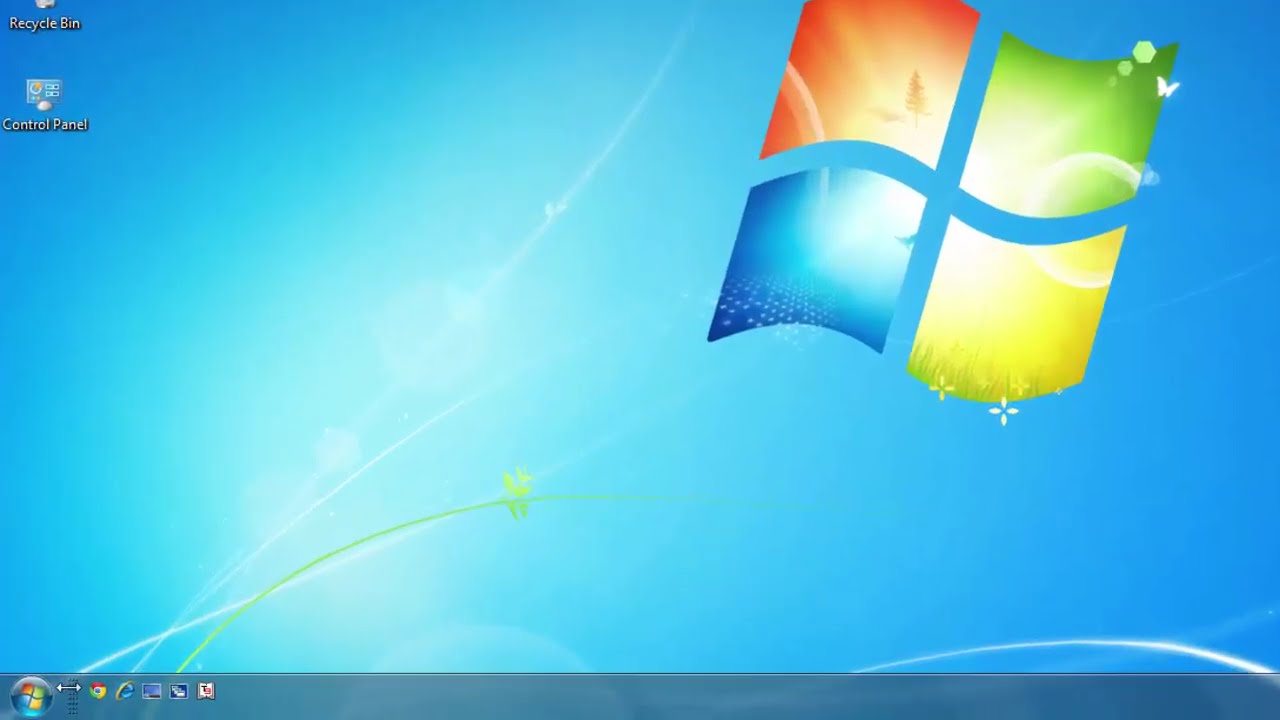
In this Microsoft Windows Taskbar Customization Tutorial, you will learn that how you can enable Quick Launch Toolbar back to your Windows Taskbar.
In Windows 7, Quick Launch Toolbar is not available when you right-click on an empty area of your taskbar. But you can still add the Quick Launch by clicking on New Toolbar and then copy and paste the following address in the path:
%userprofile%\appdata\roaming\microsoft\internet explorer\quick launch
Do remember, APPDATA is a hidden system folder. So if you want to browse through the folder instead of typing the address then you must turn on the Show Hidden Files option first Date: 2022-03-31




 4:17
4:17