How to Change Default Behaviour of Shutdown Button - The Teacher
FBTwitterReddit
video description
Rating: 4.0; Vote: 1
How to Change Default Behaviour of Shutdown Button - The Teacher
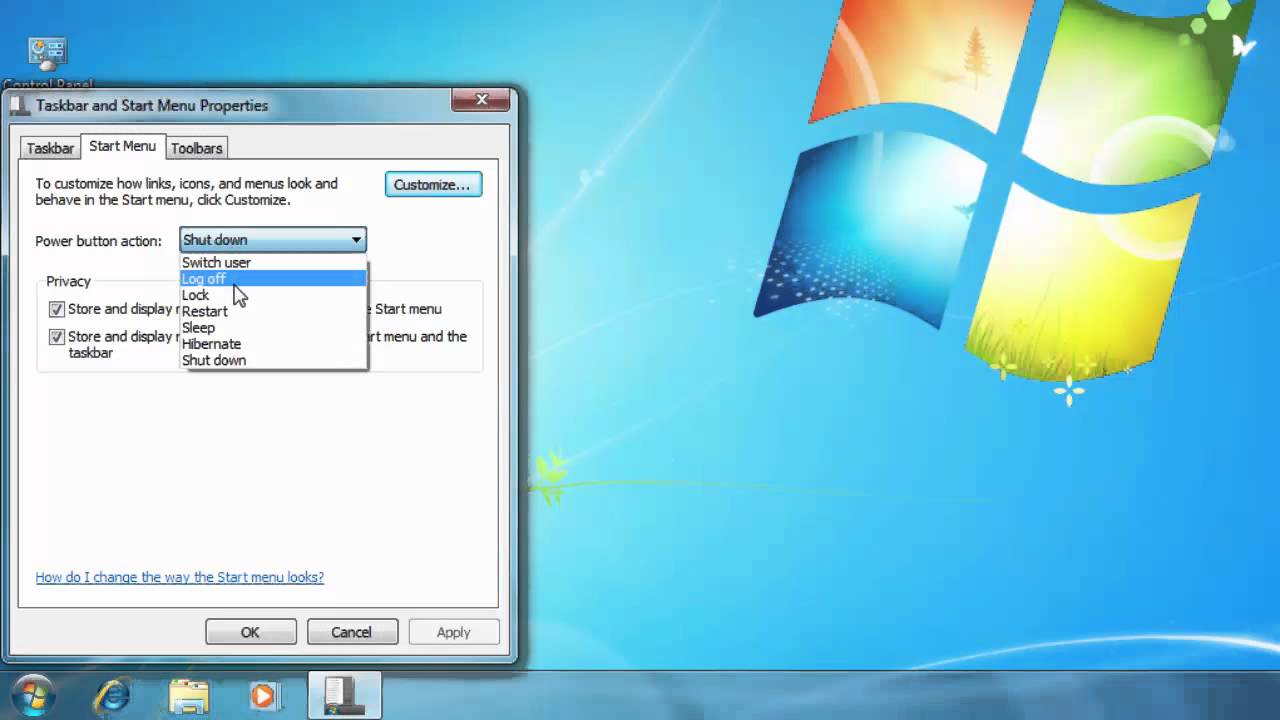
A simple trick to customize the default behavior of Windows 7 Shut Down button on your Start Menu. The default behavior of this button is Shut Down, which close all your applications and shut down your computer. But now you can change its default behavior using the simple trick explained in this video. You can change the default behavior to sleep, lock or hibernation
James: Thank you for this. I recently had to swap motherboards, and it messed up my power settings. This was the last thing that I needed to tweak, but I couldnt find out how to do it anywhere else. Date: 2022-03-31




 4:17
4:17