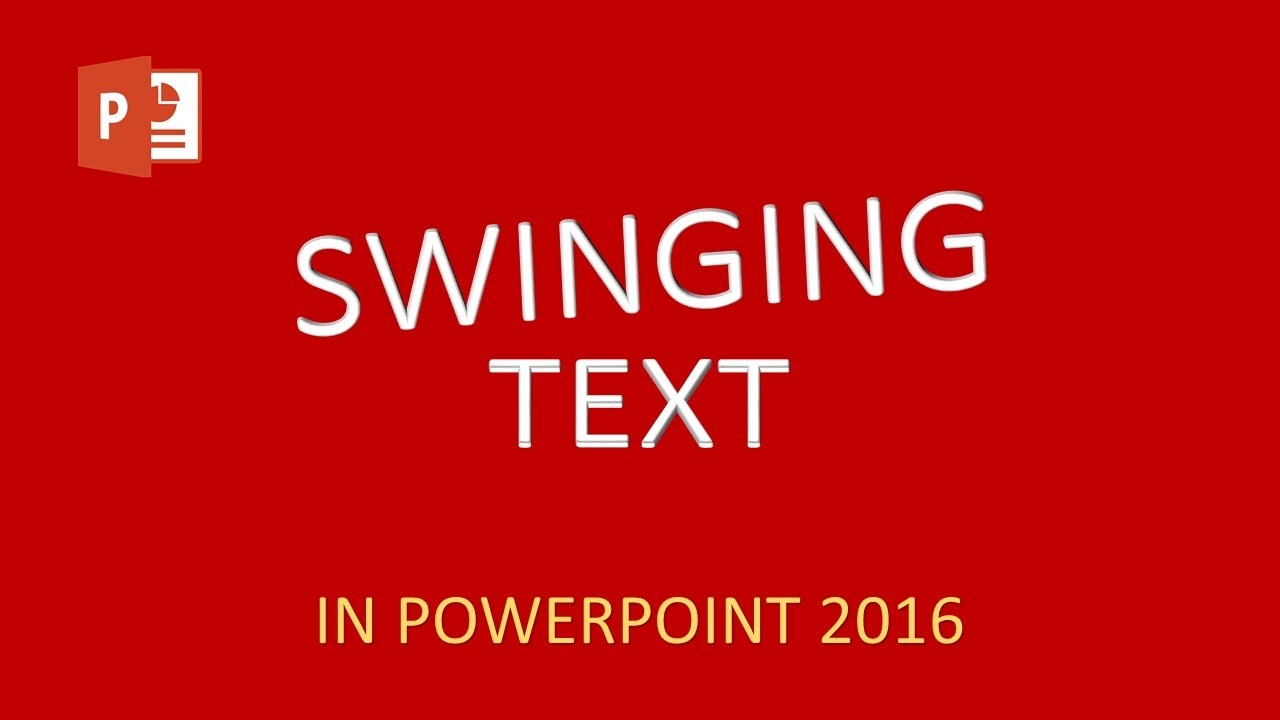
Swinging Text Animation Effect in PowerPoint The Teacher
FBTwitterReddit
video description
Rating: 4.0; Vote: 1
Swinging Text Animation Effect in PowerPoint The Teacher
There you have another Text Animation tutorial on Swinging Text Effect in PowerPoint 2016. The idea behind this animation is to first define a Custom Anchor Point for the text and apply 3D Rotation over the text.
Then duplicate the slide and add around 10 Degree rotation on each slide. Repeating these steps several times will create an illusion of Swinging Text Animation. We will also demonstrate that how you can quickly create a separate video of each swinging letter and then merge all the letters into a single presentation Date: 2022-03-31