Boat Animation in PowerPoint Tutorial - The Teacher
FBTwitterReddit
video description
Rating: 4.0; Vote: 1
Boat Animation in PowerPoint Tutorial - The Teacher
First of all, let me give the credit to -Iroh Design for his Flat Boat Animation in PowerPoint (Ocean Design Tutorial in illustrator) from where I took the idea of designing and animating this video. Do visit his channel to see as he is doing some really great stuff in Adobe illustrator.
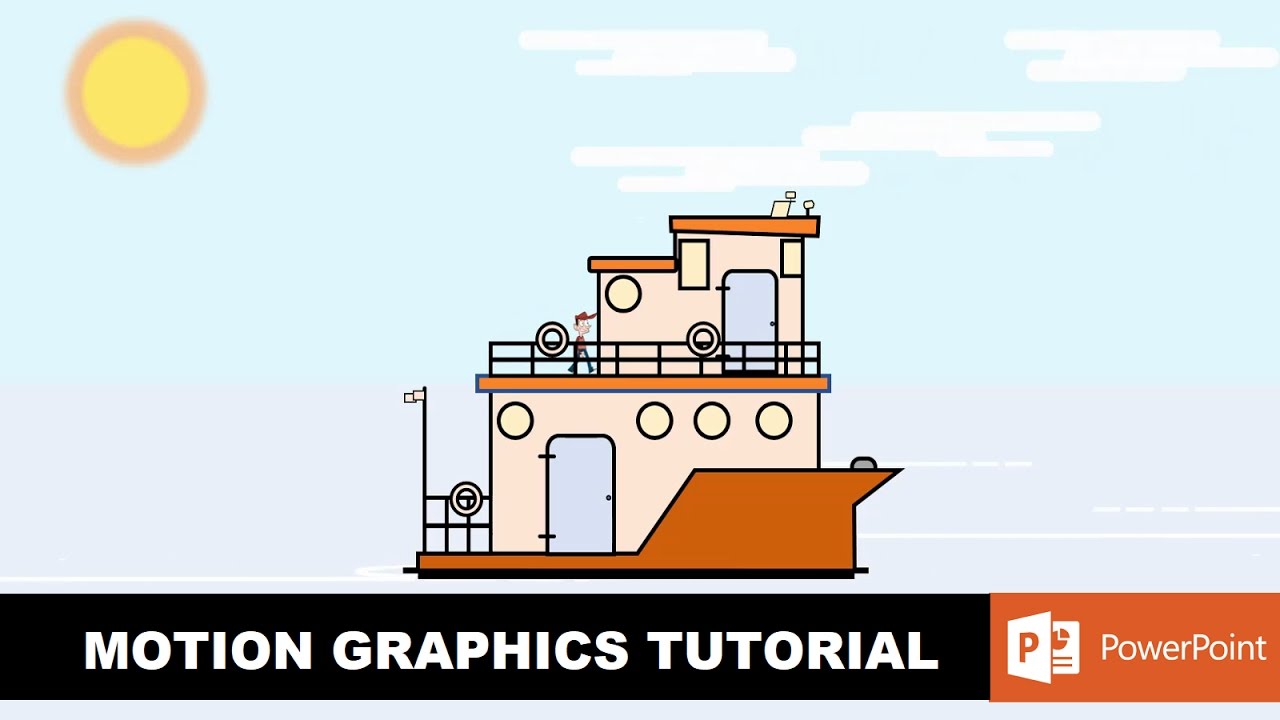
The first half of the video is in x2 Speed showing you the use of Shapes Tool in PowerPoint which we used to design the entire scene. You can slow down the speed by clicking the Gear icon of the Youtube video bar.
Episodes:
0:00 Graphics Design using Shapes Tool
1402 Boat Animation Tutorial
- About Boat Scene Design using Shapes Tool
If you are a beginner at Powerpoint then you can learn a lot of Shapes and Design menu features which we have used to draw the entire scene. You can watch the tutorial playlist link given below on How To Use Shapes Tool.
- About Boat Animation in PowerPoint
Flash Once effect has been used to animate the walking man over the boat. You can watch my Realistic Animation Walk video if you want to further learn about how to use different character poses to make the character live. The boat is standing still and only the background objects are moving. That creates an illusion as the boat itself is moving. For water, the wave Grow/Shrink effect has been used on oval shapes
itech: hi bro! Can you please make tutorial on something, where we can create 3D atmosphere. For eg, I am teacher, and I want to make make a Molecule, (lets say water molecule) and rotate camera around it (or rotate molecule) OR SAY I got RED BALL, It is sorrounded by 6 Green balls > top, bottom, left , right, In front and at back. Now I want to rotate the whole setup in 3d , so students can clearly see how green balls are placed around red Ball???? Is it possible? Date: 2022-03-31