#2 Lines Animation in PowerPoint Animated Background - The Teacher
FBTwitterReddit
video description
Rating: 4.0; Vote: 1
Lines Animation in PowerPoint Animated Background - The Teacher
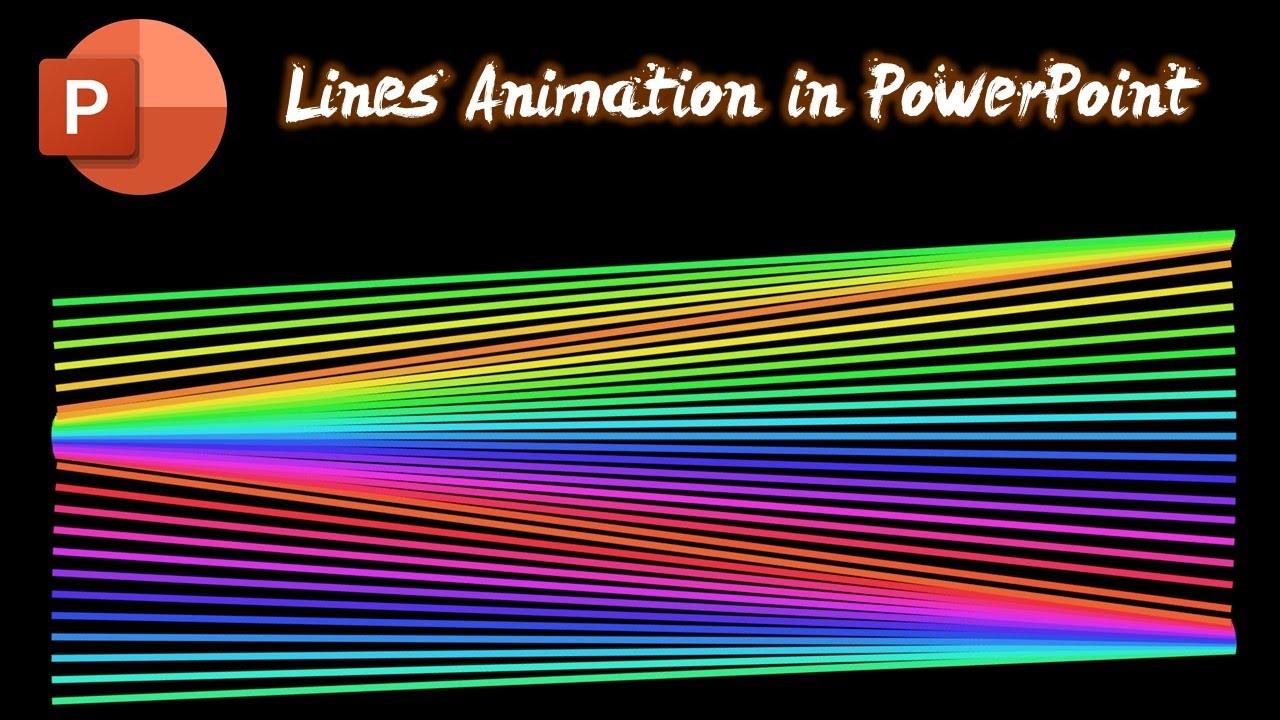
In this Lines Animation in PowerPoint Tutorial, we used SPIN and FILL COLOR Emphasis effect to create an unfolding pattern effect. This is an easy-to-follow lesson where you only need to apply 2 animations on the rounded corner rectangles.
- Learn More & Download the Lines Animation PowerPoint Presentation PPT -
https://www.theteacherpoint.com/lines-animation-in-powerpoint/
Then we created duplicates by holding CTRL+SHIFT keys while dragging and dropping and then use the F4 key to repeat the last command. Later, we only need to add a delay between each set of effects i.e. 0.10 seconds delay for the first 2 effects then 0.20 for the 2nd, and so on.
You can try different Fill Color and Slide Background combinations to make it more attractive Date: 2022-03-31