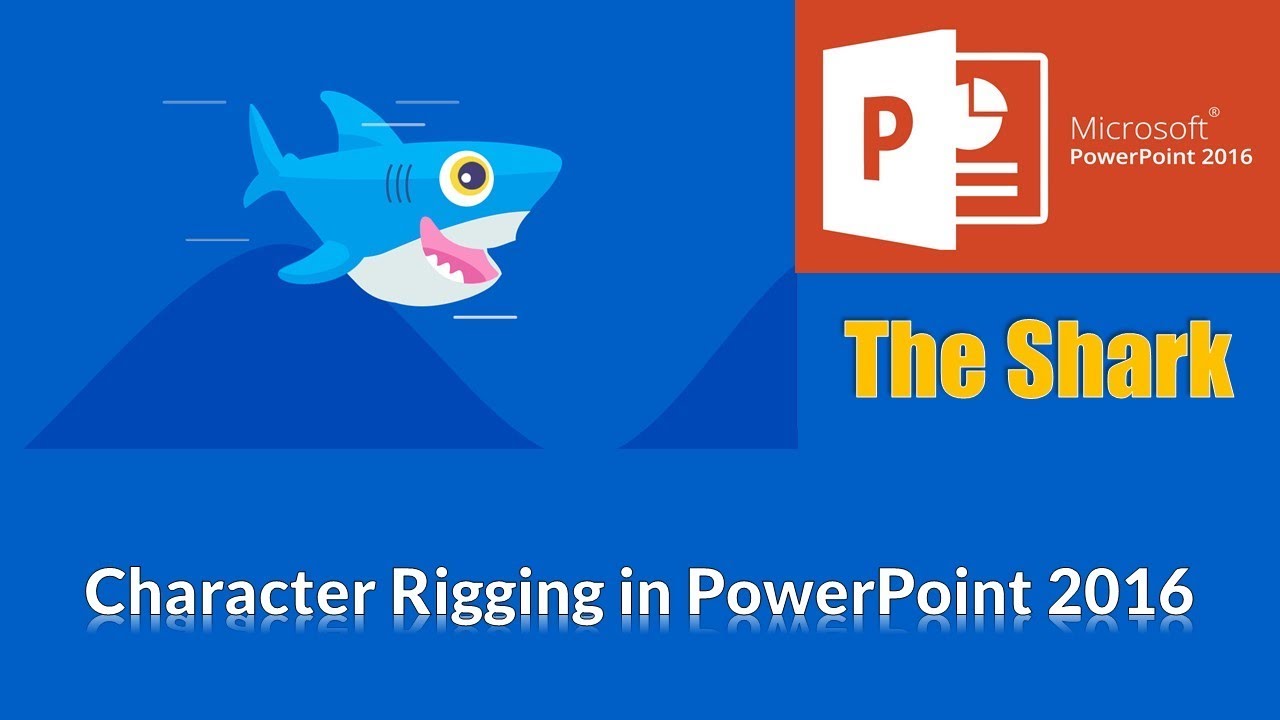
Shark Fish Animation in Microsoft PowerPoint Character Animation - The Teacher
FBTwitterReddit
video description
Rating: 4.0; Vote: 1
Shark Fish Animation in Microsoft PowerPoint Character Animation - The Teacher
In this short Character Rigging in PowerPoint 2016 Tutorial video, we will animate a Shark Fish which has been drawn using Shape Tools. That is the only time-consuming part of this tutorial and animating the shark is simple and easy.
- Learn More and Download Shark Fish Animation PowerPoint Presentation (PPT):
https://www.theteacherpoint.com/fish-animation-in-powerpoint-tutorial/
- About the Shark Fish Animation in PowerPoint
Only 5 things in this animation are moving. The first one is the Shark Tail for which we have used the Right Motion Path with Auto Reverse effect. For Bottom Shark Fin, we have used the SPIN effect with 10 Degree Counter Clockwise Rotation and Auto Reverse. For the inner parts of the Shark eye, we used Motion Path to Right with Auto Reverse. For Water Waves, we used Motion Path to Left with Auto Reverse again. All the animation has been set to Play With Previous and Delay timings have only been added to the Water Waves.
- Truly Inspired From:
https://codepen.io/PolarStarSpectrum/pen/pVZqMG Date: 2022-03-31