Shapes Pattern Animated Background Animation in PowerPoint The Teacher
FBTwitterReddit
video description
Rating: 4.0; Vote: 1
Shapes Pattern Animated Background Animation in PowerPoint The Teacher
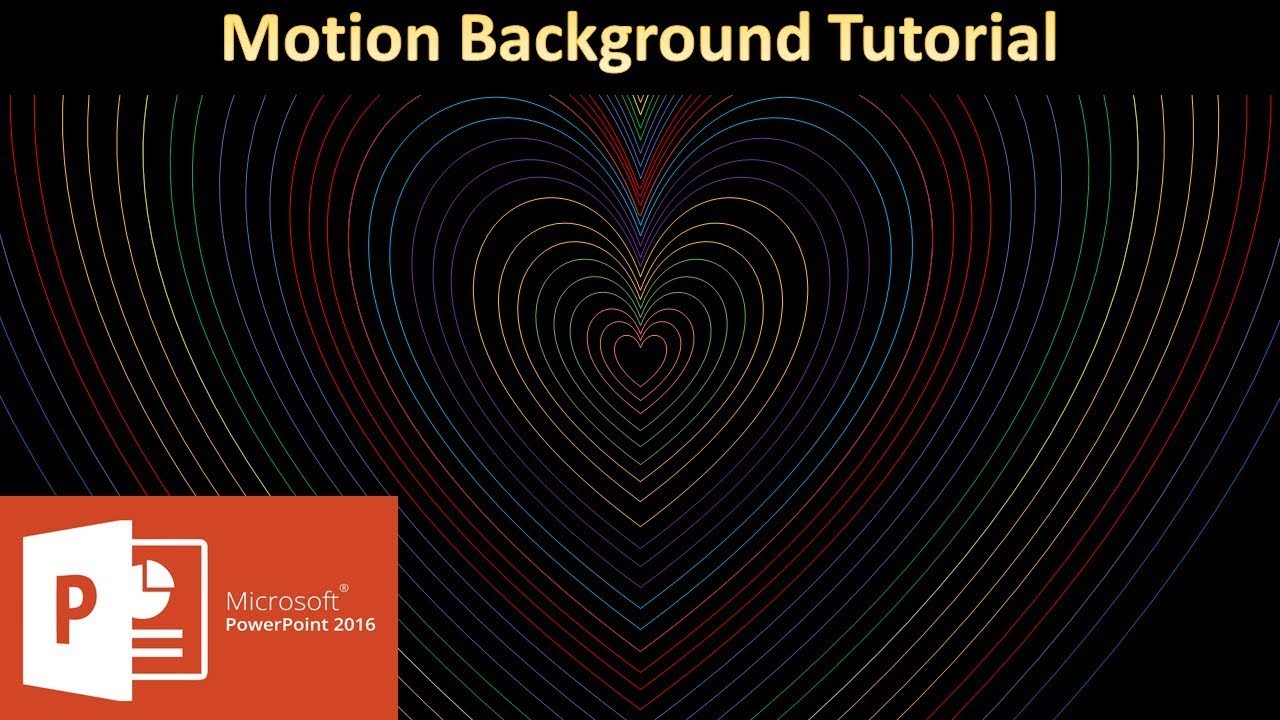
This is a short and simple video on how to make Shapes Pattern Animated Background in PowerPoint using Shapes with exact Delay Timings between the animation effects.
- Learn More and Download the Shapes Pattern PowerPoint Animated Presentation (PPT) -
https://www.theteacherpoint.com/shapes-pattern-animated-background/
- About the Animation
In this presentation, we will first take any Shape like a Heart. Then we will set the Fill Color to None and choose a desire Line Color and Width of the line. The next step is to apply the SPIN Emphasis effect on the shape. You can also apply another animation right away like Line Color emphasis effect or you can also apply the Line Color to all the shapes on the slide later on.
After that, you need to make a duplicate of the same shape either by using Copy and Paste command from select the shape press CTRL+D. Increase the size and adjust the position of the second shape. Repeat the same steps to fill the entire slide with the same shape; each having a bit larger size than the previous one.
Finally, add a delay timing like 0.15 Seconds between each animation and there you have an Animated Motion Background ready to use.
Information also applies to the following versions:
PowerPoint 2007 / 2010 / 2013 / 2019 / Office 365
Parinay: Sir i have designed same pattern design but when i see it in screen saver mode, it does not rotate smoothly, What could be the cause of that? Thank You Date: 2022-03-31