Move Your Open Tabs Into a List With the OneTab Google Chrome Extension and Get Your Memory Back - OnlineComputerTips
FBTwitterReddit
video description
Rating: 4.0; Vote: 1
Move Your Open Tabs Into a List With the OneTab Google Chrome Extension and Get Your Memory Back - OnlineComputerTips
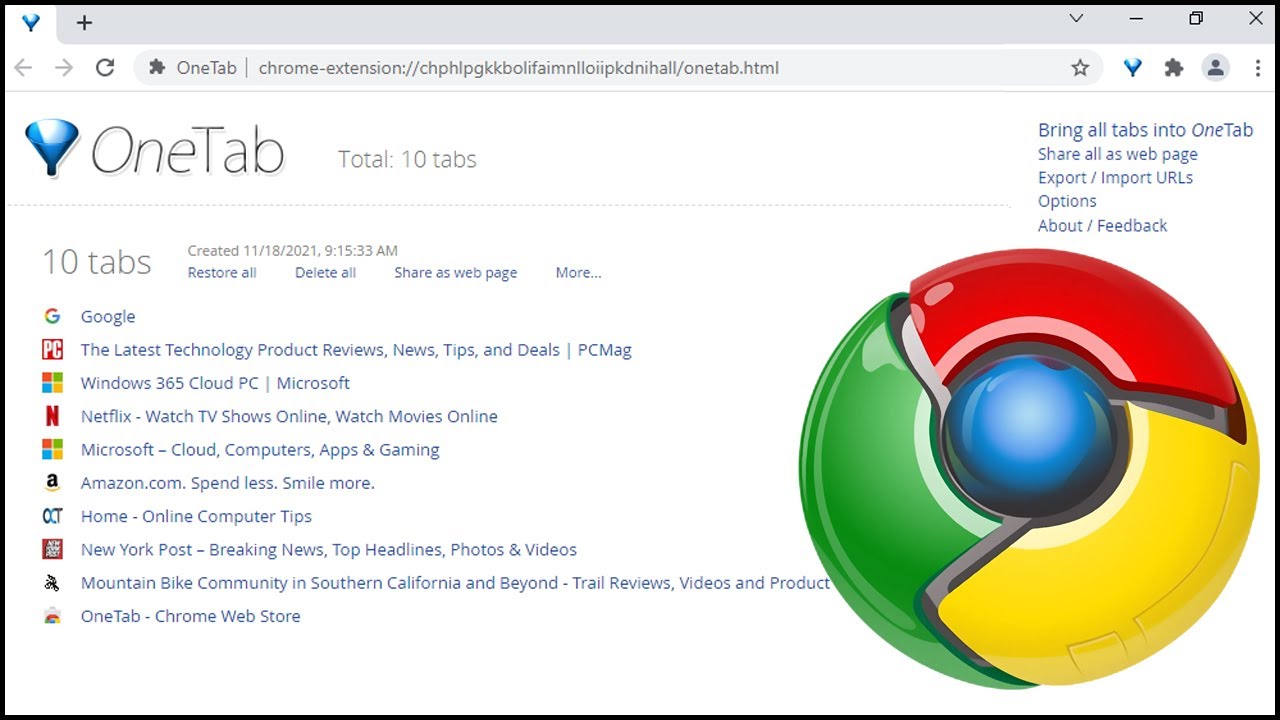
If you are a Google Chrome user, you might have noticed that the browser uses a lot of resources when you have multiple tabs open and can actually begin to slow down your computer. If you want to speed things up as well as clean things up at the same time then you can try the OneTab Chrome addon that will allow you to move your tabs into a list where you can restore all or one at a time. You can also share your list with other people as a QR code or separate link.
OneTab link
https://chrome.google.com/webstore/detail/onetab/chphlpgkkbolifaimnlloiipkdnihall?hl=en Date: 2022-03-31








 4:8
4:8

