How to Use the Windows 11 Installation Assistant to Upgrade from Windows 10 to Windows 11 - OnlineComputerTips
FBTwitterReddit
video description
Rating: 4.0; Vote: 1
How to Use the Windows 11 Installation Assistant to Upgrade from Windows 10 to Windows 11 - OnlineComputerTips
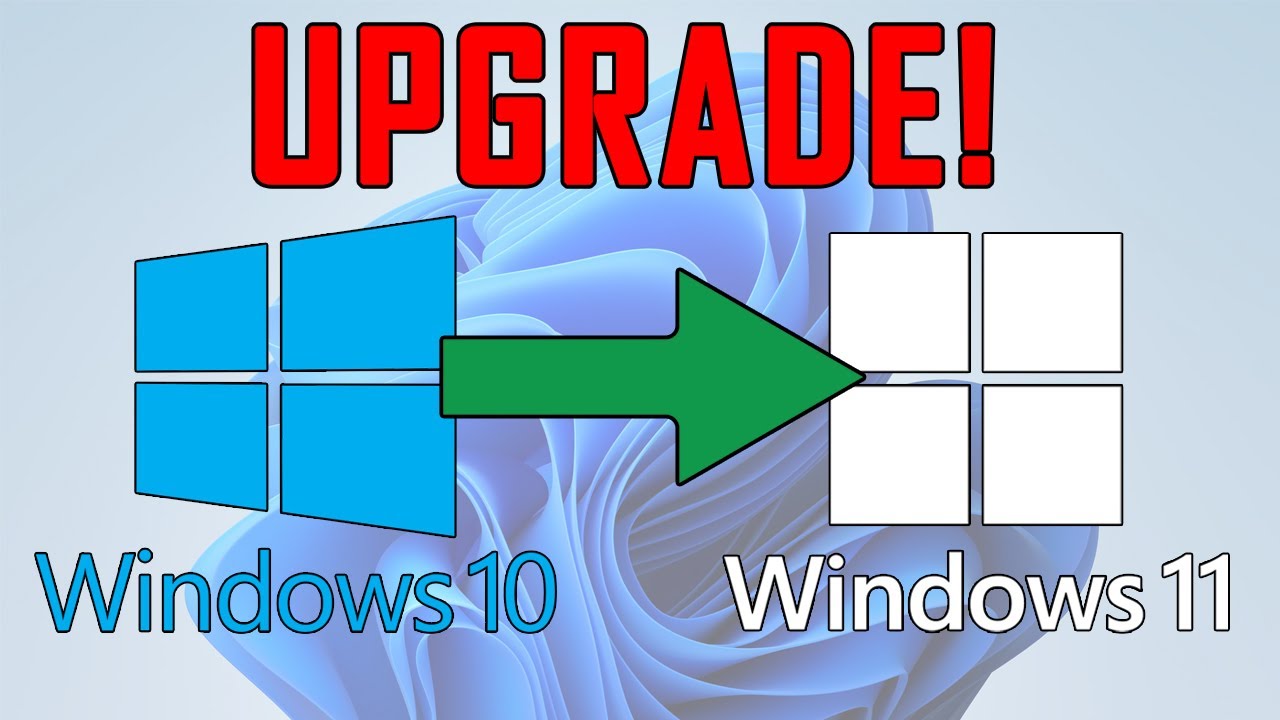
If you are running Windows 10 and would like to upgrade to Windows 11 and don't have any installation media such as the Windows CD\DVD then you can use the Windows 11 Installation Assistant to do the upgrade for you. All you need to do is download and install the tool and follow the prompts to have your computer upgraded. Just be sure to backup your personal files before doing so just in case something goes wrong during the process.
Here is a link to download the upgrade utility.
https://www.microsoft.com/software-download/windows11 Date: 2022-03-31








 4:8
4:8

