How to Import a VirtualBox Virtual Machine into Microsoft Hyper-V - OnlineComputerTips
FBTwitterReddit
video description
Rating: 4.0; Vote: 1
How to Import a VirtualBox Virtual Machine into Microsoft Hyper-V - OnlineComputerTips
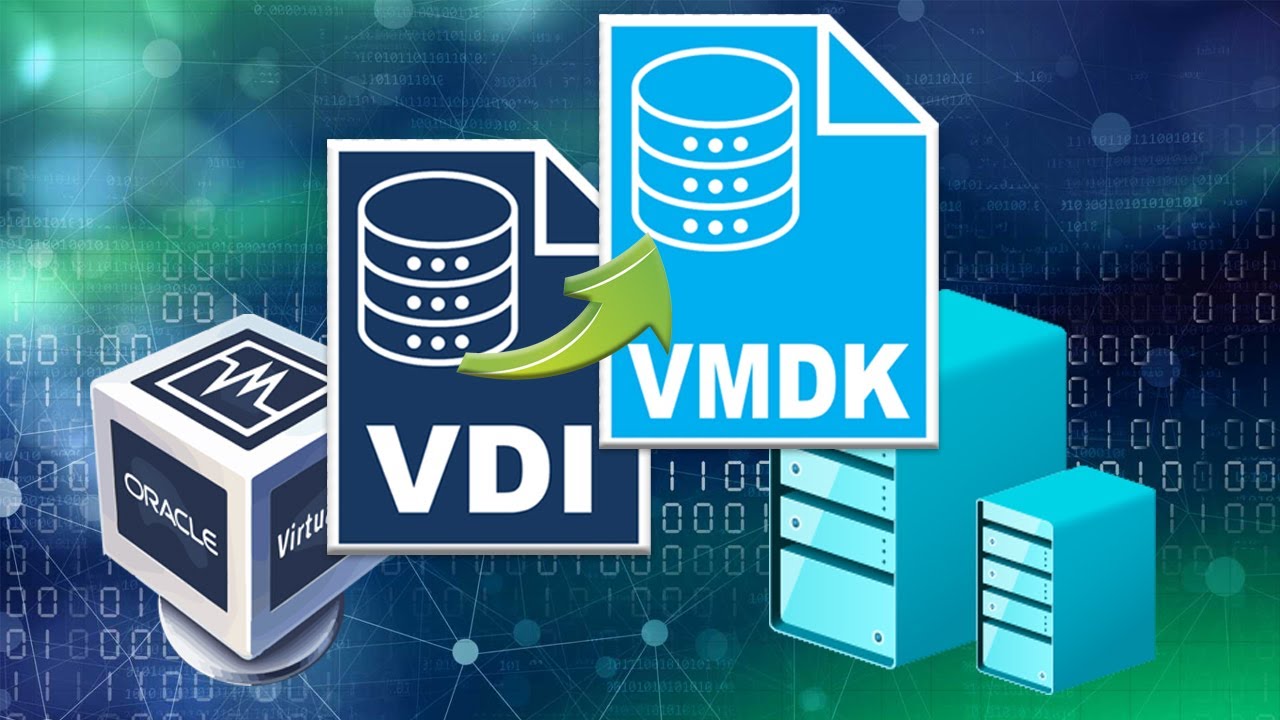
If you use Oracle VirtualBox as your virtualization platform and want to import a VM into Microsoft Hyper-V, you might think it's as easy as copying the virtual disk file over and attaching it to the virtual machine. Unfortunately, this is not the case, and you will need to export your VM from VirtualBox as an OVF file, convert it to a VMDK file and then attach it to a new virtual machine.
Fortunately, there is some free software called StarWind V2V Converter that will help you with this process. You can even create a new Hyper-V virtual machine during the conversion process and then attach your converted virtual hard disk. You can also use it to import a virtual disk as a secondary virtual hard drive on a Hyper-V VM.
https://www.starwindsoftware.com/starwind-v2v-converter
Jubei: I followed your guide and I was able to export my Pihole VM that was in VirtualBox into Hyper-V with no issues. Good job on the video. keep the good IT videos coming. Date: 2022-03-31