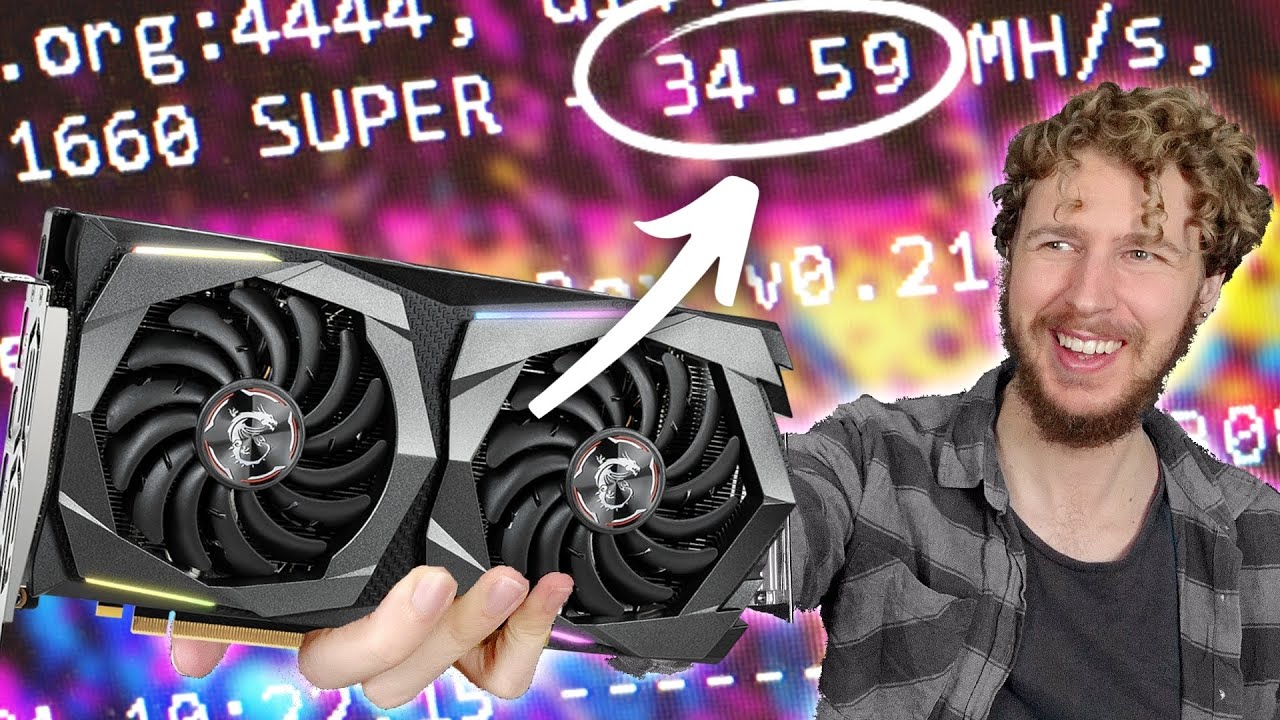
How to get 34mh/s on a 1660 Super (Mining Ethereum) - Sebs FinTech
video description
Date: 2022-04-19
Related videos



Comments and reviews: 10
Mindaugas
Installed palit BIOS to my ASUS TUF gaming 1660 super, with settings (MSI afterburner) core -100 and memory -502 I am getting 31.5 mhs, what is 1mhs better than before :)
But if I am trying to set memory to +1000 - mhz jumping from 29 to 35 and GPU crashing :(
Still thinking should I leave this palit BIOS or come back to original one :)
As well GPU-Z now it not showing any BIOS version installed :D
reply
Installed palit BIOS to my ASUS TUF gaming 1660 super, with settings (MSI afterburner) core -100 and memory -502 I am getting 31.5 mhs, what is 1mhs better than before :)
But if I am trying to set memory to +1000 - mhz jumping from 29 to 35 and GPU crashing :(
Still thinking should I leave this palit BIOS or come back to original one :)
As well GPU-Z now it not showing any BIOS version installed :D
reply
Troy
Excellent! I just got a used Gigabyte 1660 Super with Hynix. I couldn't get it past about 25MHs. Your initial settings got me to about 32MHs now. Not sure I can go through the ROM update because my only rig is running HiveOS on Linux and Hash Raptor said in a video there isn't an easy way to do that currently. If I switch my rig over to Windows I might give it a try. Keep up all the great content!
reply
Excellent! I just got a used Gigabyte 1660 Super with Hynix. I couldn't get it past about 25MHs. Your initial settings got me to about 32MHs now. Not sure I can go through the ROM update because my only rig is running HiveOS on Linux and Hash Raptor said in a video there isn't an easy way to do that currently. If I switch my rig over to Windows I might give it a try. Keep up all the great content!
reply
Giovs
Hi, I have a two 1660 ti, they should be identical because they have the have the same model number. However one is more efficient than the other. I noticed one is using 650mV while the other is using 725mV. I was thinking that maybe I can backup the bios of the best performing 1660 ti, the one using 650mV and then flash it to the one using 725mV. What do you think? Is it going to work?
reply
Hi, I have a two 1660 ti, they should be identical because they have the have the same model number. However one is more efficient than the other. I noticed one is using 650mV while the other is using 725mV. I was thinking that maybe I can backup the bios of the best performing 1660 ti, the one using 650mV and then flash it to the one using 725mV. What do you think? Is it going to work?
reply
Sebs
FIRST OF ALL! This ONLY WORKS on 1660 SUPERS with HYNIX MEMORY ! DO NOT try on any other GPU! As for my results, I've had my 3 BIOS modded GPUs mining for about 20 hours straight now, and on average they have solved 566 shares. The regular 1660 Super Hynix memory with stock BIOS have solved on average 525 shares, so they are definitely getting a real higher hashrate which is great! :D
reply
FIRST OF ALL! This ONLY WORKS on 1660 SUPERS with HYNIX MEMORY ! DO NOT try on any other GPU! As for my results, I've had my 3 BIOS modded GPUs mining for about 20 hours straight now, and on average they have solved 566 shares. The regular 1660 Super Hynix memory with stock BIOS have solved on average 525 shares, so they are definitely getting a real higher hashrate which is great! :D
reply
Nicholas
Thx for Great content! I just flashed my Asus tuf gaming oc 1660s to the palit bios and amazing results!!! 35.71MH -445core/+1250mem/780mV 85.2w .42 efficiency using nicehash quickminer. So far super stable(1d17hr).... as these cards usually are. This the cherry on top with these cards!!
reply
Thx for Great content! I just flashed my Asus tuf gaming oc 1660s to the palit bios and amazing results!!! 35.71MH -445core/+1250mem/780mV 85.2w .42 efficiency using nicehash quickminer. So far super stable(1d17hr).... as these cards usually are. This the cherry on top with these cards!!
reply
genadi
MSI rom work as well on Gigabyte GTX 1660 SUPER.After a bios flash i get 33.30 MH/S
core clock:-200
memory clock:+1000
power draw:87 watts on Hive OS
With the original Gigabyte bios i get 31.70 MH/S
core clock:-200
memory clock:-502
power draw 77 watts.
:)
reply
MSI rom work as well on Gigabyte GTX 1660 SUPER.After a bios flash i get 33.30 MH/S
core clock:-200
memory clock:+1000
power draw:87 watts on Hive OS
With the original Gigabyte bios i get 31.70 MH/S
core clock:-200
memory clock:-502
power draw 77 watts.
:)
reply
sykoe360
Anyone try either bios flash on a Zotac 1660 SUPER? I wouldnt really mind the fan speed not displaying correctly, but I just got myself a Zotac model about a few days ago, so Im not ready to brick it for a few extra MH/s so soon
reply
Anyone try either bios flash on a Zotac 1660 SUPER? I wouldnt really mind the fan speed not displaying correctly, but I just got myself a Zotac model about a few days ago, so Im not ready to brick it for a few extra MH/s so soon
reply
Ruben
Did this on an asus strix 1660super, and with msi bios it didnt work very well (one fan didnt work and reported clocks and fan speeds on gpu-z were wrong), had to install the palit version which worked fine, 34.8 mh
reply
Did this on an asus strix 1660super, and with msi bios it didnt work very well (one fan didnt work and reported clocks and fan speeds on gpu-z were wrong), had to install the palit version which worked fine, 34.8 mh
reply
Marko
hello
without fleshal bios on asus gtx 1660 super tuf oc I managed to get 34.03 mhs cclok-502, mclock + 1810, pl 75, temperature around 54, consumption 94w. is it normal to raise mclock to 1800 mh?
reply
hello
without fleshal bios on asus gtx 1660 super tuf oc I managed to get 34.03 mhs cclok-502, mclock + 1810, pl 75, temperature around 54, consumption 94w. is it normal to raise mclock to 1800 mh?
reply
Okie
great video, just getting into mining and should be getting my first card and it is a 1660 supper, so I am trying to learn all that I can about it. thanks and you have a new sub.
reply
great video, just getting into mining and should be getting my first card and it is a 1660 supper, so I am trying to learn all that I can about it. thanks and you have a new sub.
reply
Add a review, comment
Other channel videos