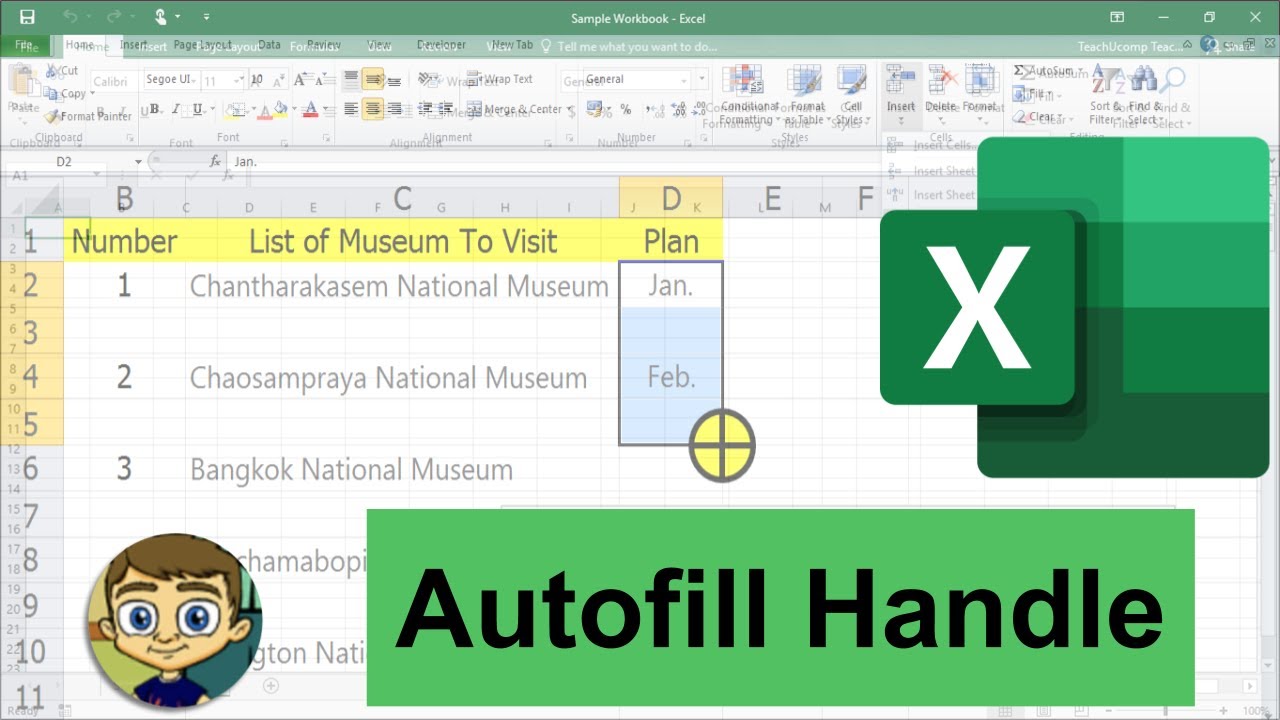
Excel's AutoFill Handle in Depth
video description
Date: 2022-04-08
Related videos


Comments and reviews: 5
Paul
I'm sorry but this is not correct. Days and Months are not logicaly incremented because they are time related, but because these are predefined text series that Excel knows. It's just plain text, and you can create your own series. You can find the predefined series well hidden in Excel Options > Advanced Options > General (almost at the bottom) > Modify Personalized Lists (not sure of the exact wording in English, sorry). You'll see that series for days in the week and months are there, with variation for abbreviated forms. If you want to create your own list that will be available to all new documents you create on that computer, that's the place. If you want to have the list of the American States at hand to autofill, for instance, just do it there. I also use the example of the radiophony alphabet (Alpha, Bravo, Charlie, Delta, ... , Yankee, Zulu) or zodiac signs, why not? Also, if you want numeric series (whole numbers) to be incremented by one unit, just use SHIFT while click and dragging from the first entry. Using the autofill handle to the left or up will decrement the values. If you want to decrement from top to bottom or left to right, you need to start with a pattern, though (10, 9, ... and 2 is enough). Excel isn't that smart: you can not start with the first primes and hope that Excel will autofill the next ones, but if you know the way to make a Fibonacci suite, you can do it with autofill. Fun to show to students.
reply
I'm sorry but this is not correct. Days and Months are not logicaly incremented because they are time related, but because these are predefined text series that Excel knows. It's just plain text, and you can create your own series. You can find the predefined series well hidden in Excel Options > Advanced Options > General (almost at the bottom) > Modify Personalized Lists (not sure of the exact wording in English, sorry). You'll see that series for days in the week and months are there, with variation for abbreviated forms. If you want to create your own list that will be available to all new documents you create on that computer, that's the place. If you want to have the list of the American States at hand to autofill, for instance, just do it there. I also use the example of the radiophony alphabet (Alpha, Bravo, Charlie, Delta, ... , Yankee, Zulu) or zodiac signs, why not? Also, if you want numeric series (whole numbers) to be incremented by one unit, just use SHIFT while click and dragging from the first entry. Using the autofill handle to the left or up will decrement the values. If you want to decrement from top to bottom or left to right, you need to start with a pattern, though (10, 9, ... and 2 is enough). Excel isn't that smart: you can not start with the first primes and hope that Excel will autofill the next ones, but if you know the way to make a Fibonacci suite, you can do it with autofill. Fun to show to students.
reply
videoto
Thank you for providing useful tips for using Excel. I-m looking for a solution for my Auto fill handle. The problem is that the solid black cross doesn-t easily appear when I hover over the green box. It takes slow and precise pointing to get it to appear. If you know the solution for this I would greatly appreciated. Thanks again for your Excel tutorials; you-ve been lots of help already.
reply
Thank you for providing useful tips for using Excel. I-m looking for a solution for my Auto fill handle. The problem is that the solid black cross doesn-t easily appear when I hover over the green box. It takes slow and precise pointing to get it to appear. If you know the solution for this I would greatly appreciated. Thanks again for your Excel tutorials; you-ve been lots of help already.
reply
Bob
Good job on this valuable shortcut. It may also have been valuable to transition into creating custom lists, as Excel does a great of auto-filling such things as lists of employees, a list of counties, area codes, inventory ID numbers, etc,
reply
Good job on this valuable shortcut. It may also have been valuable to transition into creating custom lists, as Excel does a great of auto-filling such things as lists of employees, a list of counties, area codes, inventory ID numbers, etc,
reply
Karen
Hi... I am new to excel, but I have some columns that will populate some with the same number and others to automatically go in sequence. how do I make them all the same (I want to keep the same number)
reply
Hi... I am new to excel, but I have some columns that will populate some with the same number and others to automatically go in sequence. how do I make them all the same (I want to keep the same number)
reply
Jennifer
1. How to resolve when Excel doesn't Figure it out that we want month-to-month,etc.?
2. Autofill options little icon doesn't show, how to fix it?
reply
1. How to resolve when Excel doesn't Figure it out that we want month-to-month,etc.?
2. Autofill options little icon doesn't show, how to fix it?
reply
Add a review, comment
Other channel videos