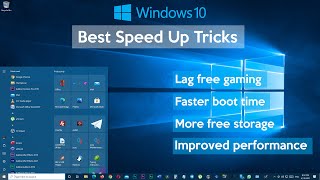
How to Speed Up Your Windows 10 Performance (Best Settings Ever)
FBTwitterReddit
video description
Rating: 4.5; Vote: 2
This video shows you, how to speed up your Windows 10 computer to increase your productivity and gaming experience. This method is free and you don't require any third-party programs to achieve the same result. It will make your windows 10 computer more responsive, better performance, better boot time, and much better gaming performance.
Alen: And also no matter how much you try to speed up win 10 or any other OS. You cant simply. It depends on hardware. Latest version can run snappy with or without SSD and minimum 8 GB and quad core processor if you are gamer.
So don't try to do impossible. You can get custom OS version (lite) but its lite for a reason. You will cry after few days because certain features are removed.
So its better to use latest one from microsoft official. Or install some Linux distro if you are not serious user. It can improve performance on older hardware. Microsoft is working every new version for adjusting ram memory and services so its improving a lot. Date: 2021-04-20