In this tutorial you will learn how to turn off Hotmail Skydrive.
In this tutorial you will learn how to turn off Hotmail Skydrive.
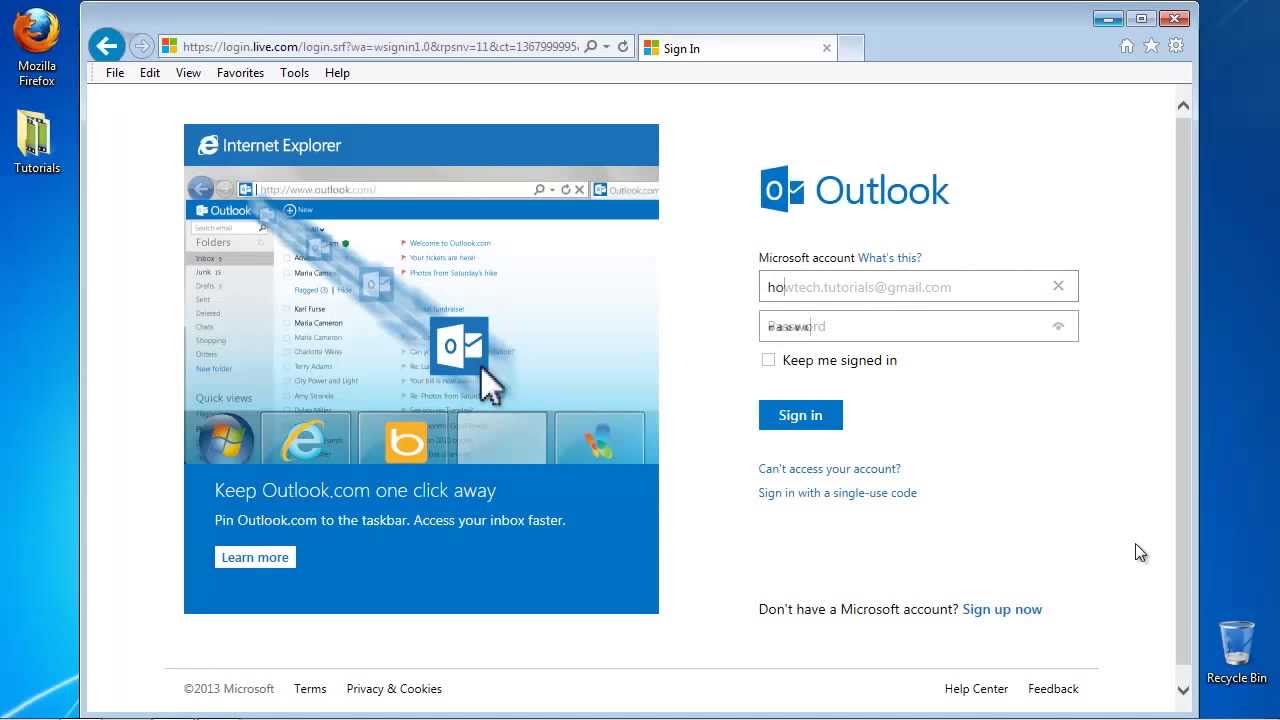
Step 1. Open up a new window, and log in to Hotmail. com, which today is just the web interface of Outlook.
Step 2. Click the New sign to create a new email.
Step 3. Start writing it. Click attach file to create an attachment.
Step 4. The files gets loaded into your message. Under your file you see now two new options.
Click on Send files using SkyDrive, which is the default method. Then click again on Send files as attachments.
You can send the message anytime you want.
Result: Congratulations, you have disabled SkyDrive attachment storage in your Hotmail account Date: 2023-07-08