VehiclesFashionRecipesBlogsHuntTravelsSportFunHandmadeITEducation
Mini-Games
x

x
zakruti.com » IT - Software » Geeks Tutorial
How to Insert Equations in Word 2016

How to Insert Equations in Word 2016

FBTwitterReddit

video description

Rating: 4.0; Vote: 1
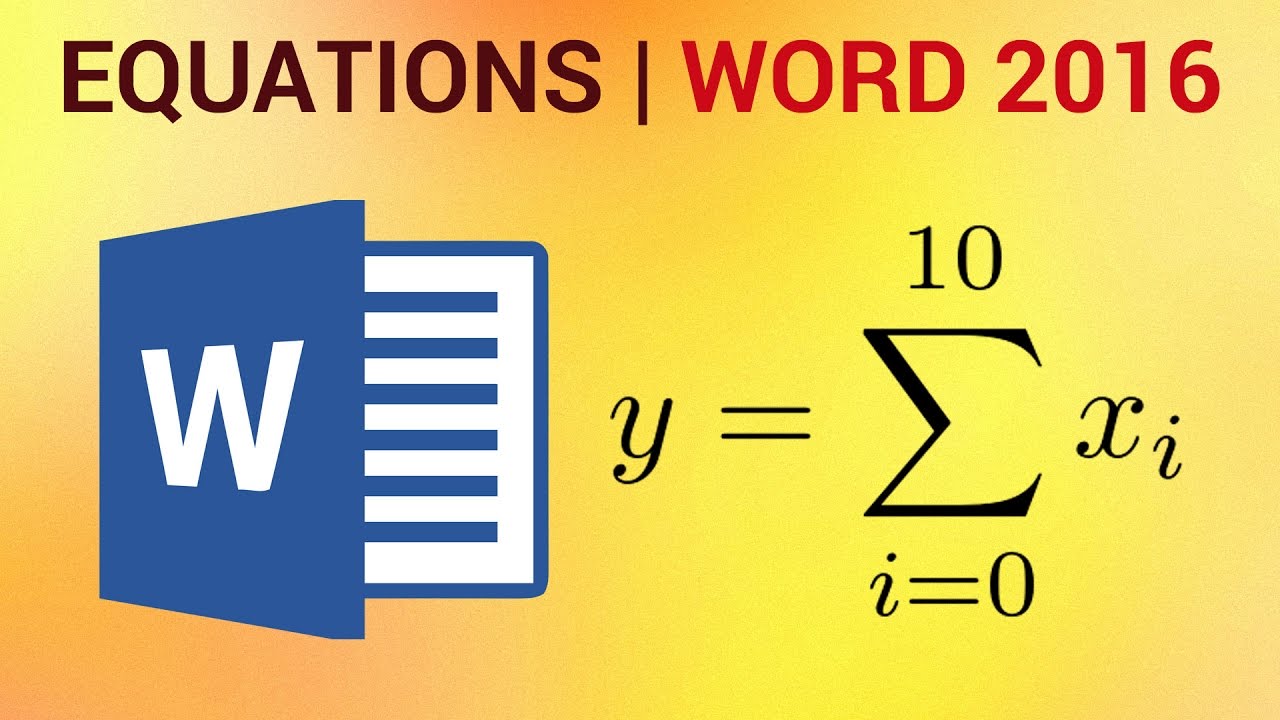
were going to show you how to create equations in Word 2016. Don't forget to check out our main channel for more free how-to videos! Join us on Facebook Our App To get started, go under the Insert tab, click either the Equations button to insert a new equation or the drop-down arrow for more options. You can also Ink an equation from this menu. Inking equations is a new feature that allows you to draw up an equation with a cursor. This feature is very helpful if a drawing tablet is handy. An interface as shown below should show up after inserting a new equation. You can also Ink an equation for a newly created equation if you decide to do so. This equation was done using a mouse. As you can see, Word 2016 correctly interpreted it. Here the finished equation is shown
Date: 2023-07-08

Comments and reviews: 2


I accidentally found out that Word does equations. I'm glad you had this video available to show me how to do it.
reply

hi i work with office 2013 but when insert equation some symbiol dont priting property what happen?
reply
Add a review, comment


Other channel videos