How to Calculate Percentage Increase or Decrease in Excel Calculate Percentage Change
FBTwitterReddit
video description
Rating: 4.0; Vote: 1
you will learn how to Calculate Percentage Increase and Decrease.
You can use Excel to calculate percentage increases or decreases to track your business results each month.
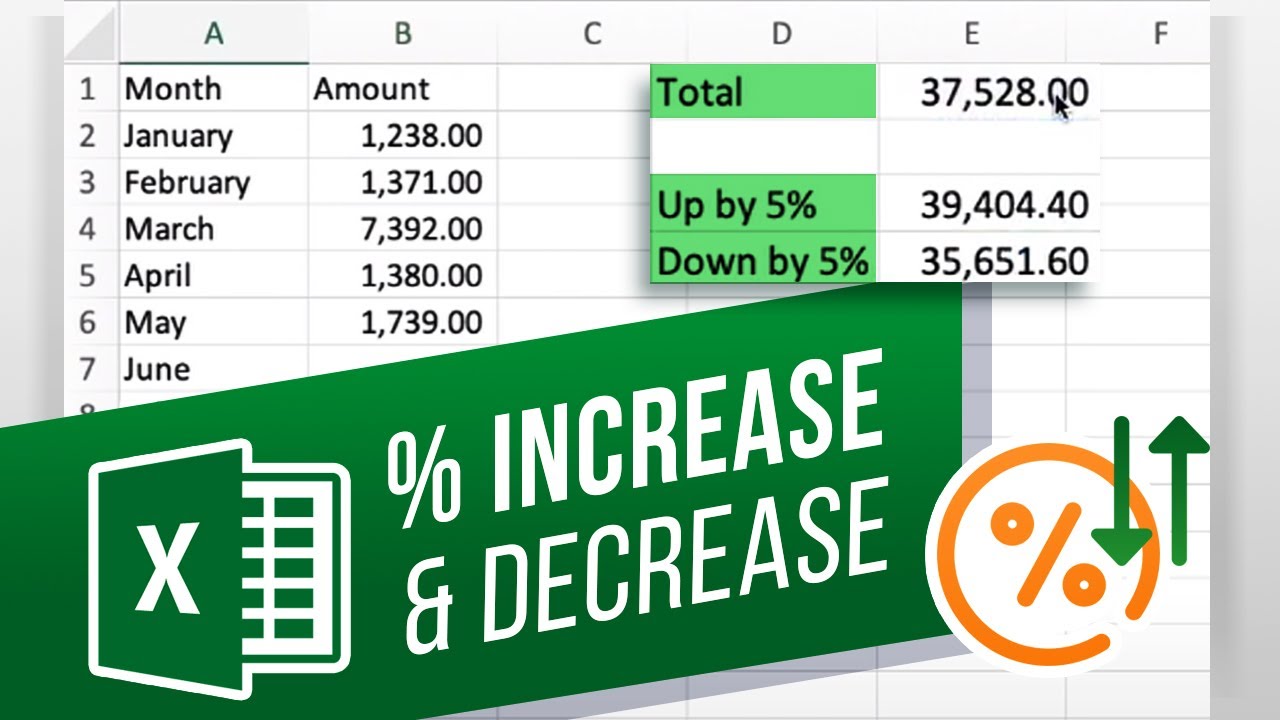
Lets first start by inputting our initial data. Well be using monthly expenses for this example. Lets say you anticipate that next years costs will be 5% higher, so you want to see what they are.
Below the cells, in the first cell type the name of the calculation: Up by 5%. This is only for reading purposes so this text can be anything youd like. Now to the actual calculation. In the cell next to it type = the total cell 105% and press enter. Thats the result of 5% growth.
For the decrease formula, all you need to do is the opposite of adding the 5% to 100. The formula then will be 95%. Press enter when done.
As you can tell Excel makes your life a lot easier when it comes to percentages!
What other tutorials would you like us to make? Date: 2023-07-08