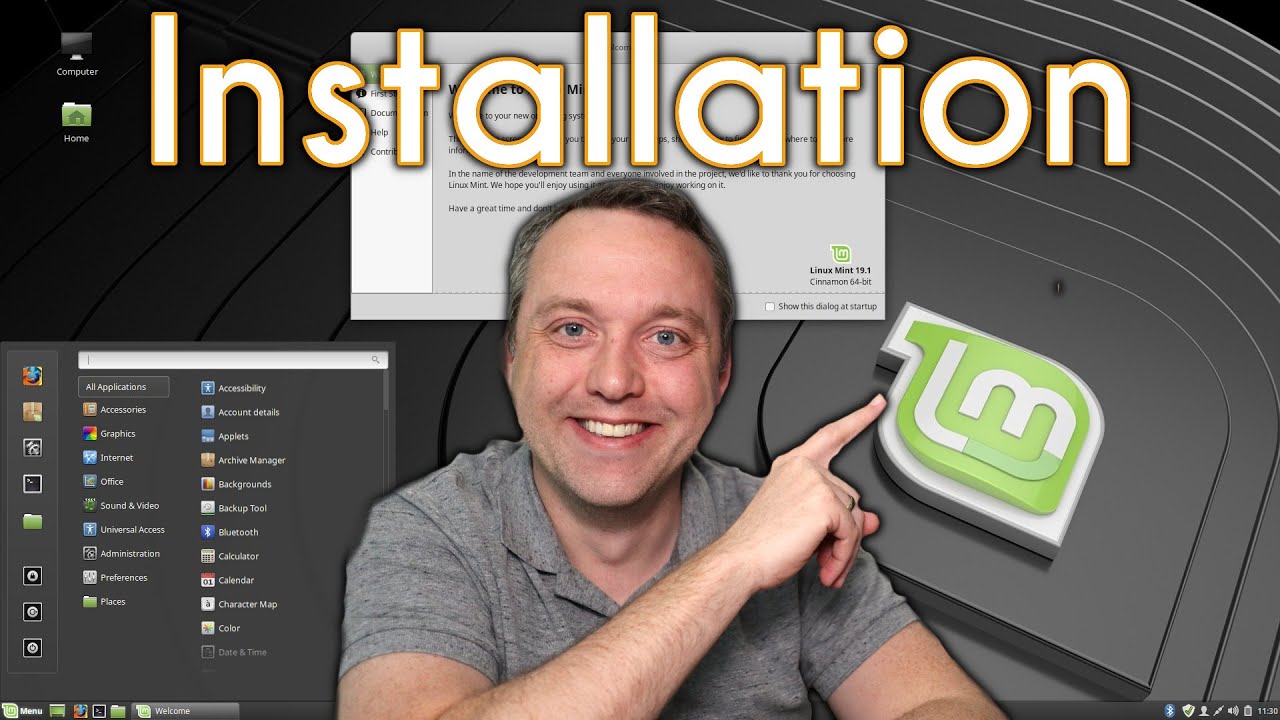
Windows 10 to Linux Mint - Installation - Chris Titus Tech
video description
Date: 2022-03-21
Related videos


Comments and reviews: 10
Antiquity
I have been using Linux Mint for some time and quite like it. In the v20.1 the printer is already set up after installation. This was good to see as in the past printers was always a problem in Linux. At first seemed OK but then I discovered I could not print a legal size paper. It looked fine in print preview but actually only prints as if the page is letter size. I have set everything every where and nothing fixes it. Linux Manjaro is the same. Printer is HP CP1025nw. Just tried Fedora 34 and would not print at all! Not even the built in test page. In fact it crashed Fedora 34 3 times. Printers have always been a weak part of Linux for decades. It's about time they got it right. If you can't print, the O/S is of little use. This is not the only printer I have had trouble with. By the way, although I would rather use Linux, Windows has no trouble with this or other printers so I'm stuck with Windows until this situation is fixed.
reply
I have been using Linux Mint for some time and quite like it. In the v20.1 the printer is already set up after installation. This was good to see as in the past printers was always a problem in Linux. At first seemed OK but then I discovered I could not print a legal size paper. It looked fine in print preview but actually only prints as if the page is letter size. I have set everything every where and nothing fixes it. Linux Manjaro is the same. Printer is HP CP1025nw. Just tried Fedora 34 and would not print at all! Not even the built in test page. In fact it crashed Fedora 34 3 times. Printers have always been a weak part of Linux for decades. It's about time they got it right. If you can't print, the O/S is of little use. This is not the only printer I have had trouble with. By the way, although I would rather use Linux, Windows has no trouble with this or other printers so I'm stuck with Windows until this situation is fixed.
reply
Anna
Thank you for making this video. Unfortunately I didn't managed to change from Windows 10 to Linux Mint. You used 3 min I over 3 hours :( I were ending up with black screen and little white line in top left corner. I tried other videos, Rufus etcher, F9 button (have pretty new HP laptop), deleting and starting over, POP... Maybe it has something to do with it that there is no mirrors in Norway and I used first Kent in UK, then one in Poland... Now USB device doesn't show anymore. :( There were some distraction going on so maybe it wasn't finish downloading What to do? I don't use twitter.
reply
Thank you for making this video. Unfortunately I didn't managed to change from Windows 10 to Linux Mint. You used 3 min I over 3 hours :( I were ending up with black screen and little white line in top left corner. I tried other videos, Rufus etcher, F9 button (have pretty new HP laptop), deleting and starting over, POP... Maybe it has something to do with it that there is no mirrors in Norway and I used first Kent in UK, then one in Poland... Now USB device doesn't show anymore. :( There were some distraction going on so maybe it wasn't finish downloading What to do? I don't use twitter.
reply
Tyler
Based on the video and recommendations for a beginner distro, I-m looking to Linux Mint as an option to bring back to life an old Surface Pro 3 I have. I-m running into an issue, however- During the update manager portion of the video, I-ve tried to go through and update my mirrors only to find it errors out and tells me to check my internet connection. When I check under at the details, it keeps mentioning changing of suite values and keeps saying the repositories are now -oldstable-updates-. Is there something I-m doing wrong?
reply
Based on the video and recommendations for a beginner distro, I-m looking to Linux Mint as an option to bring back to life an old Surface Pro 3 I have. I-m running into an issue, however- During the update manager portion of the video, I-ve tried to go through and update my mirrors only to find it errors out and tells me to check my internet connection. When I check under at the details, it keeps mentioning changing of suite values and keeps saying the repositories are now -oldstable-updates-. Is there something I-m doing wrong?
reply
Discrete
When I installed linux mint, it broke me and my laptop real good. After that I payed a technician to fix it. Now it only have one bug, it won't boot without AC power. Even though it has been a big low in my experience, I really do enjoy using linux. No one commands me what to do with my computer, if I feel like updating I update it, if I feel like changing the theme I change it. But I would like to fix that booting problem, some forums say it might be a bios issue, I really don't know what cause is. Any ideas?
reply
When I installed linux mint, it broke me and my laptop real good. After that I payed a technician to fix it. Now it only have one bug, it won't boot without AC power. Even though it has been a big low in my experience, I really do enjoy using linux. No one commands me what to do with my computer, if I feel like updating I update it, if I feel like changing the theme I change it. But I would like to fix that booting problem, some forums say it might be a bios issue, I really don't know what cause is. Any ideas?
reply
Alex
Hey Chris I kinda need some help with installing linux mint cinnamon version
Basically I just get to the bios then choose the flash drive with Linux but then the screen goes black and it crashes I've literally spent 5 hours trying to fix and it is getting exhausting. I just want to run the os I prefer but it doesn't work
I don't have an invidia graphic card and my pc is strong enough to handle Linux
reply
Hey Chris I kinda need some help with installing linux mint cinnamon version
Basically I just get to the bios then choose the flash drive with Linux but then the screen goes black and it crashes I've literally spent 5 hours trying to fix and it is getting exhausting. I just want to run the os I prefer but it doesn't work
I don't have an invidia graphic card and my pc is strong enough to handle Linux
reply
NO5X
I've got a 6 year old lenovo Windows 10 OS which had a virus that corrupted the hard drive. It won't boot up in windows but the bios is working. And I downloaded a Linux Mint 20 on a usb drive that I want to boot up on this old machine. But before installing Linux Mint 20 on this old machine, I want to reformat and test the hard drive. Is that possible from the usb drive containing the linux mint 20 iso?
reply
I've got a 6 year old lenovo Windows 10 OS which had a virus that corrupted the hard drive. It won't boot up in windows but the bios is working. And I downloaded a Linux Mint 20 on a usb drive that I want to boot up on this old machine. But before installing Linux Mint 20 on this old machine, I want to reformat and test the hard drive. Is that possible from the usb drive containing the linux mint 20 iso?
reply
Sensei
I have followed this video, and I'm moving from windows 10 to mint, and the first boot went fine, but when I waited the 10 minutes Installing mint on my computer, when I remove the thumb drive, it says no os detected, or something like that. I have a few more things to try, but this problem made this already kinda complicated video even more complicated.
reply
I have followed this video, and I'm moving from windows 10 to mint, and the first boot went fine, but when I waited the 10 minutes Installing mint on my computer, when I remove the thumb drive, it says no os detected, or something like that. I have a few more things to try, but this problem made this already kinda complicated video even more complicated.
reply
Chris
Timestamps to jump to specific parts:
00:00 Introduction
00:48 Downloads of Mint and Etcher
01:35 Making USB Device
02:20 Initial Boot of USB Device
04:55 Disk Partitioning
07:52 First Boot after Install
09:00 Update Manager in Linux Mint
12:07 Software Center for Installing Programs
13:30 System Settings
reply
Timestamps to jump to specific parts:
00:00 Introduction
00:48 Downloads of Mint and Etcher
01:35 Making USB Device
02:20 Initial Boot of USB Device
04:55 Disk Partitioning
07:52 First Boot after Install
09:00 Update Manager in Linux Mint
12:07 Software Center for Installing Programs
13:30 System Settings
reply
bob
so i tried the etcher and the zip will not open and i tried the 19.3 and i get download failed. i have 19.3 on the pc now and want to go to 20.1 and i can't on the machine so i figured booting and reinstalling would work. next step win10 that is far easier. thanks
reply
so i tried the etcher and the zip will not open and i tried the 19.3 and i get download failed. i have 19.3 on the pc now and want to go to 20.1 and i can't on the machine so i figured booting and reinstalling would work. next step win10 that is far easier. thanks
reply
Groundhog
Hey guys lemme show ya how to get from Win10 to Linux! Okay so first start up your Linux machine and use that to dl Linux on a pendrive, then, in Linux, use your Linux app to prepare your Linux flash, oh boy, I sure love Linux... what? Windows? What-s that?
reply
Hey guys lemme show ya how to get from Win10 to Linux! Okay so first start up your Linux machine and use that to dl Linux on a pendrive, then, in Linux, use your Linux app to prepare your Linux flash, oh boy, I sure love Linux... what? Windows? What-s that?
reply
Add a review, comment
Other channel videos