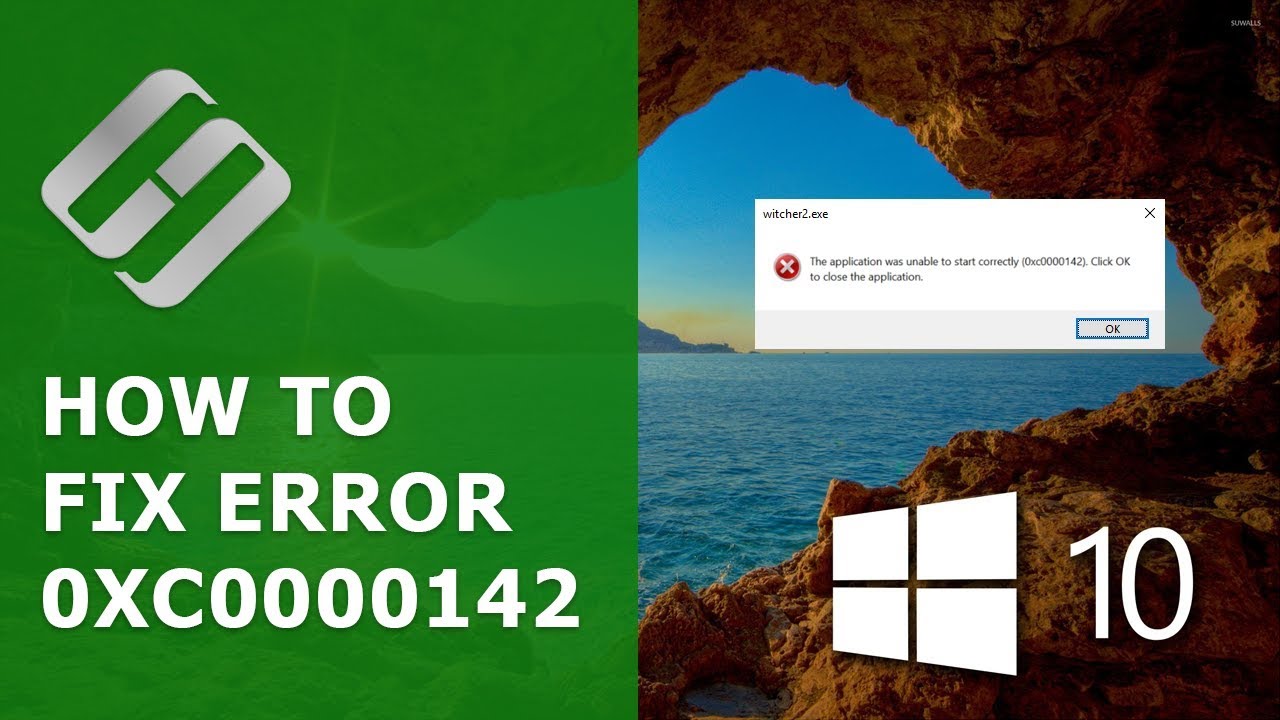
How to Fix Error 0xc0000142 When Starting a Game or Application in Windows 10 - Hetman Software
FBTwitterReddit
video description
Rating: 4.0; Vote: 1
How to Fix Error 0xc0000142 When Starting a Game or Application in Windows 10 - Hetman Software
Watch how to fix this error 0xc0000142 which appears when starting a game or another application in Windows 10 operating system. Many people have chosen Windows 10 operating system. It is especially valued for its simple and easy
If one day you see this error 0xc0000142 on the screen of your computer, let-s try and find out how to fix it and get your computer working properly again.
Content Date: 2022-03-28