How to Boot Directly To Desktop and Bypass Start Screen in Windows 8.1 - The Teacher
FBTwitterReddit
video description
Rating: 4.0; Vote: 1
How to Boot Directly To Desktop and Bypass Start Screen in Windows 8.1 - The Teacher
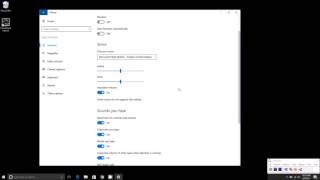
In this Windows 8.1 Tutorial video, you will learn that how to boot directly to desktop instead of Start Screen. You can change the Navigation settings to force Windows to show Desktop instead of Start Screen when you login to your user account. This feature was not available in Windows 8. But with many other improvements, Microsoft also added this feature, so you may have a choice, either you want to see the start screen or desktop after login into Windows.
Subscribe Us - http://www.youtube.com/theteacher
Circle Us - http://www.google.com/+theteacher
Visit Us - http://www.theteacherpoint.blogspot.com
Follow Us - http://www.facebook.com/bemyteacher Date: 2022-03-31