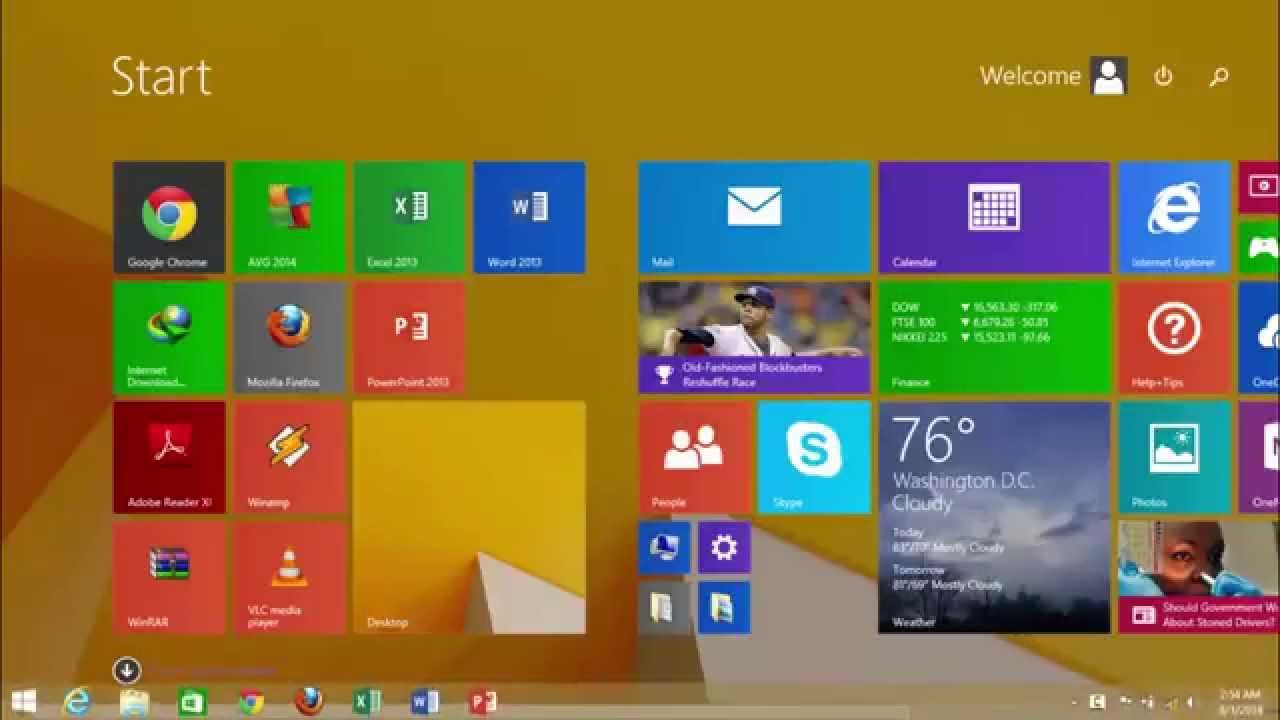
How to Show Taskbar on Start Screen in Windows 8.1 The Teacher
FBTwitterReddit
video description
Rating: 4.0; Vote: 1
How to Show Taskbar on Start Screen in Windows 8.1 The Teacher
In Windows 8.1, a lot of Start Menu Customization options has been added as compare to Windows 8. One more new feature that you will like in Windows 8.1 - Update 1 is the Taskbar appearance. Now, you can access the Taskbar anywhere while working in Windows. Just move your mouse pointer to the bottom corner of the screen. You can also disable this feature, if you no longer want the Taskbar to appear everywhere Date: 2022-03-31