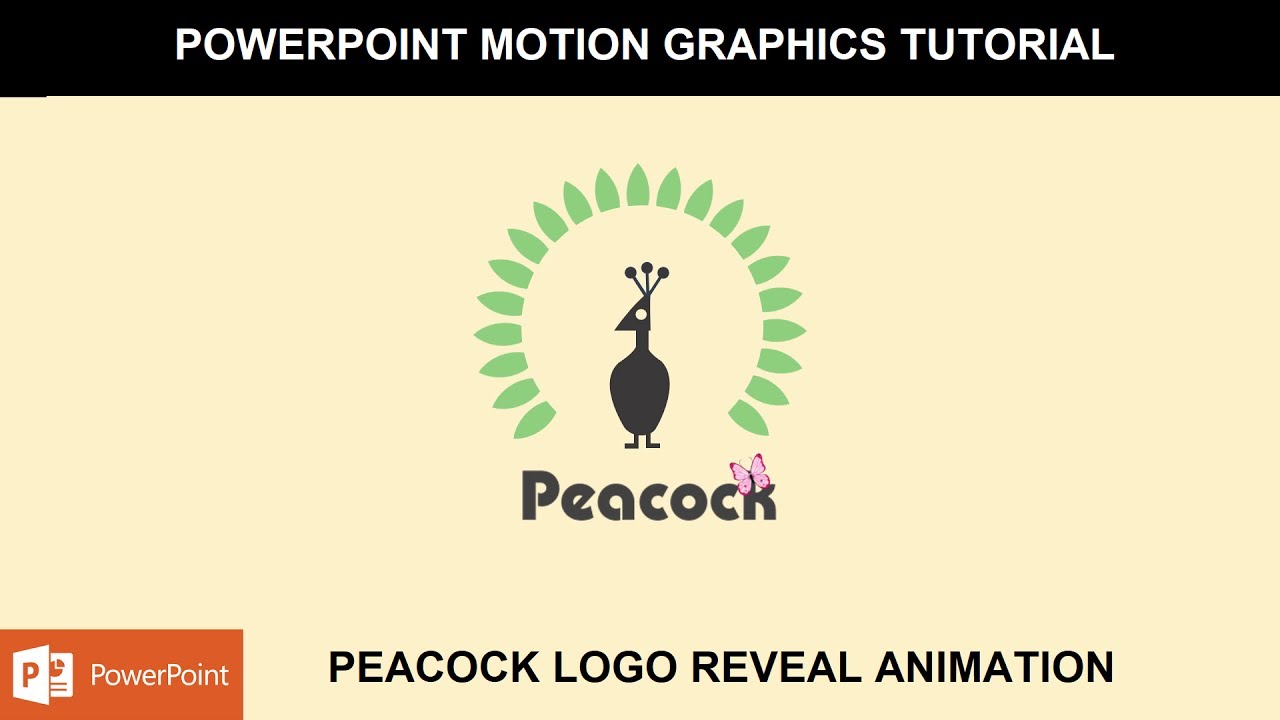
Peacock Logo Reveal Animation in PowerPoint The Teacher
FBTwitterReddit
video description
Rating: 4.0; Vote: 1
Peacock Logo Reveal Animation in PowerPoint The Teacher
A simple Peacock Logo Reveal Animation in PowerPoint tutorial, where we are again using Custom Anchor Points for the Wing effect. We used SPIN, Grow / Shrink, Fade In, Motion Paths and Basiz Zoom animation effects.
- Learn More & Download the Peacock Logo Reveal Animation PowerPoint Presentation -
https://www.theteacherpoint.com/peacock-logo-reveal-animation-in-powerpoint/
- About the Peacock Logo Reveak Animation:
The spin effect has been used on the wing with 13-degree further rotation in 5 seconds. A total of 20 wing style objects has been used by adding 13 Degree rotation in each of the wings starting from the 2nd one. Like, on the 2nd leaf 13-degree rotation and then for the 3rd leaf 26 Degree rotation and so on.
To spin the wings perfectly around the peacock, they all have been placed inside a hollow and then we hide the hollow using No Fill and No Line options.
- To learn about the Butterfly effect, you can watch the following video :
https://www.youtube.com/edit?o=U&video_id=2pJr8EfWkE0
The: Not much has been done in this tutorial but beginners can still learn a lot from this tutorial. Share your valuable comments. - Date: 2022-03-31