How to Use Camtasia Studio For Beginners - Screen Recording - Lesson 2 - The Teacher
FBTwitterReddit
video description
Rating: 4.0; Vote: 1
How to Use Camtasia Studio For Beginners - Screen Recording - Lesson 2 - The Teacher
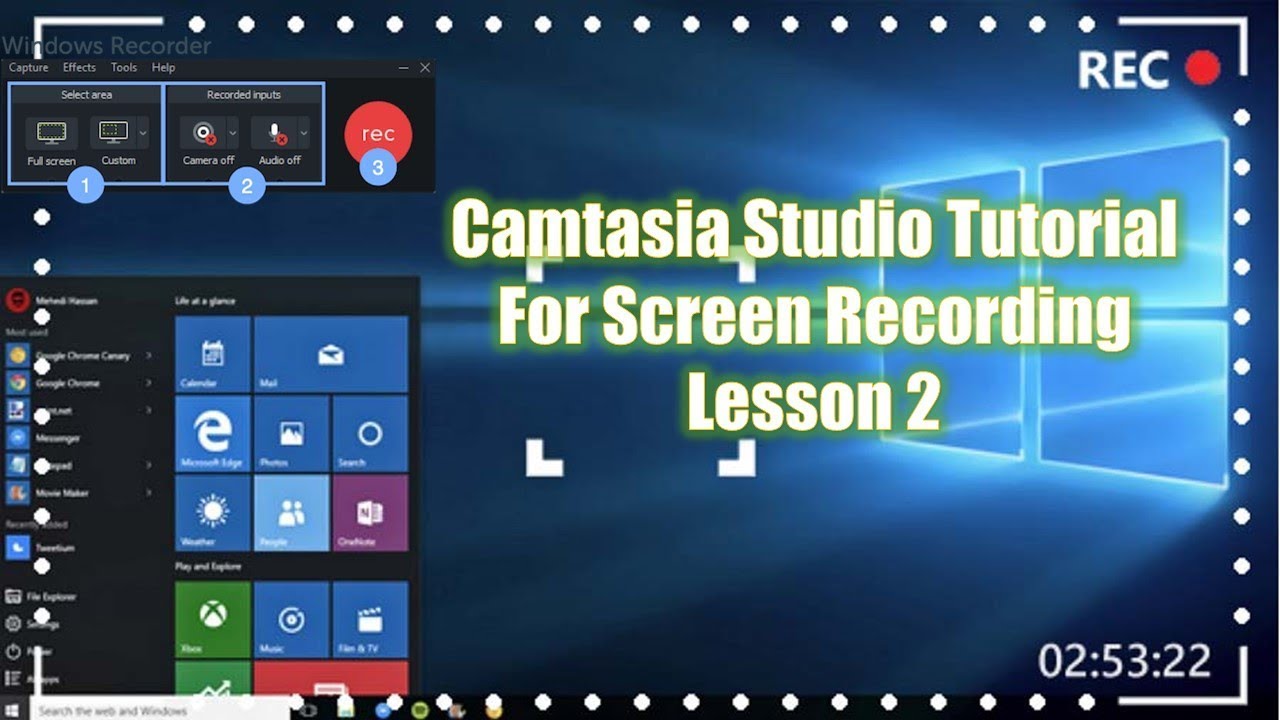
This is our second video on the How to Record Screen tutorial series using Camtasia Studio and Camtasia Recorder and make a perfect video. You can watch this series especially if you are interested in making Tutorials and Gaming videos.
- Recommended Videos
Introduction to Camtasia Studio and Camtasia Recorder - Lesson 1
https://youtu.be/rE32a8bUnMo
About the video:
1. We will first talk about a few more basic commands of Customizing the Recording Screen using the Camtasia Recorder and we will also look for a few Basic Customization Options of the recorder.
2. Next, we will look into, that How To Import that Screen Recording in Camtasia Studio.
3. A bit of information about the Timeline and how to move your media to the Timeline.
4. How to Move, Resize and Crop the Media in Preview window.
5. How to Crop the unnecessary part from your screen recording.
6. How to Save the Camtasia Project File and the difference between the Recorder and Studio file association.
This is our second video on the How to Record Screen tutorial series using Camtasia Studio and Camtasia Recorder and make a perfect video. You can watch this series especially if you are interested in making Tutorials and Gaming videos.
- Download 30 Day Free Trial of Camtasia Studio (Best of Educational Purposes)
https://www.techsmith.com/download/camtasia/
- Recommend Playlists:
- How To Record Computer Screen Tutorial Series Playlist
https://youtube.com/playlist?list=PLwBNdcufIBPvp8WBj6KTierYfFRBGGh8A
Support Us - www.patreon.com/TheTeacher
Subscribe Us - www.youtube.com/TheTeacher
Circle Us - www.google.com/+TheTeacher
Like Us - www.facebook.com/BeMyTeacher Date: 2022-03-31