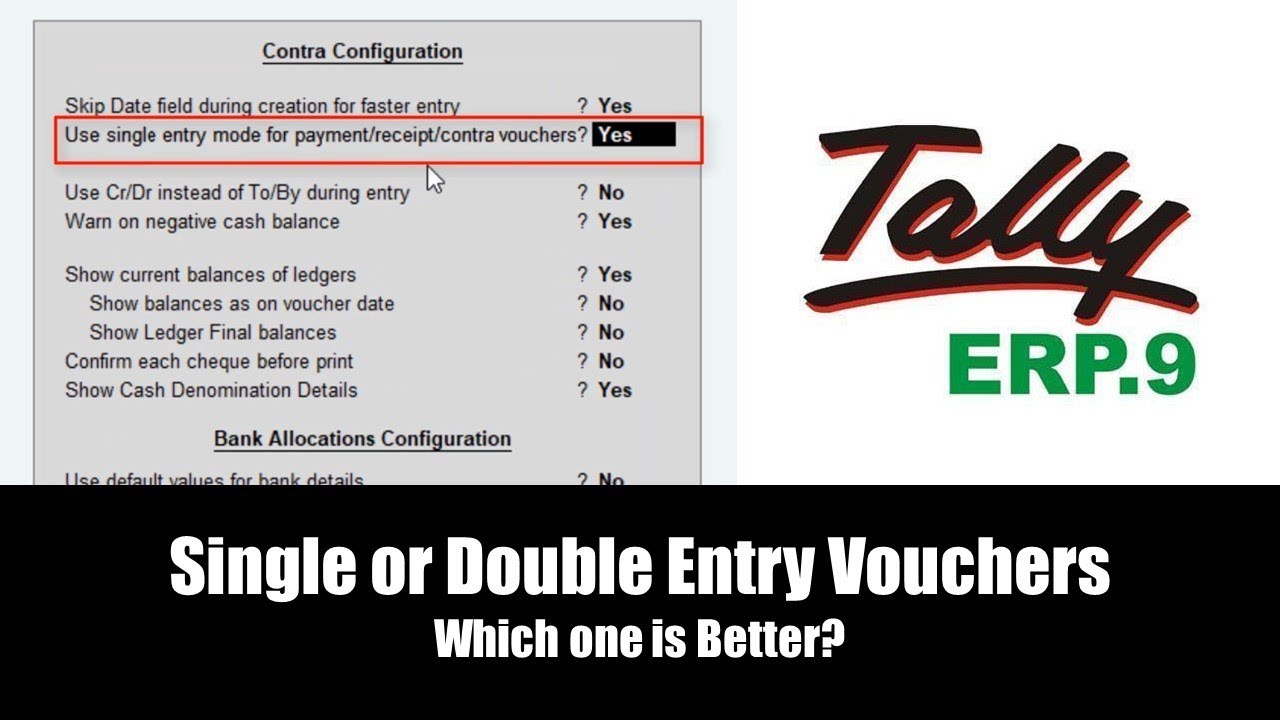
Single or Double Entry Vouchers in Tally ERP 9 Lesson 6 - The Teacher
FBTwitterReddit
video description
Rating: 4.0; Vote: 1
Single or Double Entry Vouchers in Tally ERP 9 Lesson 6 - The Teacher
In this Tally ERP 9 Tutorial video, you will learn to configure the Single or Double Entry Vouchers system. We will discuss this topic in detail to let you know the difference between both of them, which will help you to decide which one is good for your accounting work.
- More About Single or Double Entry Vouchers in Tally
During a voucher entry in Contra / Payment / Receipt voucher, if you press F12 Key for Voucher Configuration then you can see that option in the second line Single Voucher Entry Mode (For Contra / Payment / Receipt) and this option only works with these 3 voucher types. Sales (F8) and Purchase (F9) can either be filled as a Voucher or Invoice. Journal (F7) is by default works as a Double Entry Voucher.
You will also learn to Configure the Voucher Date Entry feature, which will let you enter a date as the very first field while entering a voucher because by default Tally never asks you to enter the voucher date first and you have to press the F2 key to change the date.
Lastly, we will also learn to disable Bank Allocation details during a Bank Voucher Entry Date: 2022-03-31