SeaBird Animation in PowerPoint Tutorial using Morph Transition - The Teacher
FBTwitterReddit
video description
Rating: 4.0; Vote: 1
SeaBird Animation in PowerPoint Tutorial using Morph Transition - The Teacher
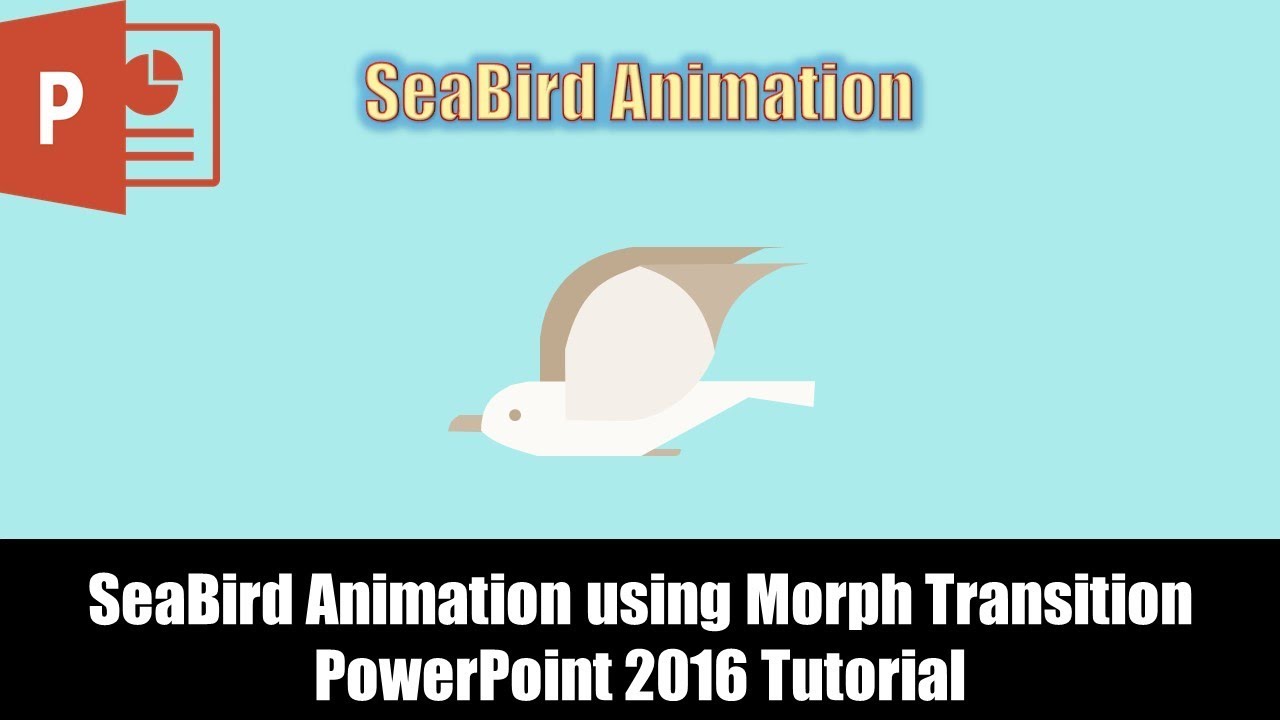
In this tutorial video, we will learn to use the Morph Transition to create the SeaBird Animation in PowerPoint.
- Learn More and Download the SeaBird Animation PowerPoint Presentation (PPT) -
https://www.theteacherpoint.com/seabird-animation-in-powerpoint-tutorial/
This animation has been created using 3 slides only and without applying any PowerPoint animation effects. We will use the Morph Transition from the Transitions tab with different slide duration.
The Sea-Bird has been created using the Shape Tools and to flip the wings of the bird downward you need to note down the size of the wing first.
- You might need Office 365 Subscription for Morph Transition.
- Original Animation Inspiration From:
https://dribbble.com/shots/2101659-Seabird-Animation
- Recommended Videos or Playlists:
How to Use Shape Tools in Microsoft PowerPoint Playlist
https://www.youtube.com/playlist?list=PLwBNdcufIBPvdIzQxNeLAzftSKwauEtt4
Stuart: Thank you - but I dont think Morph is available in PowerPoint 2016. Your icons make me think you are using either PowerPoint 365 or PowerPoint 2019 Date: 2022-03-31