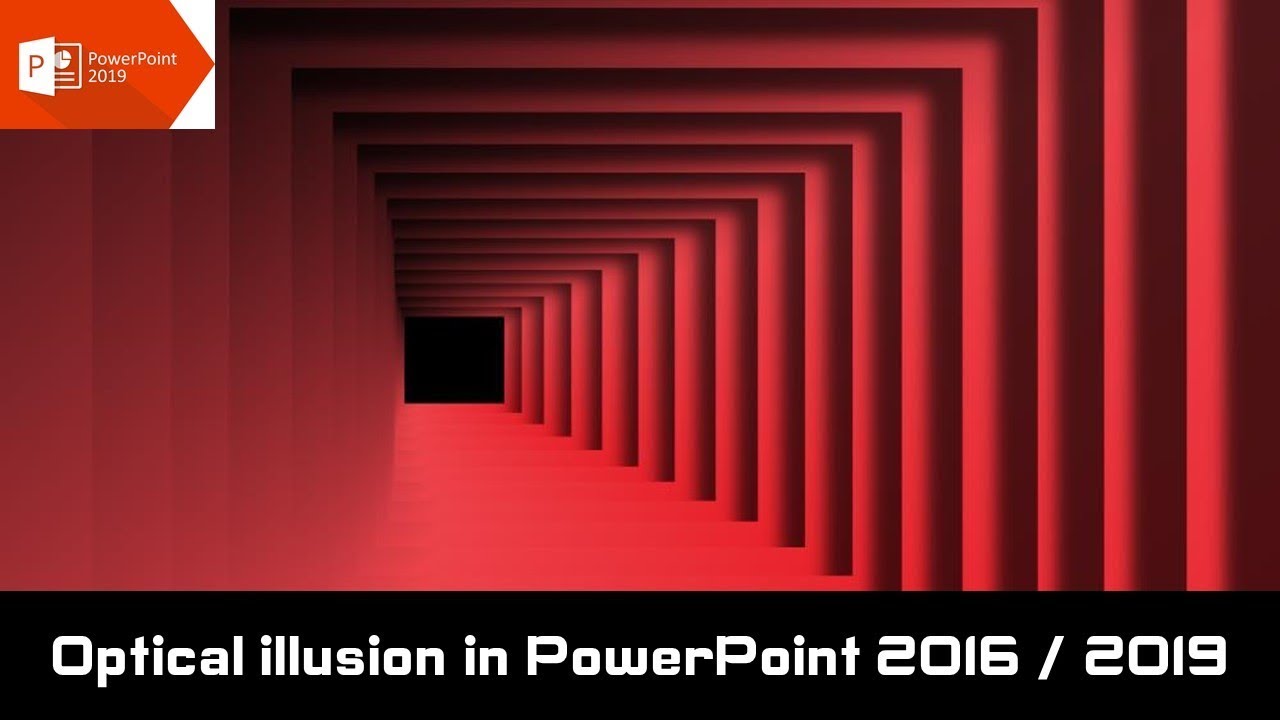
Optical illusion Animated Background in PowerPoint The Teacher
FBTwitterReddit
video description
Rating: 4.0; Vote: 1
Optical illusion Animated Background in PowerPoint The Teacher
A simple Optical illusion animation tutorial in PowerPoint 2016 can be used as Animated Backgrounds for other videos. The tutorial is not just about moving shapes but you will also learn to use Selection Pane with Animation Painter efficiently.
- Learn More and Download the Presentation (PPT):
https://www.theteacherpoint.com/animated-backgrounds-in-powerpoint/
- About the Optical illusion Animation
Only 2 Motion Paths (Left and Right) have been used on the first Frame object and the same animations have been replicated on the rest of the objects with the help of Selection Pane and Animation Painter. After that Delay Timing has been added.
On the first slide, the animations are Repeating Until End of the Slide whereas on the second slide only one loop has been created. Take care of the Transition timings while exporting the presentation into a video.
- Recommended Videos
How to use Selection Pane in Word / Excel / PowerPoint - Microsoft Office 2016 Tutorial
http://www.youtube.com/watch?v=rOPyQw2LDBA
How to use Animation Painter in PowerPoint
https://youtu.be/N5LreRCpg2Y
Up: Hi Sir, I face a problem. I wish to make an animation like this: a background turns into thousands of tiles. The the tiles flip to the back to reveal photos. Does this animation work in powerpoint? How to make it flip? I cant figure it out... Date: 2022-03-31