Change Object Size Without Losing Animation in PowerPoint The Teacher
FBTwitterReddit
video description
Rating: 4.0; Vote: 1
Change Object Size Without Losing Animation in PowerPoint The Teacher
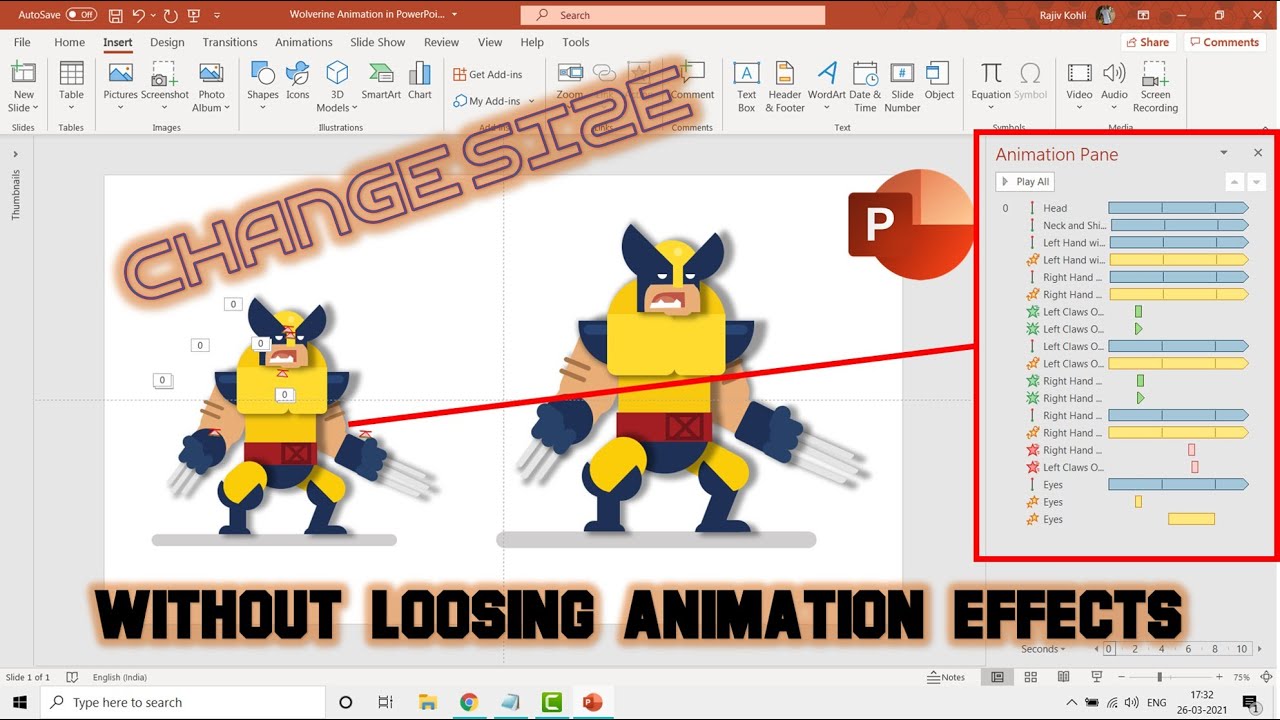
The only way in PowerPoint to Change Object Size Without Losing Animation Effects is to replicate all the objects then make a group of them; change the size, and then ungroup them. Later, use the Animation Painter to replicate the effects from old layers to the new replicated layers with size changing.
As you might know that PowerPoint doesn't support different animation effects on grouped objects, so later if you decide to change the size of an animated character that you draw using separate shape layers then you probably can't do that without losing the animation effects.
Making a group of those objects who already have separate animation effects applied to them will remove all the effects from the grouped layer Date: 2022-03-31