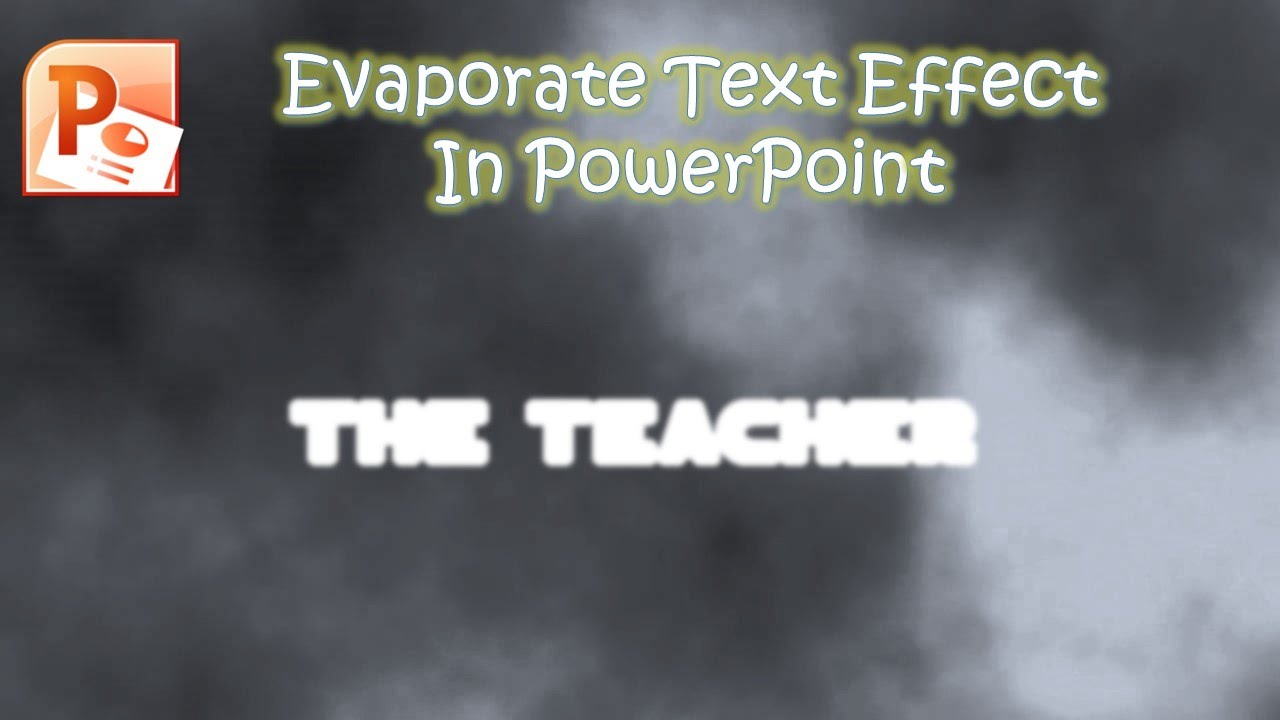
Evaporate Text Animation Effect in PowerPoint The Teacher
FBTwitterReddit
video description
Rating: 4.0; Vote: 1
Evaporate Text Animation Effect in PowerPoint The Teacher
In this short PowerPoint Tutorial, you will learn to create a simple Evaporate Text Animation Effect using Glow Effect.
- About the Evaporate Text Effect Animation Tutorial
We are using only the Glow Options that can be used for both the text and shapes. The idea is simple as we are using different Glow Sizes over the text on each of the slides.
For instance, on slide 1, we are having a Glow Size of 80 Points which is covering the entire text with evaporation. Then we duplicated the same slide and reduced the Glow Size to 78 Points. Repeating the same steps we created several slides where the text slowly gets more visible during the slideshow Date: 2022-03-31