How to Enable and Run the Missing Hyper-V Manager After Installing it in Windows 10 - OnlineComputerTips
FBTwitterReddit
video description
Rating: 4.0; Vote: 1
How to Enable and Run the Missing Hyper-V Manager After Installing it in Windows 10 - OnlineComputerTips
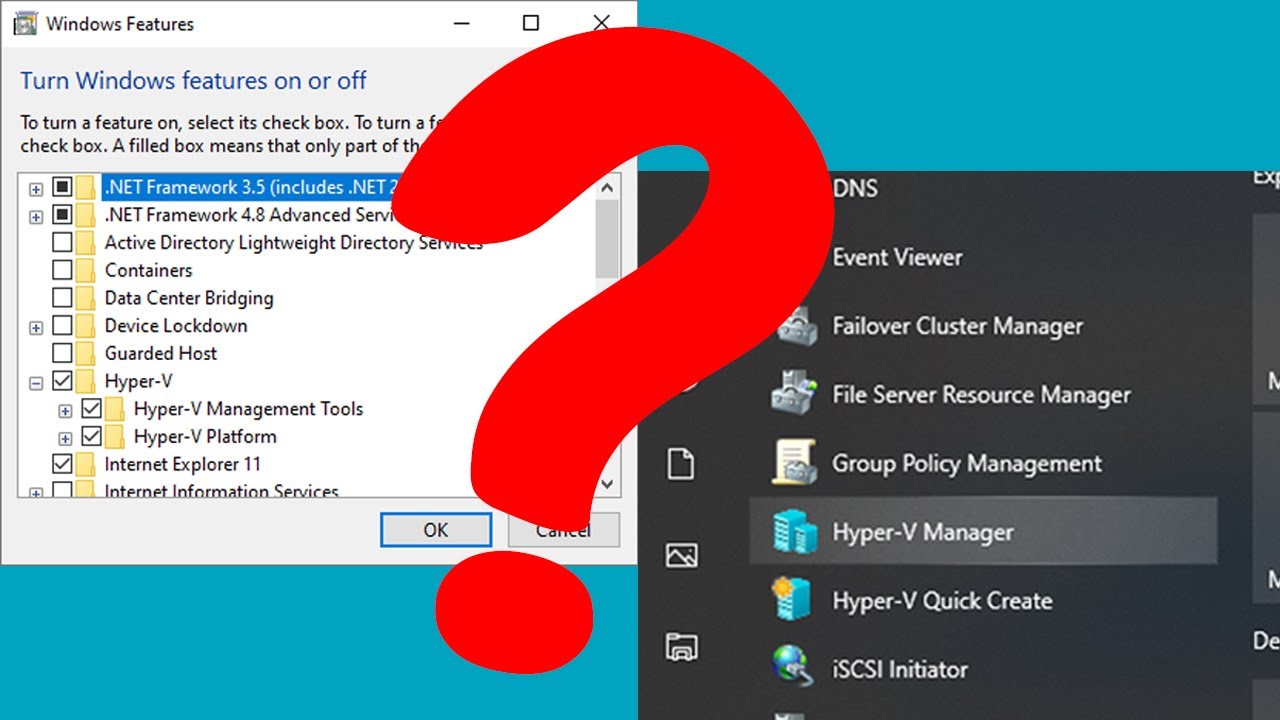
If you are running Windows 10 Professional, then you have the ability to enable the Microsoft Hyper-V virtualization tool on your computer so you can run virtual machines within your Windows 10 PC.
Many times you will find that even after you enable Hyper-V and reboot, the Hyper-V Manager tool is nowhere to be found, even if you search for it or try and add it with the MMC console.
One way to get around this is to download and install the Remote Server Administration Tools for Windows 10 and then you will find your Hyper-V Manager icon listed under Administrative Tools where it belongs. Here is a link to the download.
https://www.microsoft.com/en-us/download/details.aspx?id=45520
Ghost: It says this update is not applicable to your computer when I tried to install the administrative tool. Im using Windows 10 Home btw. Do I need to change to Windows 10 Pro in order to have hyper v, sir? Date: 2022-03-31