How to Convert a Physical Computer to a Microsoft Hyper-V Virtual Machine - OnlineComputerTips
FBTwitterReddit
video description
Rating: 4.0; Vote: 1
How to Convert a Physical Computer to a Microsoft Hyper-V Virtual Machine - OnlineComputerTips
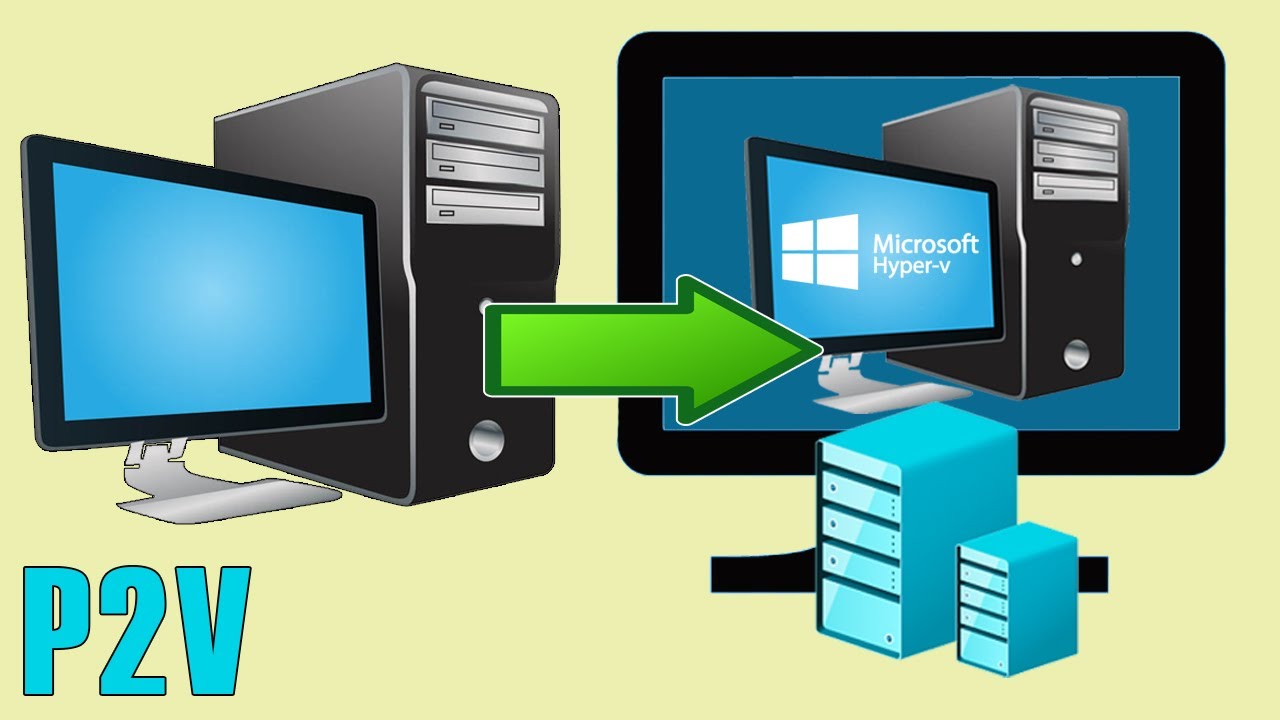
If you have a physical computer such as your desktop PC and want to convert it to a virtual machine to be used in Microsoft Hyper-V, this is possible and fairly easy to do.
In order to convert your PC to a VM (physical to virtual), you will need to export or copy its physical disk to a VHDX file, and this can be done using the StarWind V2V Converter software. This video shows you how to perform this process from start to finish.
Here is a link to the software.
https://www.starwindsoftware.com/starwind-v2v-converter Date: 2022-03-31