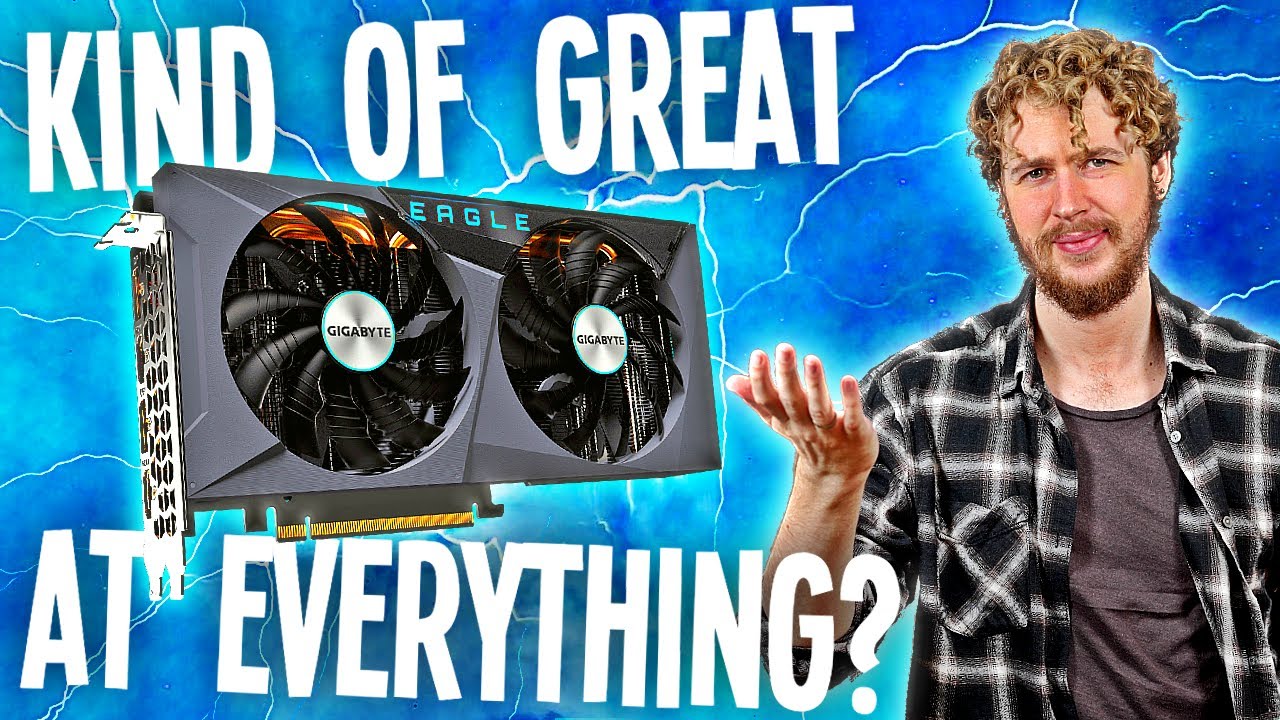
RTX 3060 Ti LHR for Mining (Hashrate, Overclocks & Profit for Ethereum, Ravencoin, Flux, Firo, Ergo) - Sebs FinTech
video description
Date: 2022-04-19
Related videos


Comments and reviews: 10
Deyan
Hello Seb, thank you for the video is very useful. I have a Gigabyte rtx 3060 ti aorus elite v2 lhr and I'm starting to dig for the first time. After playing with the card, my best performance for ETH i 46 MH / s at 143 W I use t-rex 0.25.9, this is my setting (--lhr-tune 74 --lhr-autotune-mode off - -pl 60 - -fan t: 45 --cclock -500 --mclock 1600). I am currently choosing EGRGO because I only have one card and my best performance is 140 MH / s at 116 W, which gives me 1.21 MH / w with these settings (--pl 0 --fan t: 42 - cclock 0 - lock-clock 1240 --mclock 1550). I also realize that if I put my overclocking settings directly in the bat file instead of using MSI afterburner I get an extra 5-6% performance. I hope it will be useful if there are others with the same card who have difficulty with overclocking.
reply
Hello Seb, thank you for the video is very useful. I have a Gigabyte rtx 3060 ti aorus elite v2 lhr and I'm starting to dig for the first time. After playing with the card, my best performance for ETH i 46 MH / s at 143 W I use t-rex 0.25.9, this is my setting (--lhr-tune 74 --lhr-autotune-mode off - -pl 60 - -fan t: 45 --cclock -500 --mclock 1600). I am currently choosing EGRGO because I only have one card and my best performance is 140 MH / s at 116 W, which gives me 1.21 MH / w with these settings (--pl 0 --fan t: 42 - cclock 0 - lock-clock 1240 --mclock 1550). I also realize that if I put my overclocking settings directly in the bat file instead of using MSI afterburner I get an extra 5-6% performance. I hope it will be useful if there are others with the same card who have difficulty with overclocking.
reply
Colossus
Which miner did you use to mine Flux.This video is pretty much the same one that you did for the 3080TI, which is a good thing though. You never mention the miner that you used for Flux in that video either. If anyone knows which miner he(Seb) used for mining Flux please share this info. Its not GMiner nor is it LOLminer either. And yes, I have at least 4 of these GPU's. Mining Ethereum I cannot OC them past about 850 stable or the rig will crash after a few hours. I have them OC'd about 800Mhz MClock and CC locked at 1350.
reply
Which miner did you use to mine Flux.This video is pretty much the same one that you did for the 3080TI, which is a good thing though. You never mention the miner that you used for Flux in that video either. If anyone knows which miner he(Seb) used for mining Flux please share this info. Its not GMiner nor is it LOLminer either. And yes, I have at least 4 of these GPU's. Mining Ethereum I cannot OC them past about 850 stable or the rig will crash after a few hours. I have them OC'd about 800Mhz MClock and CC locked at 1350.
reply
John
Just got my 3060 ti, im getting around 45-46 at same overclock settings and 70 limitation but my temperatures are way higher, any tips? Also, i heard some cards cant get the memory clock as high, so, am i lucky or what? i tried 1600 and it was going just fine, the only annoying thing is the lhr tunning all the time, but so far im getting decents mh's, just gonna have to make a better airflow system, cause 68 degrees isnt very nice i think
reply
Just got my 3060 ti, im getting around 45-46 at same overclock settings and 70 limitation but my temperatures are way higher, any tips? Also, i heard some cards cant get the memory clock as high, so, am i lucky or what? i tried 1600 and it was going just fine, the only annoying thing is the lhr tunning all the time, but so far im getting decents mh's, just gonna have to make a better airflow system, cause 68 degrees isnt very nice i think
reply
Todd
Seb, superb work with your Excel spreadsheet for various cards. Since all cards are different, your pre-settings I'll call them; give me a good jumping off point to go after the most hashrate on my cards. I am fortunate that my electrical rate is only 0.04 cents per KW hour. I don't have to study electrical rates as close as some people do. I'm always after high hashrate, then stability on T-Rex- my usual miner.
reply
Seb, superb work with your Excel spreadsheet for various cards. Since all cards are different, your pre-settings I'll call them; give me a good jumping off point to go after the most hashrate on my cards. I am fortunate that my electrical rate is only 0.04 cents per KW hour. I don't have to study electrical rates as close as some people do. I'm always after high hashrate, then stability on T-Rex- my usual miner.
reply
Astro
A very detailed analysis of the 3060 ti Seb. I have a RTX 3060 (12GB) mining ETH running 35 mH/s and a RTX 3060 Ti (8GB - 1280 more CUDA Cores and 256 bit memory i/f) running 45 mH/s. It would be interesting to do a deep dive into the technical differences between Ti and non-Ti. Incidentally, the non-Ti 3060 is more efficient at 367 kH/s over the Ti's 359 kH/s.
reply
A very detailed analysis of the 3060 ti Seb. I have a RTX 3060 (12GB) mining ETH running 35 mH/s and a RTX 3060 Ti (8GB - 1280 more CUDA Cores and 256 bit memory i/f) running 45 mH/s. It would be interesting to do a deep dive into the technical differences between Ti and non-Ti. Incidentally, the non-Ti 3060 is more efficient at 367 kH/s over the Ti's 359 kH/s.
reply
Why
-p x -w 3060TI -d 2 --mt 1 --pl 63 --fan 82 --cclock -500 --mclock 1100 --lhr-tune 89 --lhr-low-power 145MHS :) ON ergo :) Trex miner
-p x -w 3060TI -d 2 --mt 1 --pl 100 --fan 82 --lock-cclock 1350 --mclock 1200 --lhr-low-power 40MHS at 73w jumping to 85w some times Hashrate 40mhs eth Eff 446445 u can get more if u dont use the screen :)
reply
-p x -w 3060TI -d 2 --mt 1 --pl 63 --fan 82 --cclock -500 --mclock 1100 --lhr-tune 89 --lhr-low-power 145MHS :) ON ergo :) Trex miner
-p x -w 3060TI -d 2 --mt 1 --pl 100 --fan 82 --lock-cclock 1350 --mclock 1200 --lhr-low-power 40MHS at 73w jumping to 85w some times Hashrate 40mhs eth Eff 446445 u can get more if u dont use the screen :)
reply
NenekTerbang
Hi Sebs. I have 3 msi 3060ti, do you know why 1 of my card only get 39 while others 44-45. The 2 which has 44-45 i bought new (feb 2022), the 3rd one is second hand (oct 2021)
I even flashed and install new bios but still nothing change. Any thought? Appreciate for any answer. Thanks
reply
Hi Sebs. I have 3 msi 3060ti, do you know why 1 of my card only get 39 while others 44-45. The 2 which has 44-45 i bought new (feb 2022), the 3rd one is second hand (oct 2021)
I even flashed and install new bios but still nothing change. Any thought? Appreciate for any answer. Thanks
reply
The
Hi, thank you for the video! Question, say I run my 2060ti lhr at max setting, in my case its 8500MH/z memory clock 70% power doing 47MH/s 141Watt of power, not bad. What is the life expectancy of the card pushing redline for entire life? Any input on that?
reply
Hi, thank you for the video! Question, say I run my 2060ti lhr at max setting, in my case its 8500MH/z memory clock 70% power doing 47MH/s 141Watt of power, not bad. What is the life expectancy of the card pushing redline for entire life? Any input on that?
reply
NUKE
I'm using trex miner latest version and its gives me 48-50MH/s. (Zotac 3060Ti AMP White, Power limit at 57%, Core Clock -502, Memory clock at +2000, fan speed 70%, power consuption of GPU 136W and efficiancy 367 kH/W, Nvidia driver 472.12, Windows 11)
reply
I'm using trex miner latest version and its gives me 48-50MH/s. (Zotac 3060Ti AMP White, Power limit at 57%, Core Clock -502, Memory clock at +2000, fan speed 70%, power consuption of GPU 136W and efficiancy 367 kH/W, Nvidia driver 472.12, Windows 11)
reply
Argha
I don't know why I can't Overclock or Underclock my msi 3060 ti gaming x.
The only settings gives me hashrate is core- 200, mem-300, pl - 75,
It's Samsung memory.
I tried everything but can't go over 37 mhs.
reply
I don't know why I can't Overclock or Underclock my msi 3060 ti gaming x.
The only settings gives me hashrate is core- 200, mem-300, pl - 75,
It's Samsung memory.
I tried everything but can't go over 37 mhs.
reply
Add a review, comment
Other channel videos



 4:17
4:17