VehiclesFashionRecipesBlogsHuntTravelsSportFunHandmadeITEducation
Mini-Games
x

x
zakruti.com » IT - Software » IT, programs, coding
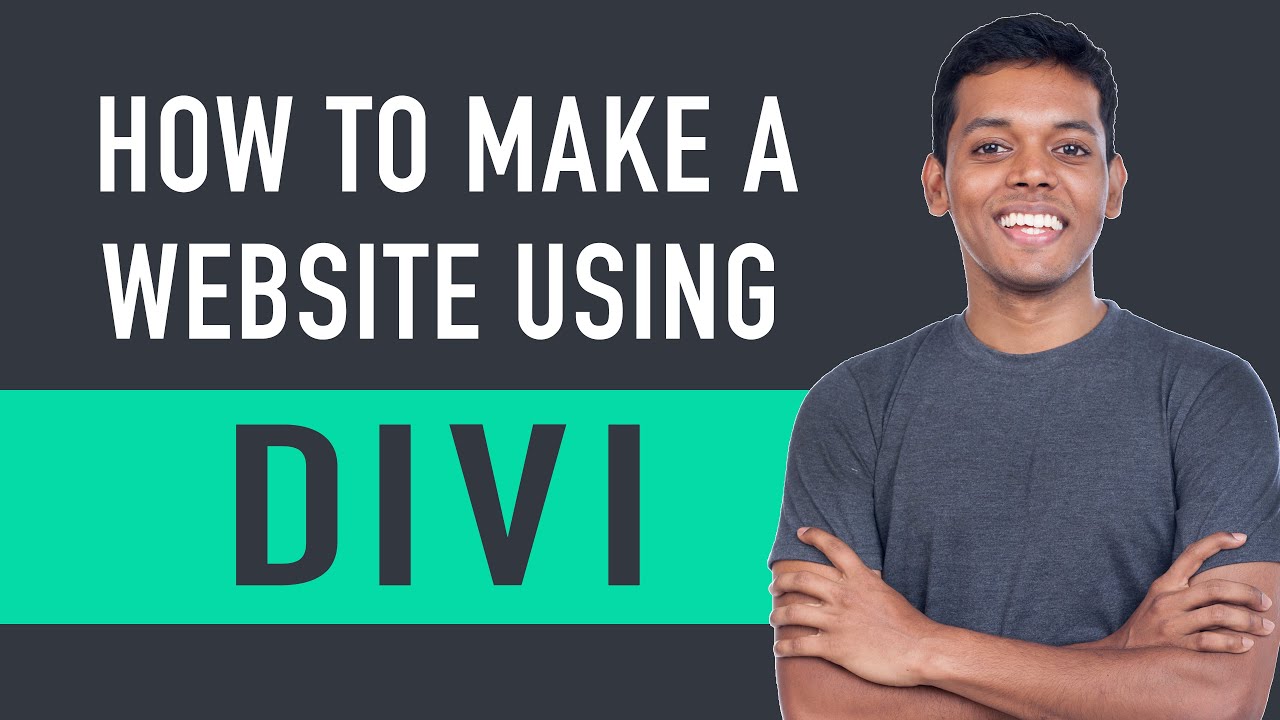
How To Make A Website - Using Divi Theme - Website Learners

How To Make A Website - Using Divi Theme - Website Learners

FBTwitterReddit

video description

Rating: 4.0; Vote: 1
How To Make A Website - Using Divi Theme 00:44 Launch your WordPress website 03:57 Setup Your Divi theme 8:51 Start Building your website Lets get started Part 1: Launch your WordPress website Launch your WordPress website in just 3 steps: Step 1: Choose your website name Go to https://websitelearners.com/how-to-make-a-divi-website/#start and then pick a name for your website. Step 2: Get your Hosting and Domain Hosting & Domain are the two things that you need, to launch your WordPress website. Hosting is the place where your websites files are stored and Domain is the name of your website. Step 3: Install WordPress Once you install WordPress, your will have a brand new website live on the internet. PART 2: Setup your Divi theme Setup your Divi theme in 5 steps Step 1: Login to your WordPress website Now to login to your website, just type your sites address & add /login and then enter the login details which youve created for WordPress. Now you will reach the WordPress dashboard, from where you can control your website. Step 2: Get your Divi theme Go to : https://websitelearners.com/get/divioffer Divi has 2 plans, yearly & lifetime. You can select the plan which you want. Once you select the plan, create your account on the divi website & make the payment. Once youve got the divi theme, you can go to the next step. Step 3: Download your Divi theme So to download the divi theme, login to your divi account And then click download and your divi theme will be downloaded. Once youve downloaded the divi theme, we can go to the next step; Step 4: Install your Divi theme To install your divi theme, just go to your WordPress dashboard, and go to appearance & click themes. Now click new and then upload the Divi theme from your computer. Step 5 : Activate your Divi theme By activating your divi theme, you will be able to use all the divi features to build your website. Part 3: Start Building Your Website Step 1: create your homepage Go to new on your website & click page Now enter page name as home, next you would see the button called Divi builder. Just click divi builder and now you would see three options to create your page, so first lets see using layouts options which is using going to let us build our page using a set of sample designs. So just click browse layouts and then build your home page. Step 2: Create a page from scratch Now instead of creating a page using layouts, If you can create your own page from start to end Just click new again and then click page. This time select build from scratch option to build your page from scratch. Step 3: Create your menu Go to theme customizer & click menus to create your own menu. Step 4 : Change your logo You would see the default divi logo appears on your WordPress website. So to change it with your own logo, just go to WordPress dashboard and click the divi button appears on the sidebar. Now click upload button to upload your own logo. Once youve uploaded your logo just click save changes to make the changes. So this is how you can make your website using DIVI - Astra 10% off Coupon WLDiscount https://wl.coupons/Astra : : : : : contactwebsitelearners.com
Date: 2022-04-28

Comments and reviews: 5


Hi there, hope you are doing well and keeping safe. I visited the ''DIVI'' official website today and while scrolling down I found an elegant part called ''The Future of WYSIWYG''. I want to build a look alike part for my website but divi's customer support says that their website is custom built do you can edit that part. Can you guide me how to build that part?
reply

hi thanks for video, i am trying customize menu but unable to add. i have followed all steps described in the video. please help me. i you share mail id. i can share screenshot
reply

you know i love all the video because you clear all the things which you post and i like the way you talk perfection boss keep it up, i m a wordpress developer
reply

Hi.. i hope doing well Mr. sham in website learners .com you have created video on Astra theme and now you have created on DIVI what is the deference???
reply

Helo! Can anyone let me know or shares some details of websites editing just to remove the howdy word.. Is it any solution to remove it
reply
Add a review, comment


Other channel videos