How To Process a Voice Over in Adobe Audition - Envato
FBTwitterReddit
video description
Rating: 4.0; Vote: 1
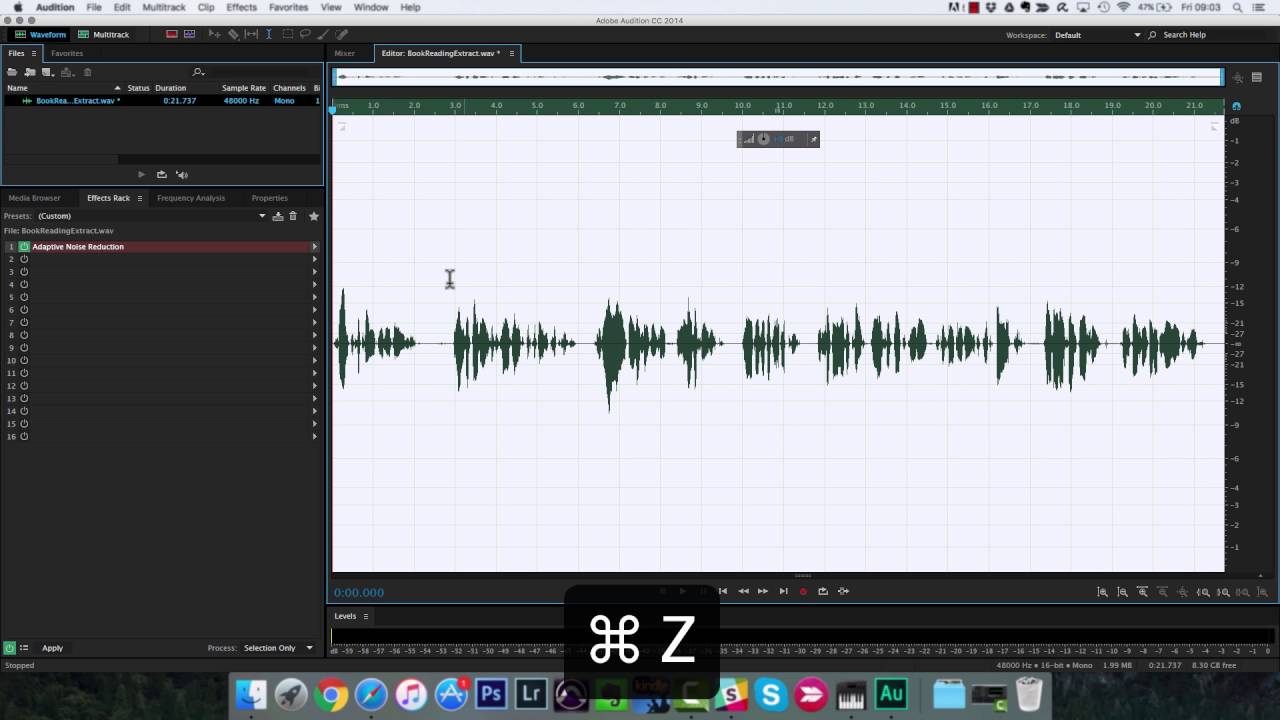
In this tutorial, I will show the step-by-step process of processing a voice recording within Audition. By the end, you will be able to edit your recording and confidently apply noise reduction, EQ, compression and limiting to create a professional sounding voice over
Crawling: Why use an initial working level of -18 dB, when final result is much higher? No risk of clipping above 0dB in a modern 32-bit resolution DAW I assume. Is there some subtle reason e. g. plugins (like compressor) prefer such lower levels (for whatever reason? Or is it just traditional convention or some Audition thing? Date: 2022-09-19






 8:19
8:19


