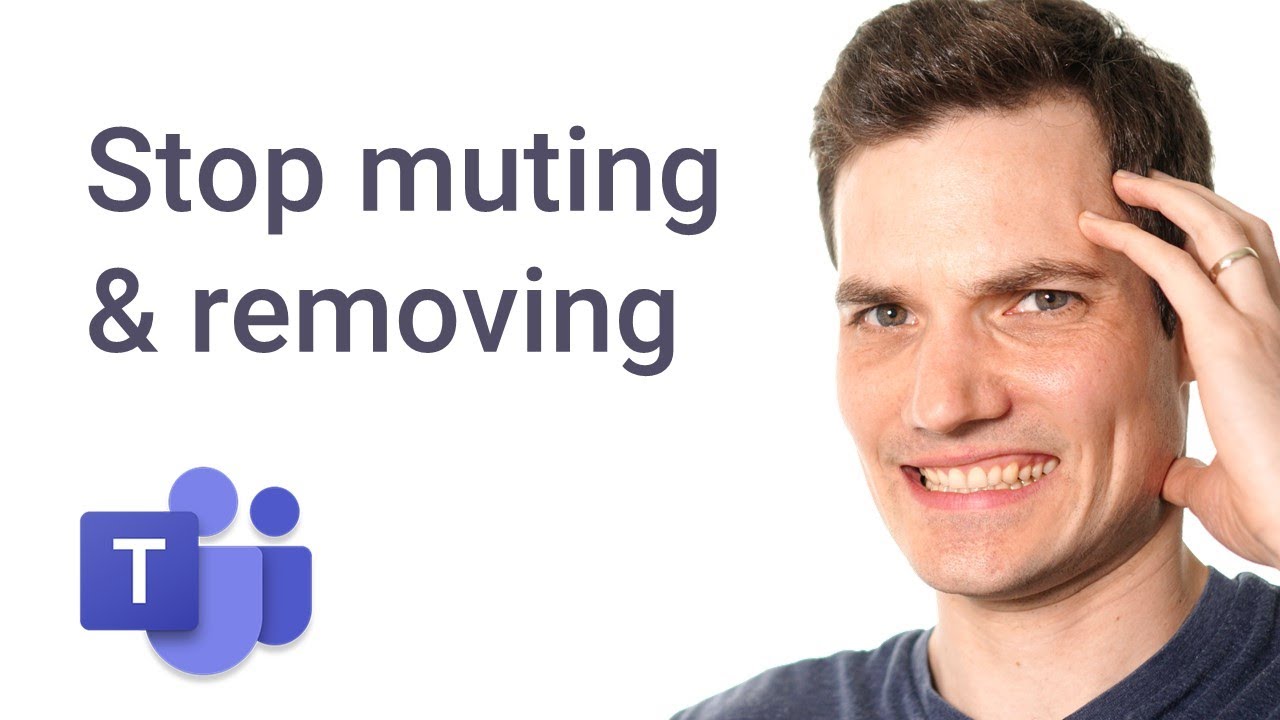
How to prevent students from removing and muting others in Microsoft Teams meeting - Kevin Stratvert
video description
Date: 2022-03-15
Related videos


Comments and reviews: 10
Martin
Thank You Kevin Stratvert for Your efforts..
Your Guide is valid for classes where Students can just listen.. It isn't true for Classes where Students have to reply to Teacher..
Asked diferent way:
Is there a way Attendees of Class can also reply to Professor questions and beying blocked to Mute or Kick other Attendies ..?
I already submitted, with dosens of others, a bug ticket to Microssoft Teams Developers to solve this anoying issue..
Thanks for Your reply in advance..
reply
Thank You Kevin Stratvert for Your efforts..
Your Guide is valid for classes where Students can just listen.. It isn't true for Classes where Students have to reply to Teacher..
Asked diferent way:
Is there a way Attendees of Class can also reply to Professor questions and beying blocked to Mute or Kick other Attendies ..?
I already submitted, with dosens of others, a bug ticket to Microssoft Teams Developers to solve this anoying issue..
Thanks for Your reply in advance..
reply
Eric
-Kevin Stratvert: Hi, I'm a teacher myself and these last weeks I'm getting more and more students kicking each other again, even though they are assigned the role as attendees (I'm the only presenter in the meeting)... Does anyone suffer the same issue, is there a -backdoor- that they could have found now being able again to kick people despite their role as attendees?
reply
-Kevin Stratvert: Hi, I'm a teacher myself and these last weeks I'm getting more and more students kicking each other again, even though they are assigned the role as attendees (I'm the only presenter in the meeting)... Does anyone suffer the same issue, is there a -backdoor- that they could have found now being able again to kick people despite their role as attendees?
reply
Karan
Hey, you are a great help with this. If I have a large number of participants, I assign the presenter right to a few and the rest attendees. When I create and start breakout rooms, will the participants who joined the call as attendees be able to present, unmute themselves, speak and edit the whiteboard? This is an urgent help that I need. Thank you.
reply
Hey, you are a great help with this. If I have a large number of participants, I assign the presenter right to a few and the rest attendees. When I create and start breakout rooms, will the participants who joined the call as attendees be able to present, unmute themselves, speak and edit the whiteboard? This is an urgent help that I need. Thank you.
reply
Smoke
What if you're a student and your teacher doesn't want to go through the trouble of setting all of this up. Is there a way for students to stop other students from muting you without the teacher's setup?
reply
What if you're a student and your teacher doesn't want to go through the trouble of setting all of this up. Is there a way for students to stop other students from muting you without the teacher's setup?
reply
MF
This is so helpful! Every time I think I know all there is to know about Teams, you teach me something new! I love how clear and informative your videos are! Thank you so, so much! You are my M365 Guru!!!
reply
This is so helpful! Every time I think I know all there is to know about Teams, you teach me something new! I love how clear and informative your videos are! Thank you so, so much! You are my M365 Guru!!!
reply
Shu
Hi Kevin, thx for the sharing. Btw, I got a question. If I'm the organizer, and I set specified person to be the presenter, when I click mute all, will the presenter being muted as well?
reply
Hi Kevin, thx for the sharing. Btw, I got a question. If I'm the organizer, and I set specified person to be the presenter, when I click mute all, will the presenter being muted as well?
reply
Lakshmi
Even as being presenter, I am facing these type of issues. What might have been issue. Can u please explain
I ardently follow all ur videos. They have been really helpful
reply
Even as being presenter, I am facing these type of issues. What might have been issue. Can u please explain
I ardently follow all ur videos. They have been really helpful
reply
Mrs
My students have figured out how to override the fact that I have made them attendees and they are able to mute and kick others out of the meeting. How are they doing This?
reply
My students have figured out how to override the fact that I have made them attendees and they are able to mute and kick others out of the meeting. How are they doing This?
reply
Troels
THANK YOU. It really needs to show a log file of who kicked who and who muted who. It should not be to difficult to make something like this.
reply
THANK YOU. It really needs to show a log file of who kicked who and who muted who. It should not be to difficult to make something like this.
reply
Fevvie
can i do this even without scheduling a meeting?? thanks? or if its possible i can do this options even when i just click the meet now button
reply
can i do this even without scheduling a meeting?? thanks? or if its possible i can do this options even when i just click the meet now button
reply
Add a review, comment
Other channel videos