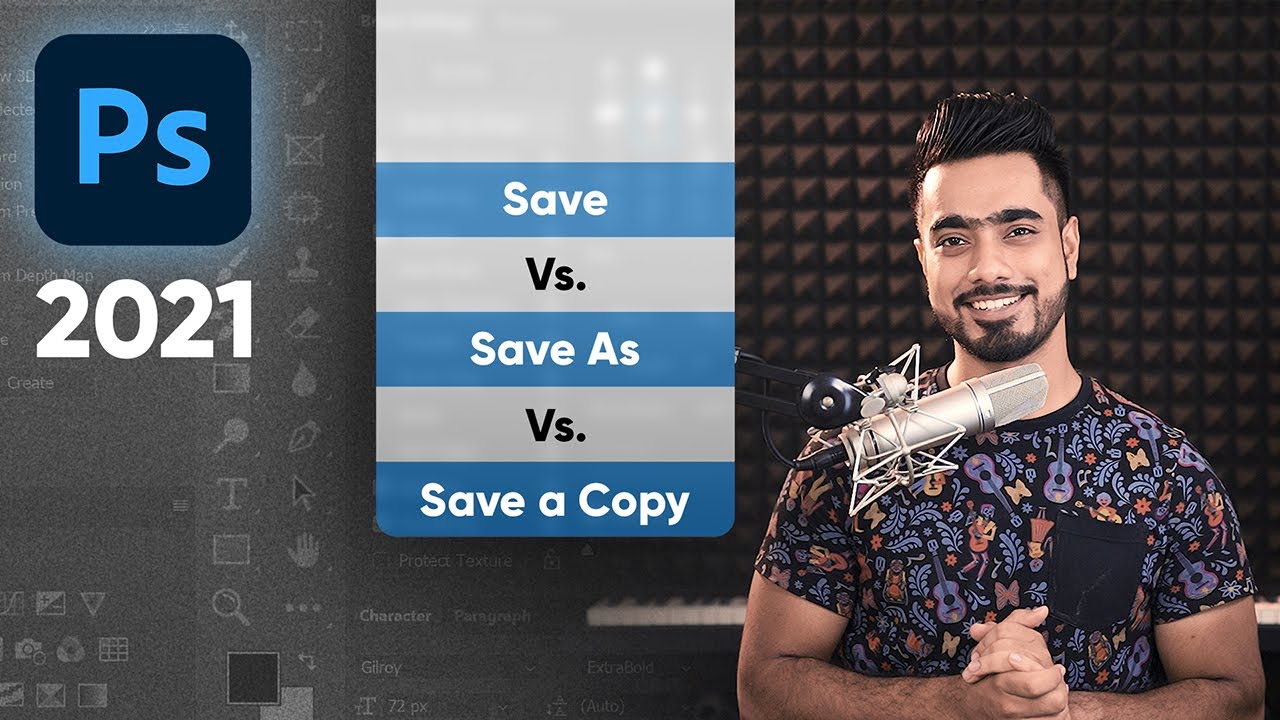
Save As Changed in Photoshop? vs. Save a Copy
video description
After opening a Smartobject ( i. e - JPG ) in a new layer for editing from album psd file. When i try to save that it always saves to my TEMP file in PC. It was going right. it used to save my smart object file to its original file location from where i have opened it before, and it would reflect in my psd also, but from few days I'm getting trouble in saving those. It automatically saves in TEMP file in PC.
Any solution for this?
Plese help
Date: 2022-07-19
Related videos




Comments and reviews: 19
Shoy
As far as you're trying to justify Adobe, the latest changes just don't make sense and just bring trouble.
Export As jpeg does NOT keep metadata (Exif, Save As jpeg did!
Let's say I edit a raw file and want to save it in jpeg format for clients or social network. I am forced to use save as a copy, and the word copy is appended to the filename. Please let me ask: a copy of which file? There is no other jpeg file with that name that I would need to prevent from overwriting, so copy what?
If I want to save my working file I save it as a PSD, I know how to do it and I also know what a jpeg file is. I don't need Adobe to decide for me what kind of file I need or want.
Adobe MUST accept that it is wrong and let us save in jpeg format like never before.
reply
As far as you're trying to justify Adobe, the latest changes just don't make sense and just bring trouble.
Export As jpeg does NOT keep metadata (Exif, Save As jpeg did!
Let's say I edit a raw file and want to save it in jpeg format for clients or social network. I am forced to use save as a copy, and the word copy is appended to the filename. Please let me ask: a copy of which file? There is no other jpeg file with that name that I would need to prevent from overwriting, so copy what?
If I want to save my working file I save it as a PSD, I know how to do it and I also know what a jpeg file is. I don't need Adobe to decide for me what kind of file I need or want.
Adobe MUST accept that it is wrong and let us save in jpeg format like never before.
reply
Lisa
Another excellent video, but my issue is that when I try to save my file as a Jpeg 300dpi, it only saves it as 96 dpi even though when I go into the Image Size option it is clearly indicated as 300 dpi! I use these files for printing large artwork for print on demand, and all worked perfect until I uploaded the latest 23. 1 version of Photoshop! I've been going back and forth with someone on Adobe Help via chat and they have not the slightest clue! Can someone please let me know what i'm doing wrong? I've tried the Edit/Preferences and clicking the Enable legacy Save As and its still not working. Any guidance is appreciated--I can't believe I'm the only one with this issue! Thanks!
reply
Another excellent video, but my issue is that when I try to save my file as a Jpeg 300dpi, it only saves it as 96 dpi even though when I go into the Image Size option it is clearly indicated as 300 dpi! I use these files for printing large artwork for print on demand, and all worked perfect until I uploaded the latest 23. 1 version of Photoshop! I've been going back and forth with someone on Adobe Help via chat and they have not the slightest clue! Can someone please let me know what i'm doing wrong? I've tried the Edit/Preferences and clicking the Enable legacy Save As and its still not working. Any guidance is appreciated--I can't believe I'm the only one with this issue! Thanks!
reply
Mike
Relative novice. I don't seem to be able to make the trek from LR>PS>work on image in PS>save as>and get back to the same folder in LR. The only way I have found to do it is very cumbersome -as I open the image again in PS and save it to a folder on desktop and then import it into LR and move to desired LR folder beside the original. Plus, if I re-open the same image in PS and right click and view in Finder, that path shown looks like it should be in the original LR folder. Really confused. Any help appreciated. Thanks.
reply
Relative novice. I don't seem to be able to make the trek from LR>PS>work on image in PS>save as>and get back to the same folder in LR. The only way I have found to do it is very cumbersome -as I open the image again in PS and save it to a folder on desktop and then import it into LR and move to desired LR folder beside the original. Plus, if I re-open the same image in PS and right click and view in Finder, that path shown looks like it should be in the original LR folder. Really confused. Any help appreciated. Thanks.
reply
B. A. T.
I hate the added copy word at the end of the file every time I need to export to a different format. I need to delete the word every time and it is a huge waste of time after doing this thousands of times.
Adobe should give us the option to remove the copy word somewhere in the default settings of Photoshop.
Theres no good practical reason for this change. If aint broken silly Adobe
reply
I hate the added copy word at the end of the file every time I need to export to a different format. I need to delete the word every time and it is a huge waste of time after doing this thousands of times.
Adobe should give us the option to remove the copy word somewhere in the default settings of Photoshop.
Theres no good practical reason for this change. If aint broken silly Adobe
reply
Sudeep
We have learned a lot from you Unmesh: ): ) Very Simple & easy way to make us understand PS techniques.
I am wondering if you could explain why Save ACTION override the save quality. For instance, if you create an action to apply any adjustments and filters & when you set save quality as 10. It changes automatically next time you run the same action.
Thank you: )
reply
We have learned a lot from you Unmesh: ): ) Very Simple & easy way to make us understand PS techniques.
I am wondering if you could explain why Save ACTION override the save quality. For instance, if you create an action to apply any adjustments and filters & when you set save quality as 10. It changes automatically next time you run the same action.
Thank you: )
reply
Justin
Yes this is annoying, but it's so you don't accidentally save over work. This is not as annoying as the Legacy Transform (automatically proportionally scales without shift) and recently the Pen tool bug. As long as they have a toggle for these, most people will be happy. But I'm not happy about copy being at the end of a filename each time I save a JPEG.
reply
Yes this is annoying, but it's so you don't accidentally save over work. This is not as annoying as the Legacy Transform (automatically proportionally scales without shift) and recently the Pen tool bug. As long as they have a toggle for these, most people will be happy. But I'm not happy about copy being at the end of a filename each time I save a JPEG.
reply
Antares
Why would they do this? Who asked for this? I can't remember a single time when I thought: Gee I wish saving files was a bit less streamlined and intuitive. Is it a big deal? No. But it's not the first time they've done stuff like this and their insistence on fixing things that aren't broken is really starting to grate on my nerves.
reply
Why would they do this? Who asked for this? I can't remember a single time when I thought: Gee I wish saving files was a bit less streamlined and intuitive. Is it a big deal? No. But it's not the first time they've done stuff like this and their insistence on fixing things that aren't broken is really starting to grate on my nerves.
reply
Kenneth
You can also avoid this issue by going to Preferences/File Handling and checking these two preferences under 'File Saving Options':
1. 'Enable legacy Save As
2. 'Do not append copy to filename when saving as a copy'.
These preferences will eliminate the issue altogether.
reply
You can also avoid this issue by going to Preferences/File Handling and checking these two preferences under 'File Saving Options':
1. 'Enable legacy Save As
2. 'Do not append copy to filename when saving as a copy'.
These preferences will eliminate the issue altogether.
reply
Taurean
Hi All, on photoshop preferences/file handling we have an option called Enable legacy save as. It get rid of the word COPYfrom the files. we don't need to manually remove them. The only difference is instead of earlier SHIFT+COMM+S you need to go for ALT/OPT+COMM+S. hope it helps.
reply
Hi All, on photoshop preferences/file handling we have an option called Enable legacy save as. It get rid of the word COPYfrom the files. we don't need to manually remove them. The only difference is instead of earlier SHIFT+COMM+S you need to go for ALT/OPT+COMM+S. hope it helps.
reply
Michelle
i need to save an image and a pdf for every flyer i create for work, and it's so annoying with the pdf now since i have to remember to take copy off the end of the file name instead of just saving super fast since the people i work for arent bright and copy throws them off.
reply
i need to save an image and a pdf for every flyer i create for work, and it's so annoying with the pdf now since i have to remember to take copy off the end of the file name instead of just saving super fast since the people i work for arent bright and copy throws them off.
reply
John
In the final example, why use save as when we have layer comps? It fits into one file, all the same. Layer visibility doesn't matter unless layers themselves are modified. Layer comps simply stores different layer visibility and ordering in the same file when saved.
reply
In the final example, why use save as when we have layer comps? It fits into one file, all the same. Layer visibility doesn't matter unless layers themselves are modified. Layer comps simply stores different layer visibility and ordering in the same file when saved.
reply
Popo
Lol, so why not choose the right mode automatically (Like it has always been) instead of having us take an extra step that also conveniently resets the whole dialog box and we have to navigate back to where we want to save the jpeg all over again, brilliant!
reply
Lol, so why not choose the right mode automatically (Like it has always been) instead of having us take an extra step that also conveniently resets the whole dialog box and we have to navigate back to where we want to save the jpeg all over again, brilliant!
reply
piximperfect
Classic example of Adobe overthinking chit that was never a problem and no one ever complained about. This can only be a result of non-creative suits mandating their developers make changes for the sake of changes. Bureaucracy has ruined Adobe.
reply
Classic example of Adobe overthinking chit that was never a problem and no one ever complained about. This can only be a result of non-creative suits mandating their developers make changes for the sake of changes. Bureaucracy has ruined Adobe.
reply
piximperfect
Can someone help me with an opinion?
Is there a way to turn off the
Do you want to save changes
Dialogue box?
I often have multiple images open as I shoot real estate and it is really annoying having to deal with that dialogue box.
reply
Can someone help me with an opinion?
Is there a way to turn off the
Do you want to save changes
Dialogue box?
I often have multiple images open as I shoot real estate and it is really annoying having to deal with that dialogue box.
reply
Todd
I think the fact that we've all come here to watch a 15 minute tutorial just on saving a document speaks volumes about this particular update. I'm sure we'll get used to it (as with any update, but I am really not a fan (if that wasn't clear, lol.
reply
I think the fact that we've all come here to watch a 15 minute tutorial just on saving a document speaks volumes about this particular update. I'm sure we'll get used to it (as with any update, but I am really not a fan (if that wasn't clear, lol.
reply
Steve
Seriously Adobe? I went back a version just so I wouldn't have to keep deleting the new copy suffix. Something so simple as common sense saving, yet you make a big production out of it. Definitely not the definition of time well spent.
reply
Seriously Adobe? I went back a version just so I wouldn't have to keep deleting the new copy suffix. Something so simple as common sense saving, yet you make a big production out of it. Definitely not the definition of time well spent.
reply
Limey2632
Way to go Adobe! I haven't updated yet because I have hundreds of scripts and Actions that use the traditional Save. Are all my actions/scripts going to fail now? Am I going to have to fixe all actions and scripts for my colleagues?
reply
Way to go Adobe! I haven't updated yet because I have hundreds of scripts and Actions that use the traditional Save. Are all my actions/scripts going to fail now? Am I going to have to fixe all actions and scripts for my colleagues?
reply
Leon
This last update has stability issues I never had before! That's why PS Users hated subscription licensing! They feel compelled to have to do updates to establish value for the Monthly cost! This is back-firing in there marketing!
reply
This last update has stability issues I never had before! That's why PS Users hated subscription licensing! They feel compelled to have to do updates to establish value for the Monthly cost! This is back-firing in there marketing!
reply
Emanu1674
People are going apeshit for no reason. If you guys save jpgs with Save as, you are doing it wrong and it's about time Adobe did something to fix this, now stop being weirdos and use Export like normal people lmao smh
reply
People are going apeshit for no reason. If you guys save jpgs with Save as, you are doing it wrong and it's about time Adobe did something to fix this, now stop being weirdos and use Export like normal people lmao smh
reply
Add a review, comment
Other channel videos